How to Add a Badge Designer to WooCommerce (WordPress)
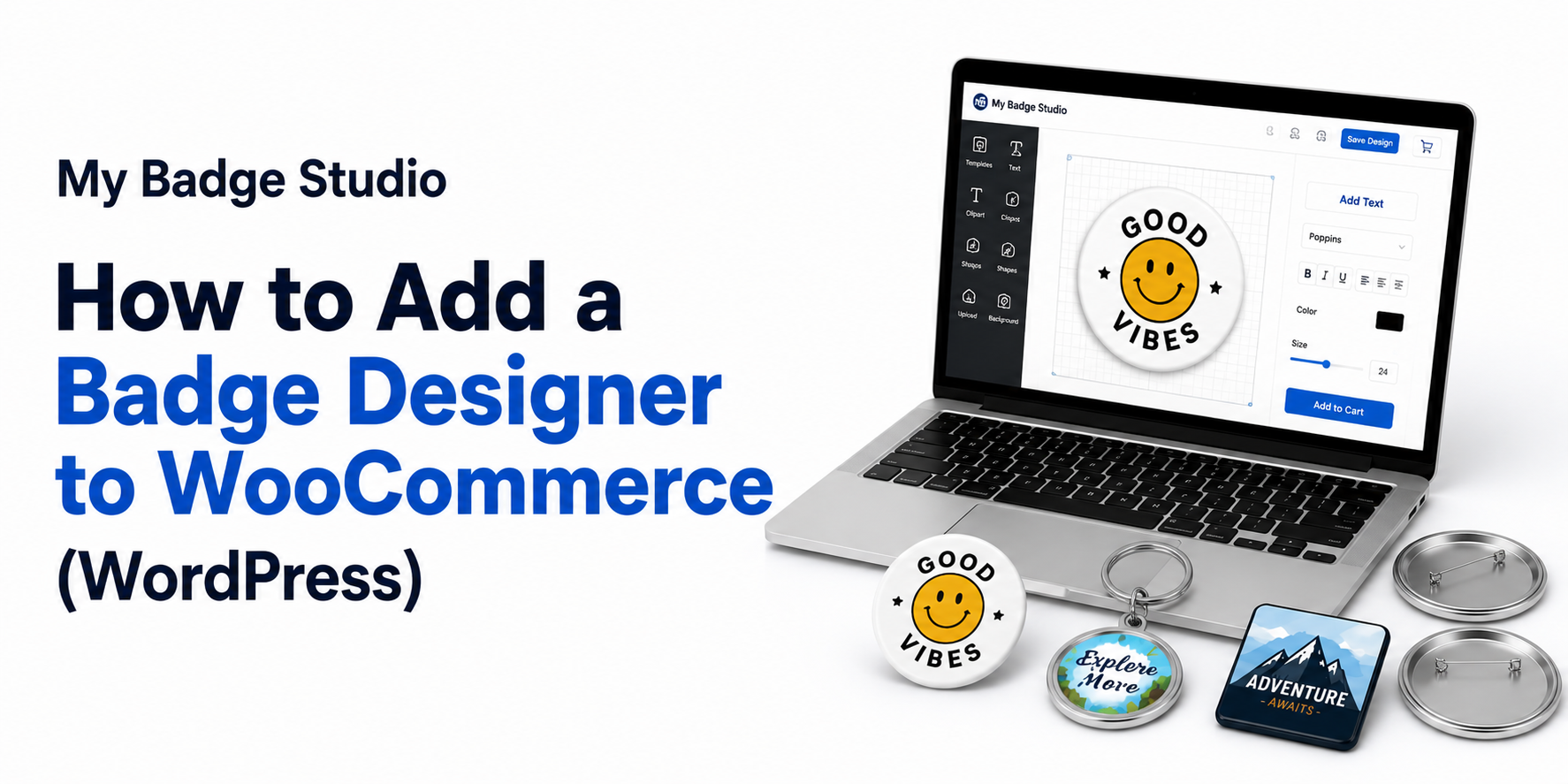
If you sell on WordPress with WooCommerce, you can let customers design their own badges and magnets and receive print-ready files — without wrestling a generic product designer plugin into shape for round badges and bleed.
Why not a generic product designer plugin?
Plugins like generic product designers are built to slap logos on t-shirts and mugs. Badges and magnets have specific print needs — bleed that wraps the shell, exact press sizes, and true 300 DPI output. A badge-specific tool handles those for you so files come out ready to press.
Connect My Badge Studio to WooCommerce
With the WordPress integration, a simple thank-you-page hook connects your WooCommerce checkout to My Badge Studio. Customers design on your site and pay through WooCommerce as normal.
The order-to-print workflow
- Customer creates a badge or magnet on your WordPress site.
- They pay via your standard WooCommerce checkout.
- The WooCommerce thank-you hook links the order to its design.
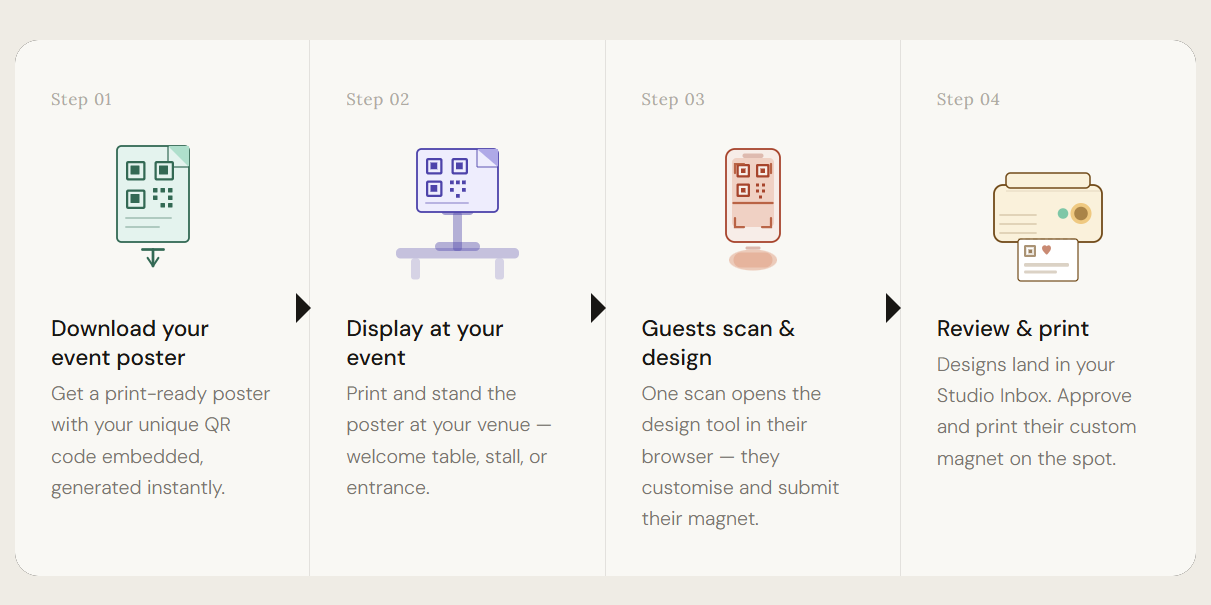
- The print-ready PDF lands in your Studio Client Inbox and order history.
Getting started
WordPress/WooCommerce integration is part of the Business Plus plan. Prefer an all-in-one option? A custom badge website gives you the storefront and the designer together, hosted for you.
Put a badge designer on your WordPress store
Customers design on your site and orders arrive as print-ready files.
Frequently Asked Questions
Is there a WooCommerce badge designer plugin?
My Badge Studio connects to WooCommerce with a thank-you-page hook rather than a heavy plugin. Customers design badges on your WordPress site and orders arrive as print-ready files, without maintaining a separate designer plugin.
Does it work with my existing WooCommerce checkout?
Yes. Customers pay through your normal WooCommerce checkout, and the order is linked to its design automatically after payment.
What do I receive when a customer orders?
A 300 DPI print-ready PDF with the correct bleed and cut lines, delivered to your Studio Client Inbox alongside the order details.