
My Badge Studio Creator Hub
Tips, tutorials, and inspiration for creating custom button badges and fridge magnets.
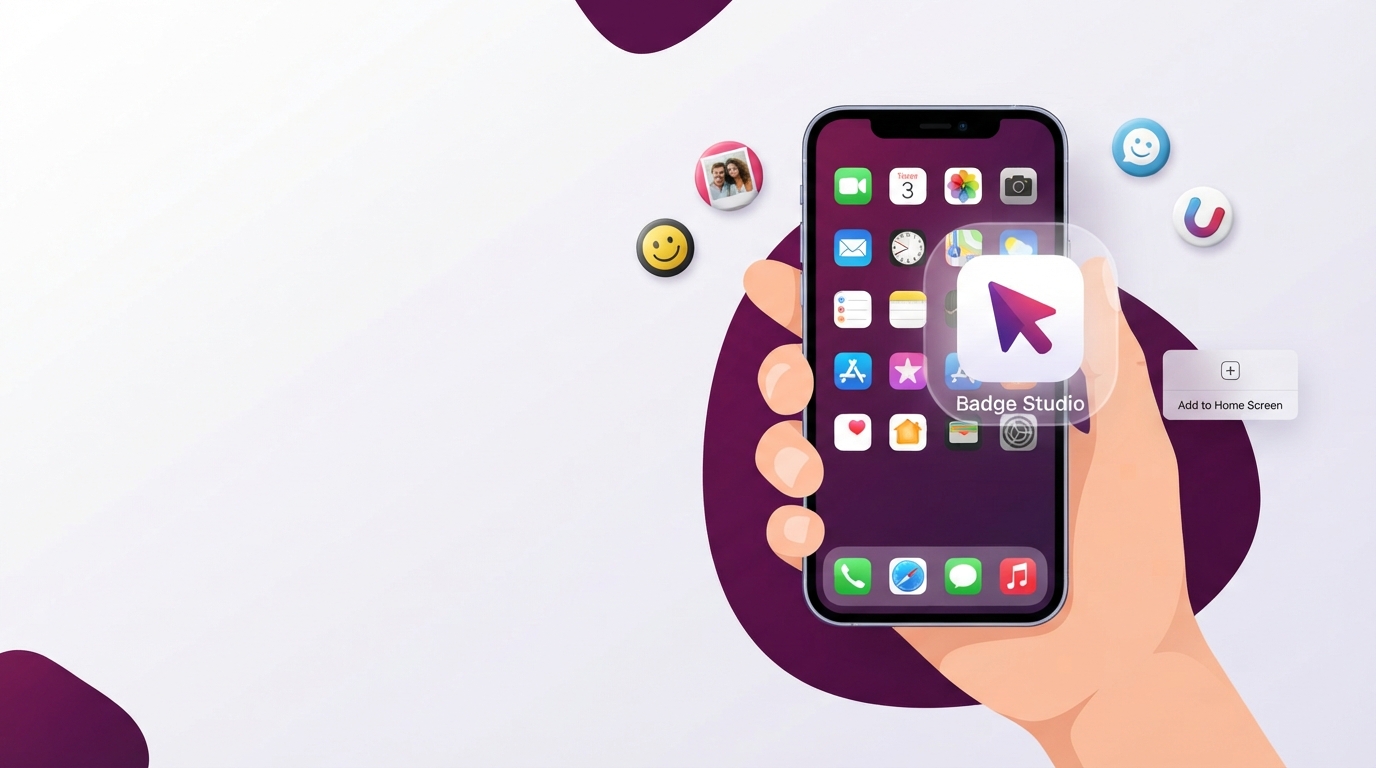
How to Add My Badge Studio as an App on iPhone & Android
Install My Badge Studio to your home screen and use it like a real app — full-screen, one tap, on iPhone, Android and desktop. No App Store, no download. Here's the 30-second setup for each device.
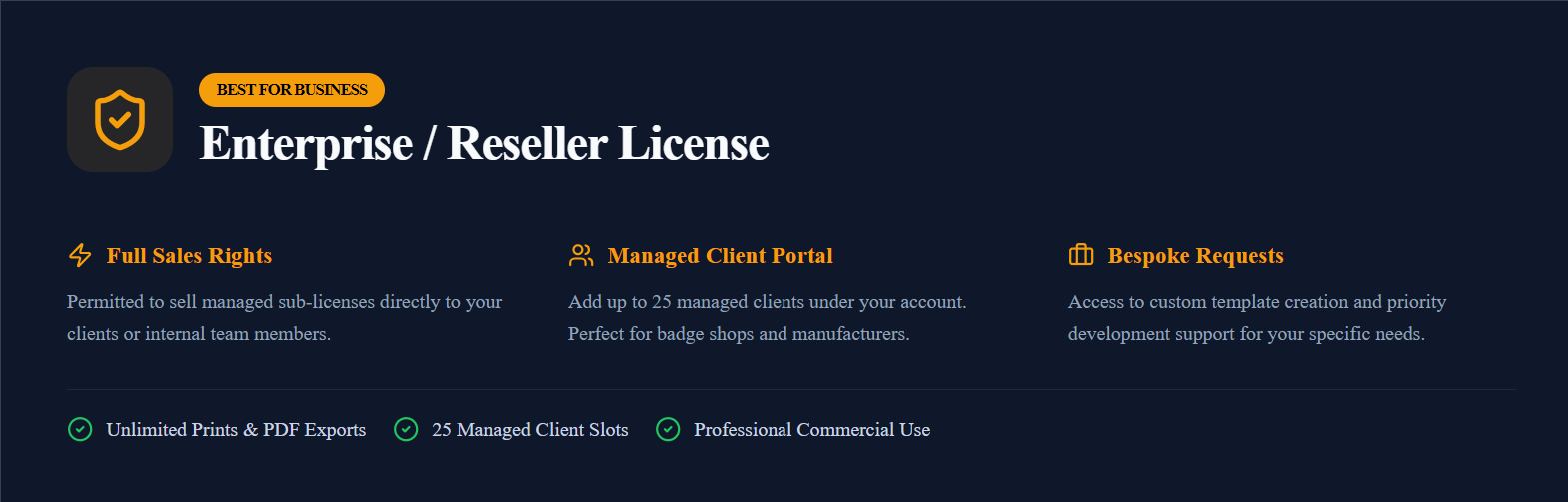
The Enterprise Reseller License: Sell a Badge Designer Under Your Own Brand
Resell the My Badge Studio badge & magnet designer to your own customers under your brand — a full guide to the Enterprise Reseller License: dashboard, plans, branding, AI credits and billing.

Photo Strip Magnets: Turn Photo-Booth Strips into Fridge Magnets
Make photo-booth-style strip magnets from your own pictures: the classic 2×6" strip with 2–6 stacked photos, turned into a flexible fridge magnet. What to print on, how to lay it out, and how to cut.

Create Your Own Badge & Fridge Magnet Template
Save your badge or fridge magnet layout once and reload it in one click for every order. A full step-by-step guide to building, saving and reusing your own custom templates.

Badge & Fridge Magnet Templates for Etsy Sellers: Skip the Static Template
Selling badges or fridge magnets on Etsy? Instead of buying a static template, generate print-ready sheets free in any size — with bleed, cut lines and SVG/DXF cut files built in. Here's why, and how.
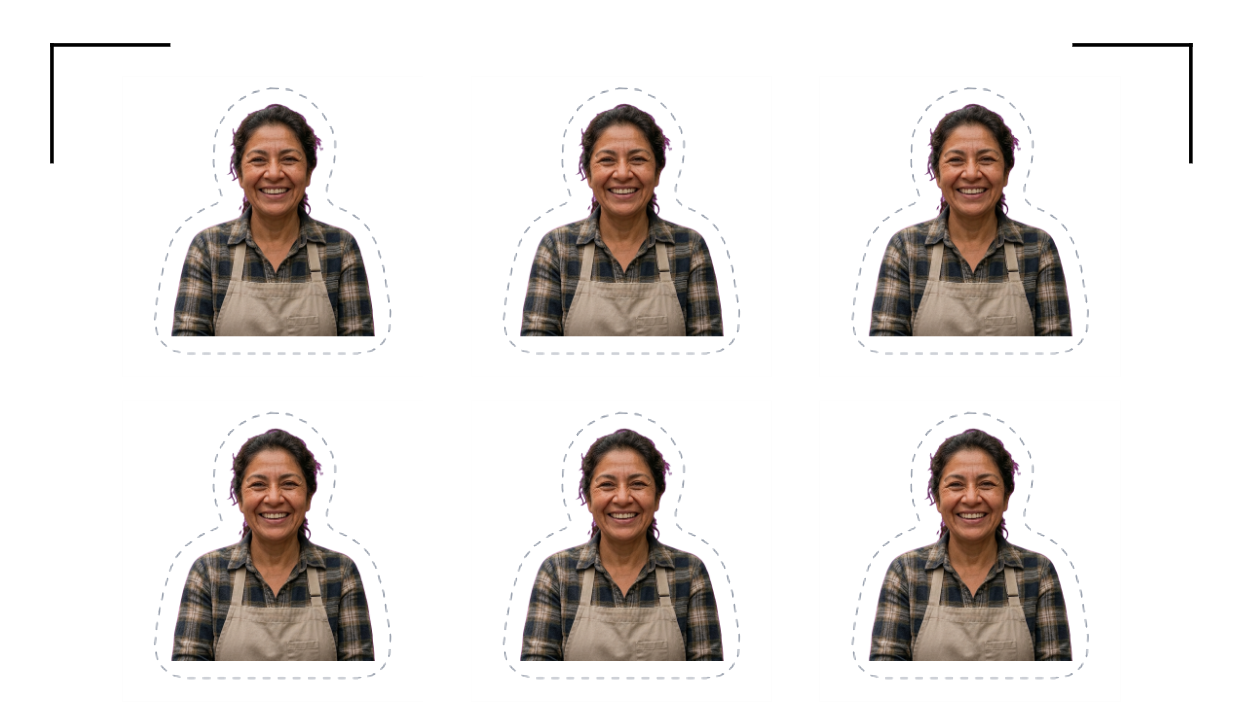
How to Make Print-and-Cut Stickers to Sell on Etsy
Design sticker sheets to sell on Etsy: lay out your art with automatic die-cut lines and registration marks, print on any inkjet, and cut with a Cricut, Silhouette or scissors. Free tool, SVG/DXF cut files included.

How to Cut Button Badge Templates with a Cricut
Print and cut your badges on a Cricut the reliable way: a transparent PNG for the print, and Cricut auto-cuts each circle with Print Then Cut. Why the artwork SVG turns black, and exactly what to upload instead — step by step.
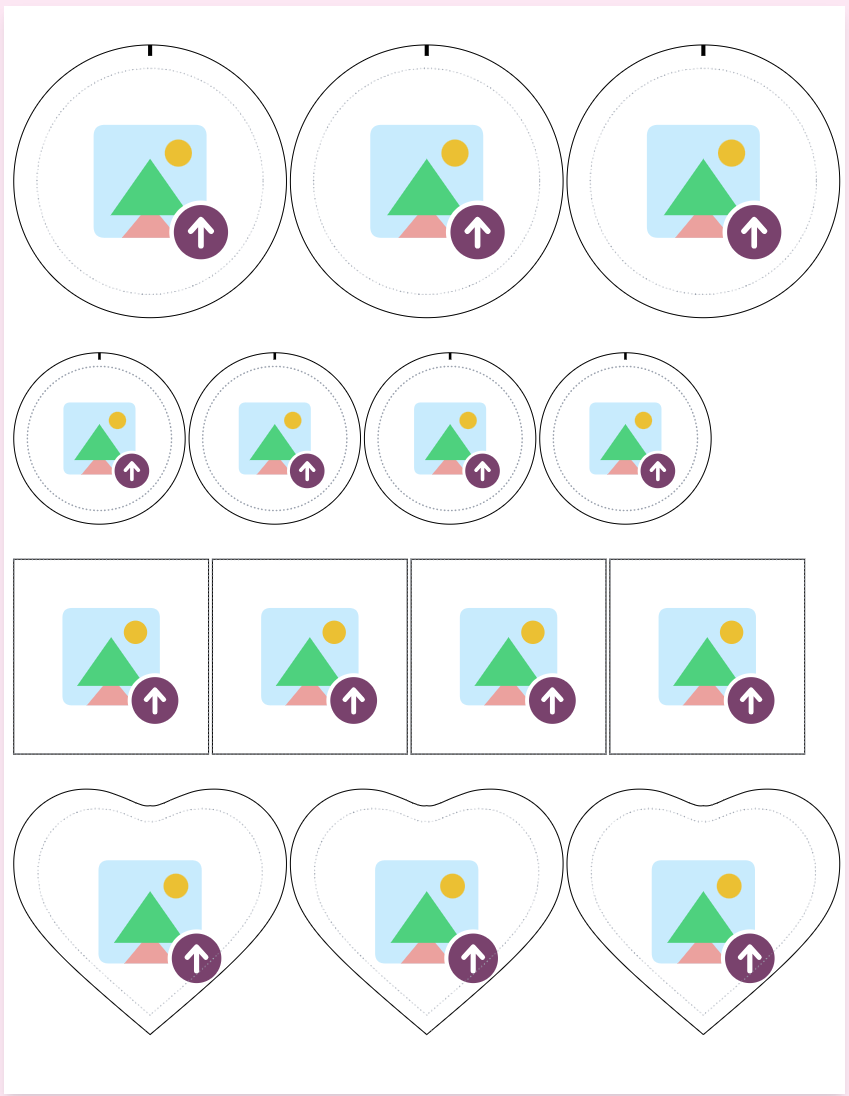
How to Put Multiple Badge Sizes on One Page
Mix badge sizes on a single sheet — 58 mm, 44 mm, a heart, whatever you need — with per-size quantities. This guide covers sections, assigning artwork, the automatic paper-saving layout, cutting marks and printing, step by step.
Free Sticker Templates: Sizes, Sheets and Print-and-Cut Files
Free sticker sheet templates in 50 × 50 mm (2 in) and 75 × 75 mm (3 in), on A4, US Letter, A3 and A3+ — print-ready PDFs, a transparent PNG for Cricut Print Then Cut, and SVG/DXF cut files for Silhouette and Brother machines. No download, no sign-up to start.
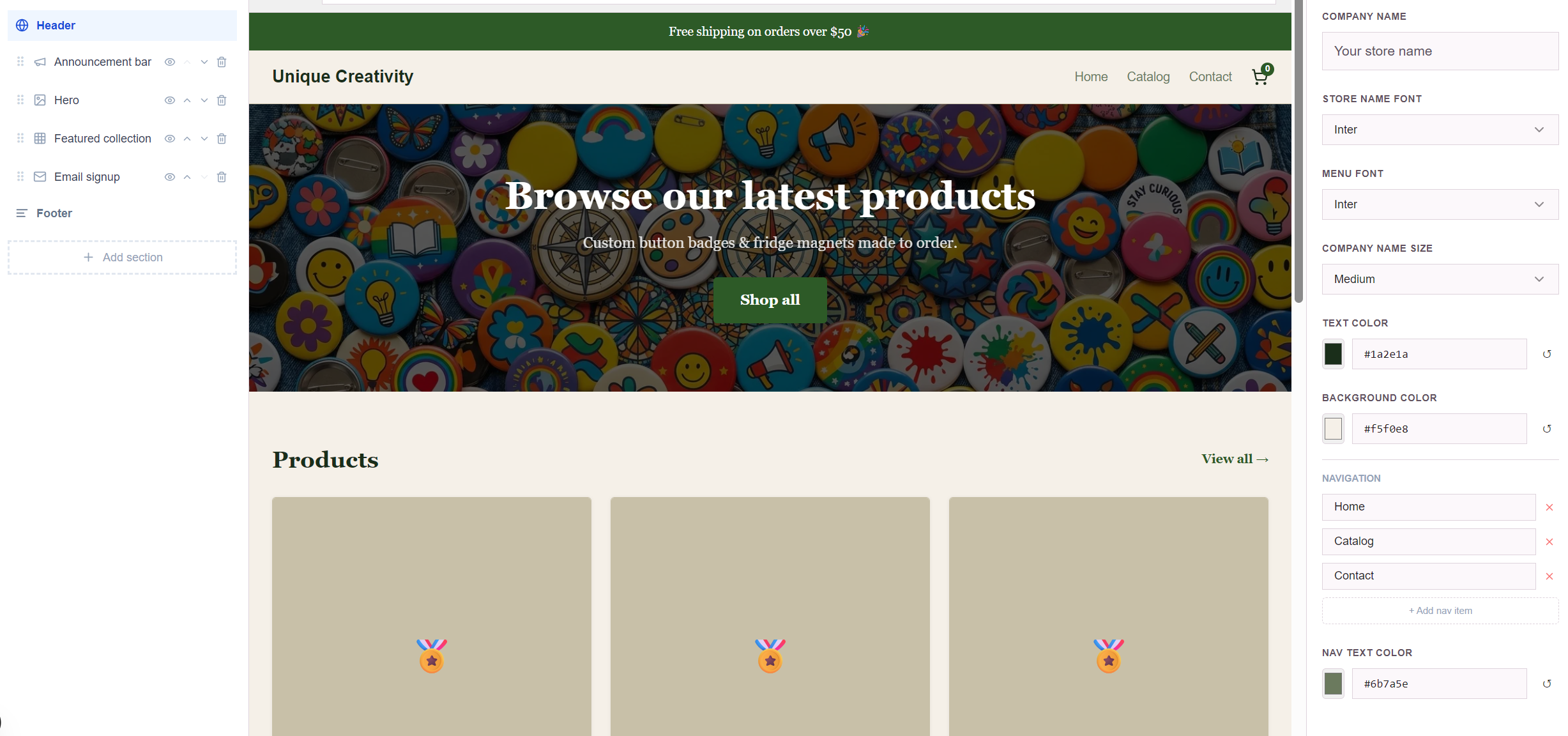
How to Build Your Own Badge Store Website: The Complete Guide
The complete walkthrough: claim your store URL, add products, set up shipping and payments, design every section of your site in the website editor, publish, and handle orders and automatic emails — end to end.
Cutting Marks vs Registration Marks: What They Are and How to Use Them
Cutting marks, trim marks and registration marks explained — what each one does, when to use them on badge, magnet and sticker sheets, and how print-and-cut machines like Cricut and Silhouette read them.
How to Make Die-Cut Stickers at Home: Design, Print, and Cut
Design sticker sheets free in your browser, print on any inkjet, and cut with a Cricut, Silhouette, Brother machine or scissors. Automatic die-cut outlines, registration marks, and SVG/DXF cut files included.
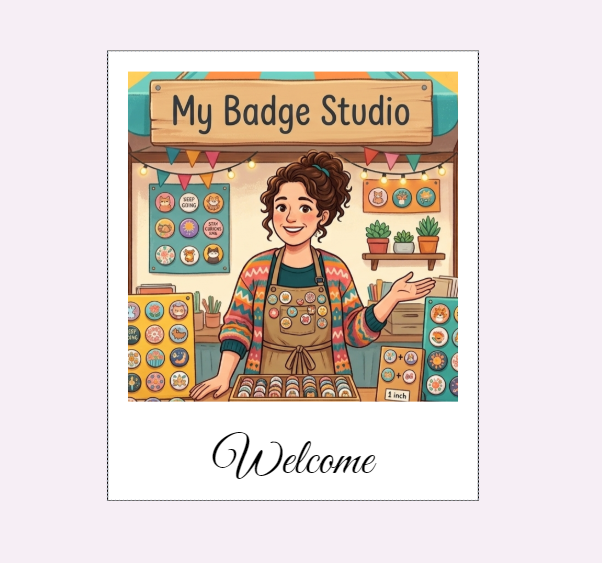
Photo Magnets: Turn Your Pictures into Instant-Style Fridge Magnets
Make instant-photo style fridge magnets from your own pictures: white frame, square photo window, handwritten caption. What to print on, how to cut, and a template that lays it all out for you.
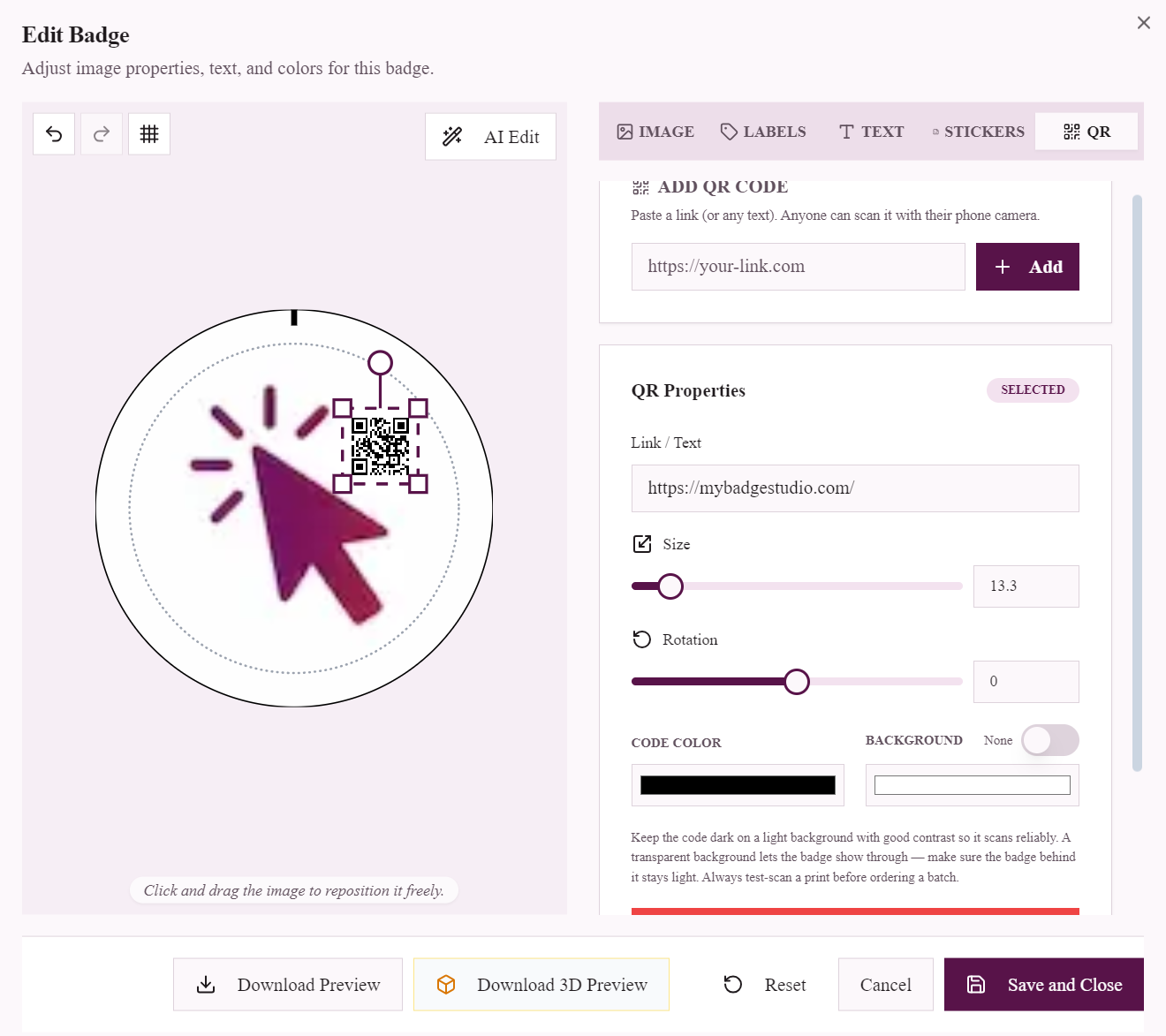
QR Code Badges: Make Scannable Name Badges and Event Pins
Put a scannable QR code on a button badge: link name badges to LinkedIn, event pins to schedules, staff badges to menus or feedback forms. How it works, what size scans reliably, and how to make one.
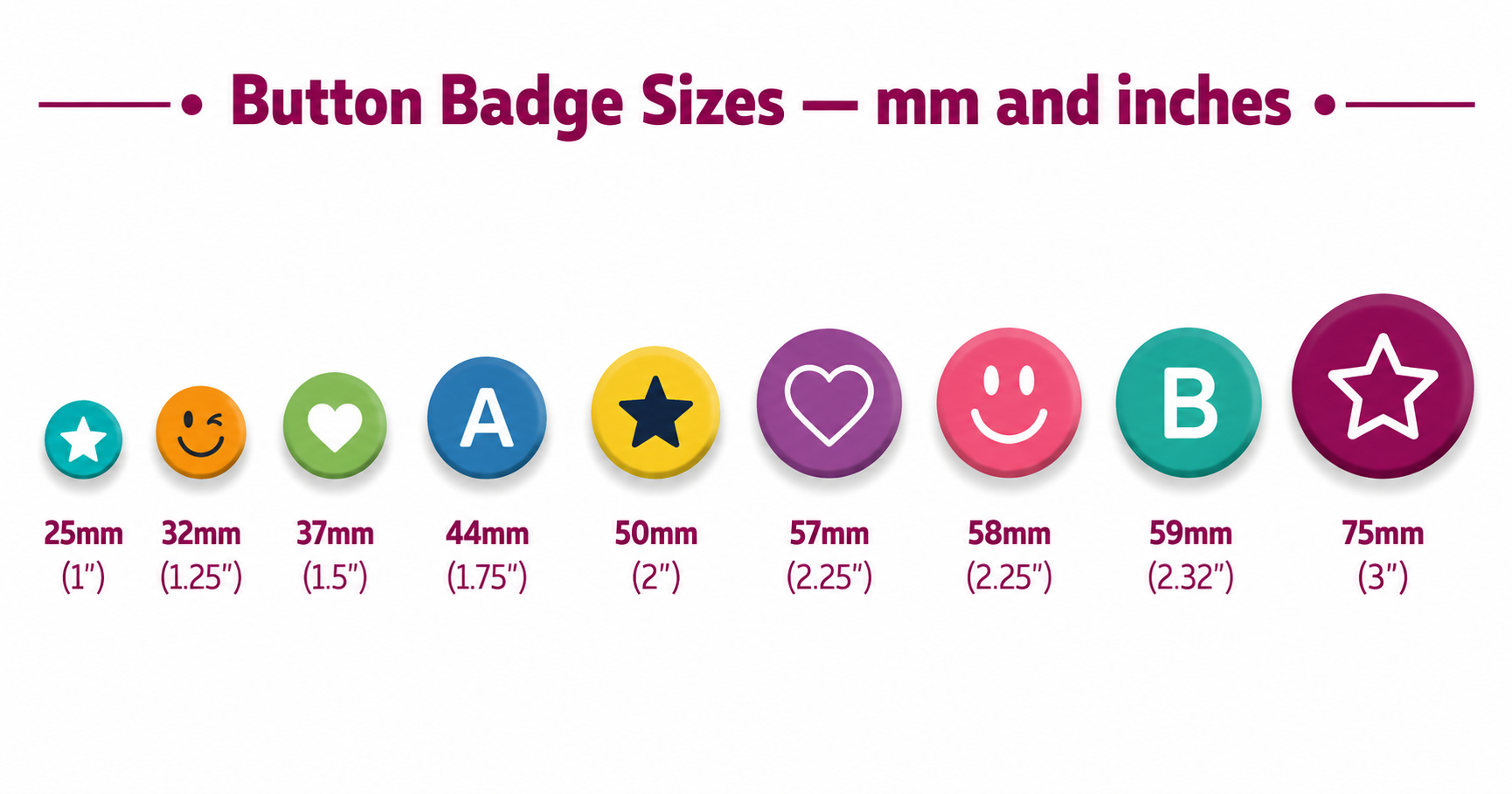
Button Badge Sizes: Complete Chart in mm and Inches
Every button badge size in mm and inches, 25mm (1") to 75mm (3"), with the cut size your press needs and a free print-ready template for each size.
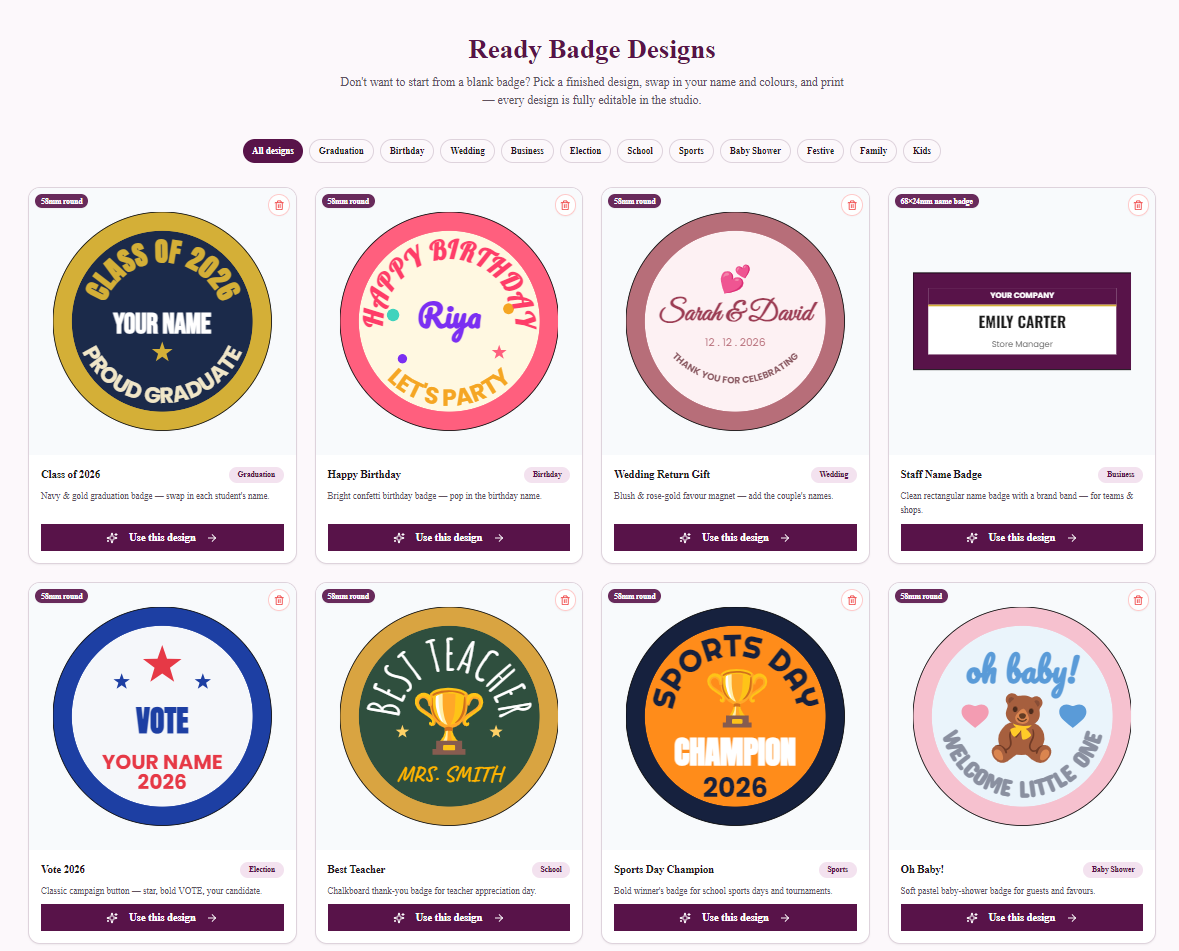
Ready Badge Designs: Personalise a Finished Badge in 60 Seconds
Skip the blank canvas: pick a finished badge design — birthdays, weddings, graduation, sports and more — swap in your name, and print. Every design opens fully editable in the studio.
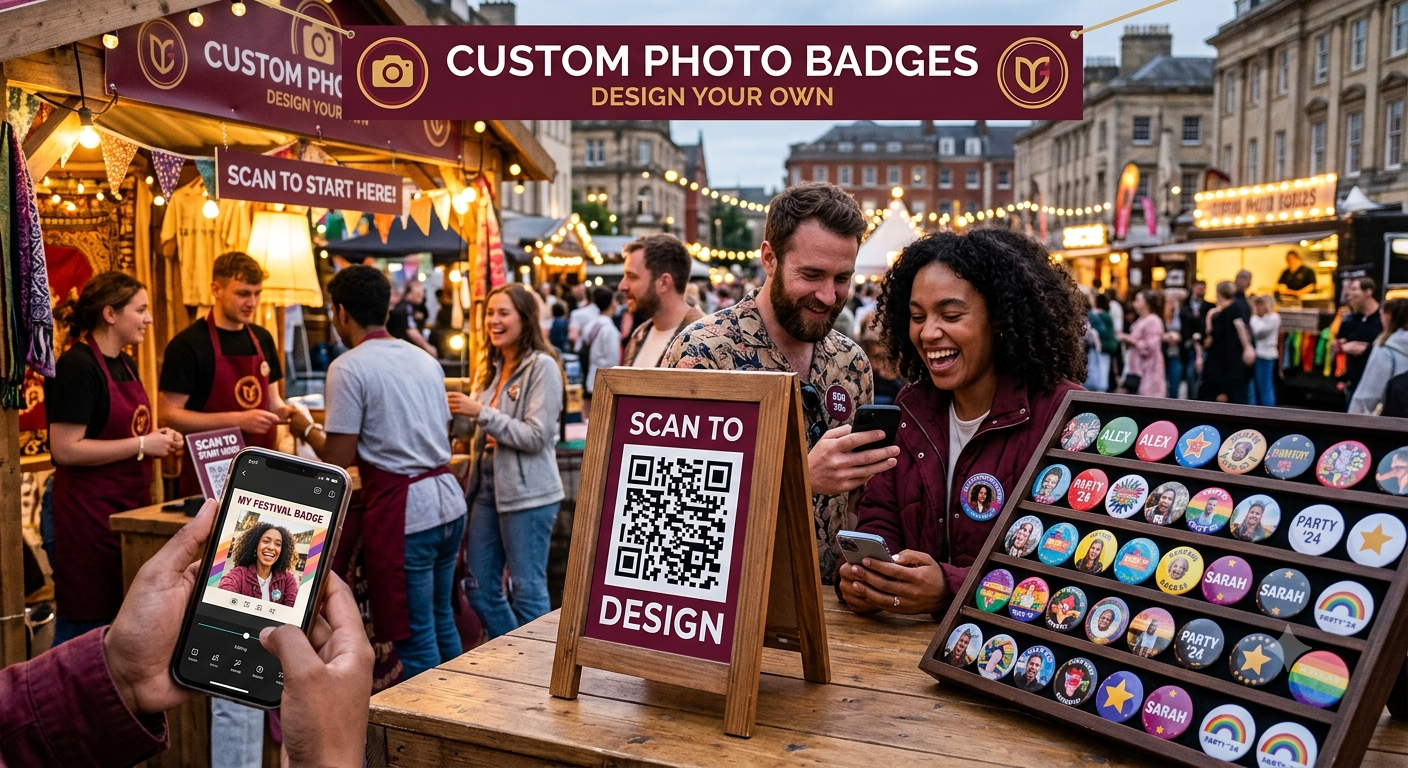
The Event & Client Portal: Let Guests Design Their Own Badges
The complete guide to the Event/Client portal: your own design-submission link and QR code for weddings, stalls and schools — guests design on their phones, finished orders land in your inbox, you press and deliver.
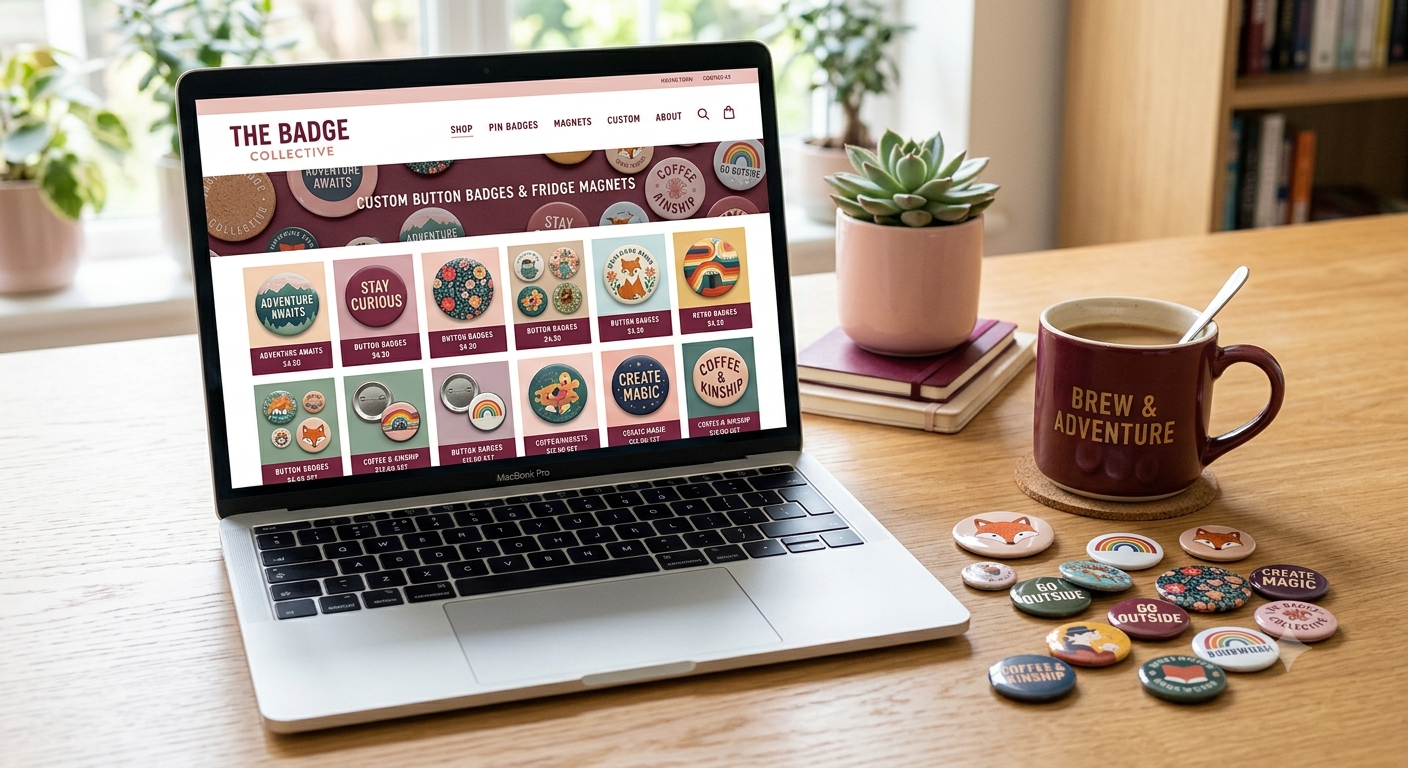
Build a Badge-Selling Website — No Code, No Hosting Bills
The complete guide to the built-in website builder: a real online store for your badge business — product pages, cart, checkout, your own domain with free SSL — with every product wired to the badge designer.
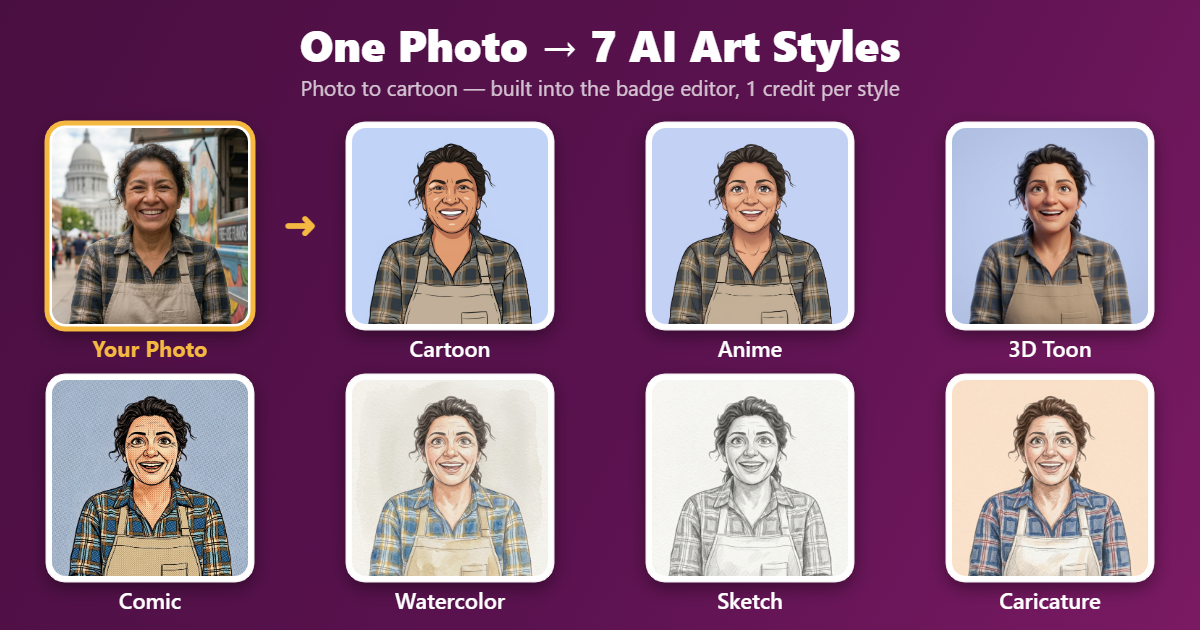
Turn Your Photo into a Cartoon Badge (7 AI Styles)
One tap turns any photo into a cartoon, anime, 3D toon, comic, watercolor, sketch or caricature — likeness preserved — ready to print as a badge or magnet. Here's how the AI styles work.

Save Your Badge Projects: Project Files & Cloud Storage
Two ways to never lose a badge design: download .mbs project files, or save projects straight to your account (Business Plus & Pro) and reopen them on any device from your Account page.
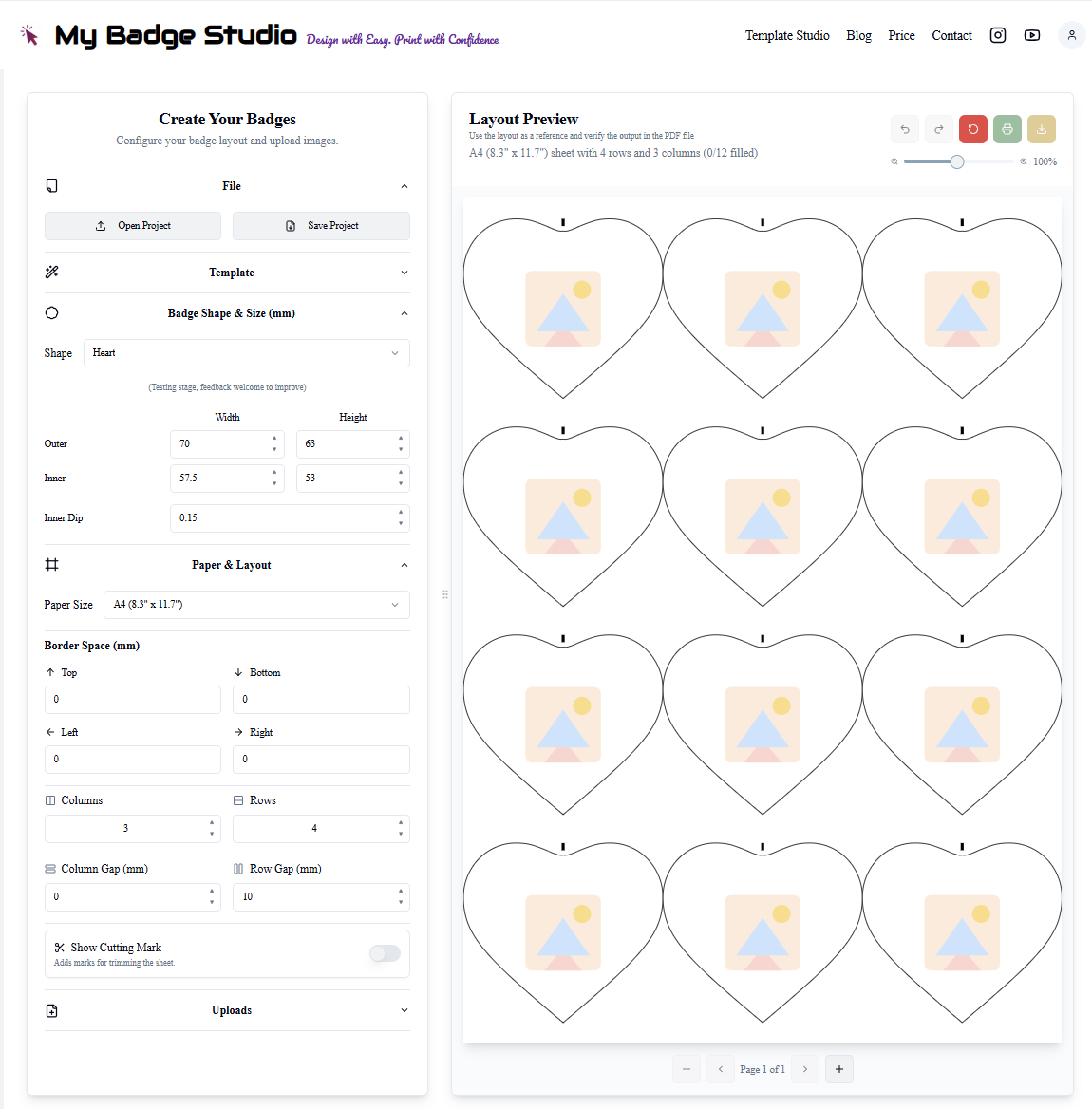
Heart Badge Template Guide: Sizes, Setup & Design Ideas
Everything about heart-shaped button badges: template dimensions, press setup, how to design within the heart's tricky shape, and the occasions where heart badges outsell round ones.
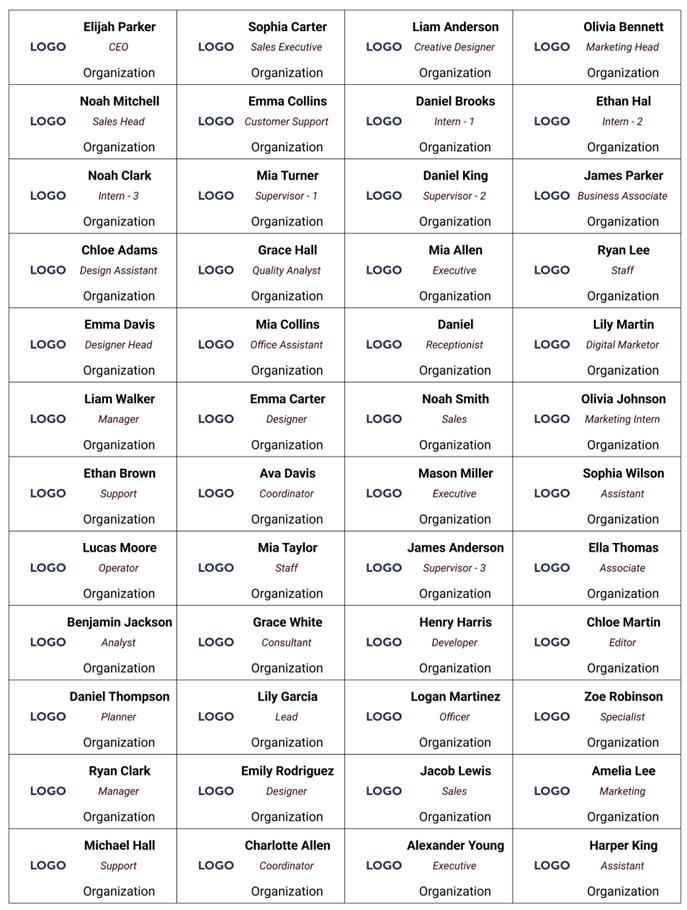
68×24mm Name Badge Guide: The Professional Staff Badge
The complete guide to 68×24mm rectangular name badges: dimensions, layout rules for name + role + brand band, batch production with mail merge, and who buys them.
50×50mm Square Fridge Magnet Guide: Sizes, Setup & Ideas
The complete guide to 50×50mm square fridge magnets: template dimensions, edge-to-edge photo layouts, Instagram-grid sets, and why this size is the sweet spot for photo magnets.
How to Curve Text Around a Button Badge
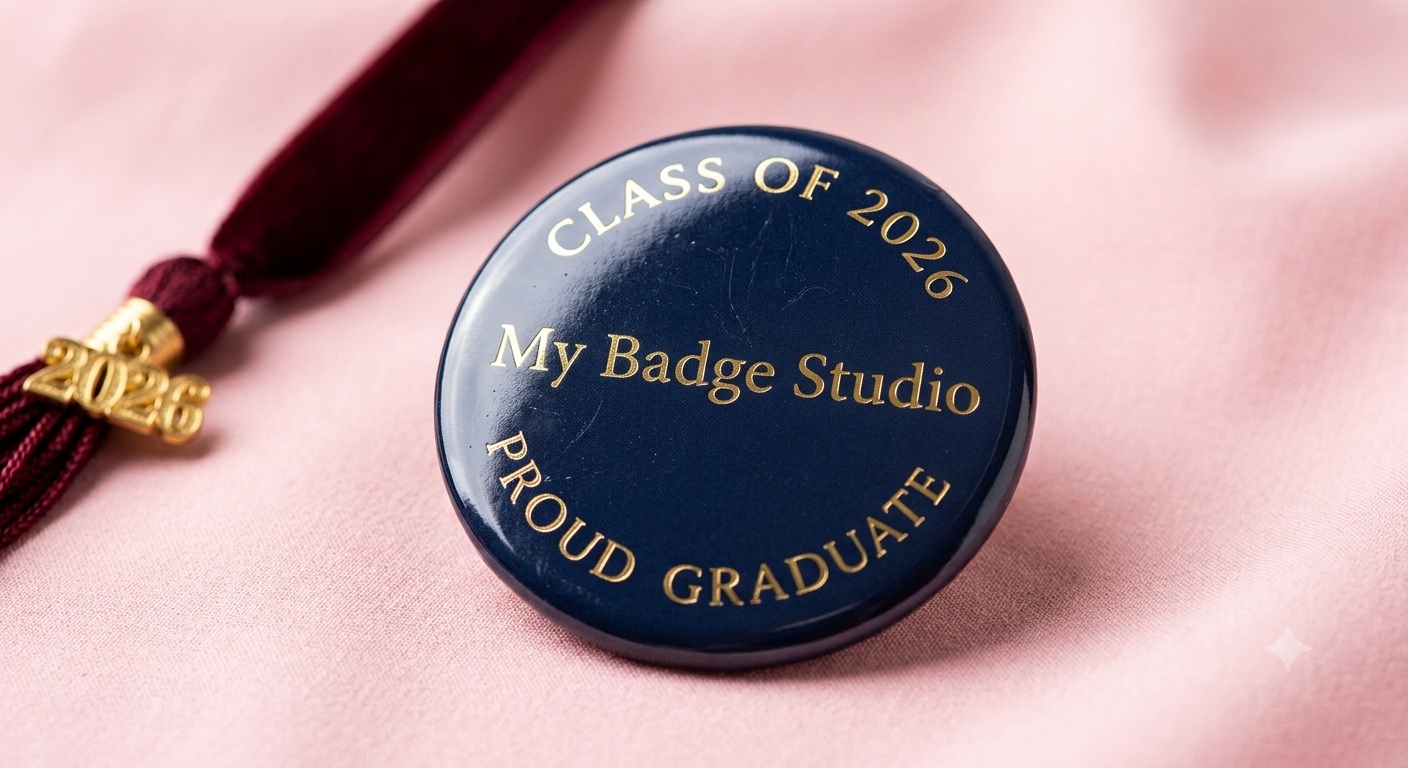
Arc names, slogans and dates around the rim of a button badge or fridge magnet — the classic 'CLASS OF 2026' look — in a few taps. Step-by-step guide with pro spacing tips.
Add Stickers to Your Badges — 97 Built-In Designs
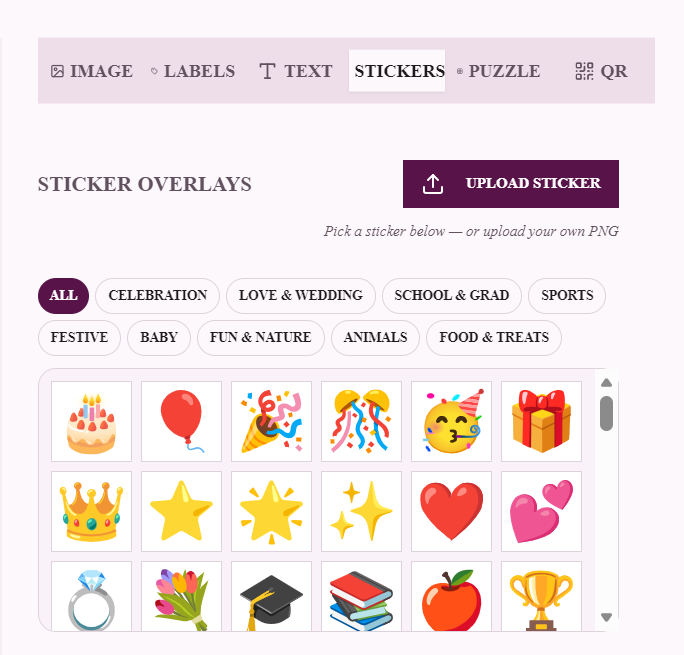
Decorate badges and fridge magnets with a built-in library of 97 colourful stickers — cakes, trophies, unicorns, diyas, pandas and more — plus your own PNG uploads with one-click AI background removal.
How to Add a QR Code to a Badge (and Why Your Business Should)
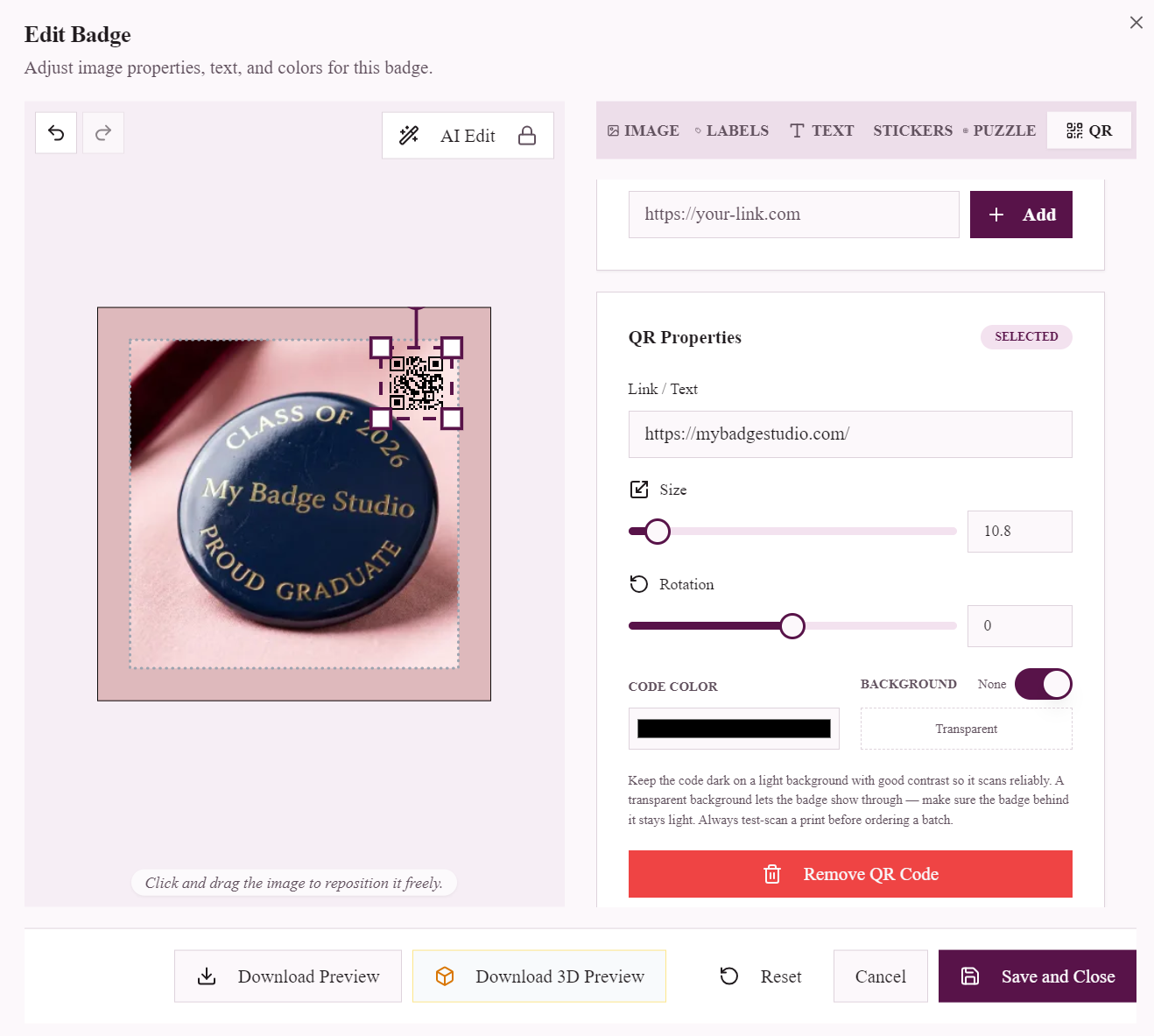
Turn badges into scannable marketing: link a badge to your menu, WhatsApp, Instagram or a staff vCard with a built-in QR code generator. Setup guide plus real business use cases.
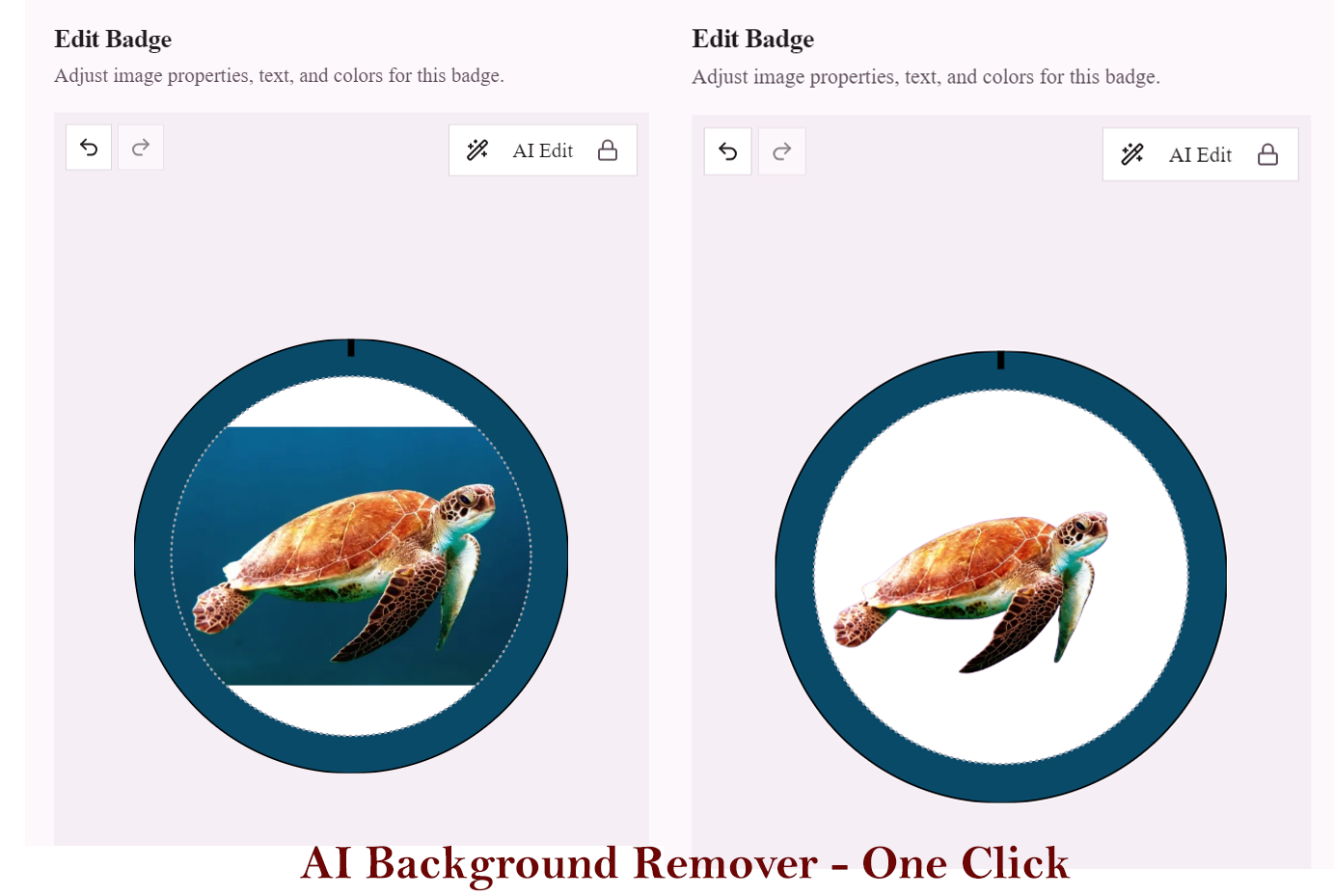
AI Photo Tools: Remove Backgrounds & Centre Faces in One Click
Turn everyday phone photos into clean badge-ready portraits: one-click AI background removal, automatic face centring, and AI photo editing — built into the badge editor.
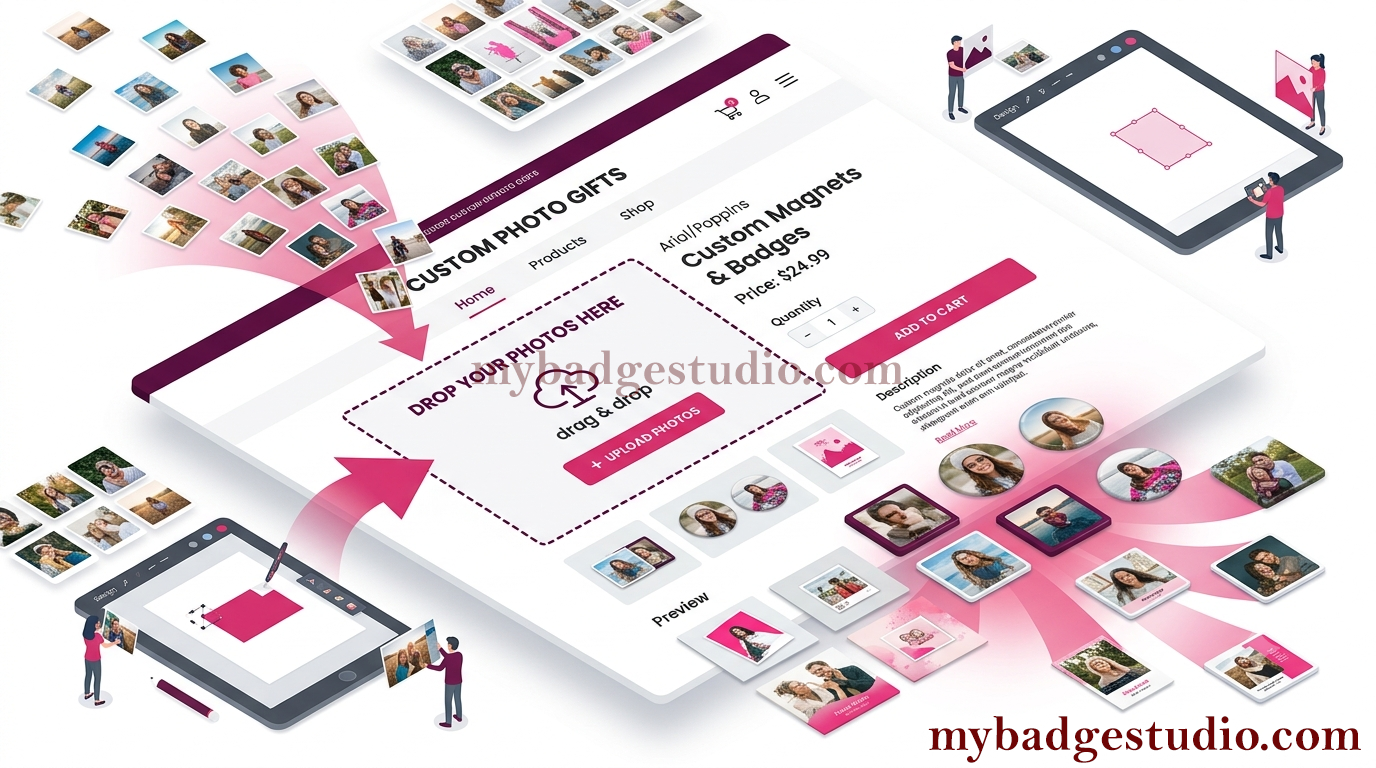
How to Add a Custom Image Uploader to Your Shopify Store
Let Shopify customers upload their own photos, edit them, and order — perfect for custom business cards, flexible fridge magnets and photo products. A step-by-step embed guide with bulk upload.
How to Add a Custom Image Uploader to Your WordPress Site
Add a live image uploader and editor to any WordPress page — perfect for custom badges, fridge magnets, business cards and photo products. A no-code embed guide with bulk upload.
How to Add a Custom Image Uploader to Any Website
Add a live image uploader and editor to any website — Wix, Squarespace, Webflow, Carrd, Google Sites or plain HTML. A no-code embed guide with bulk upload, no plugin required.
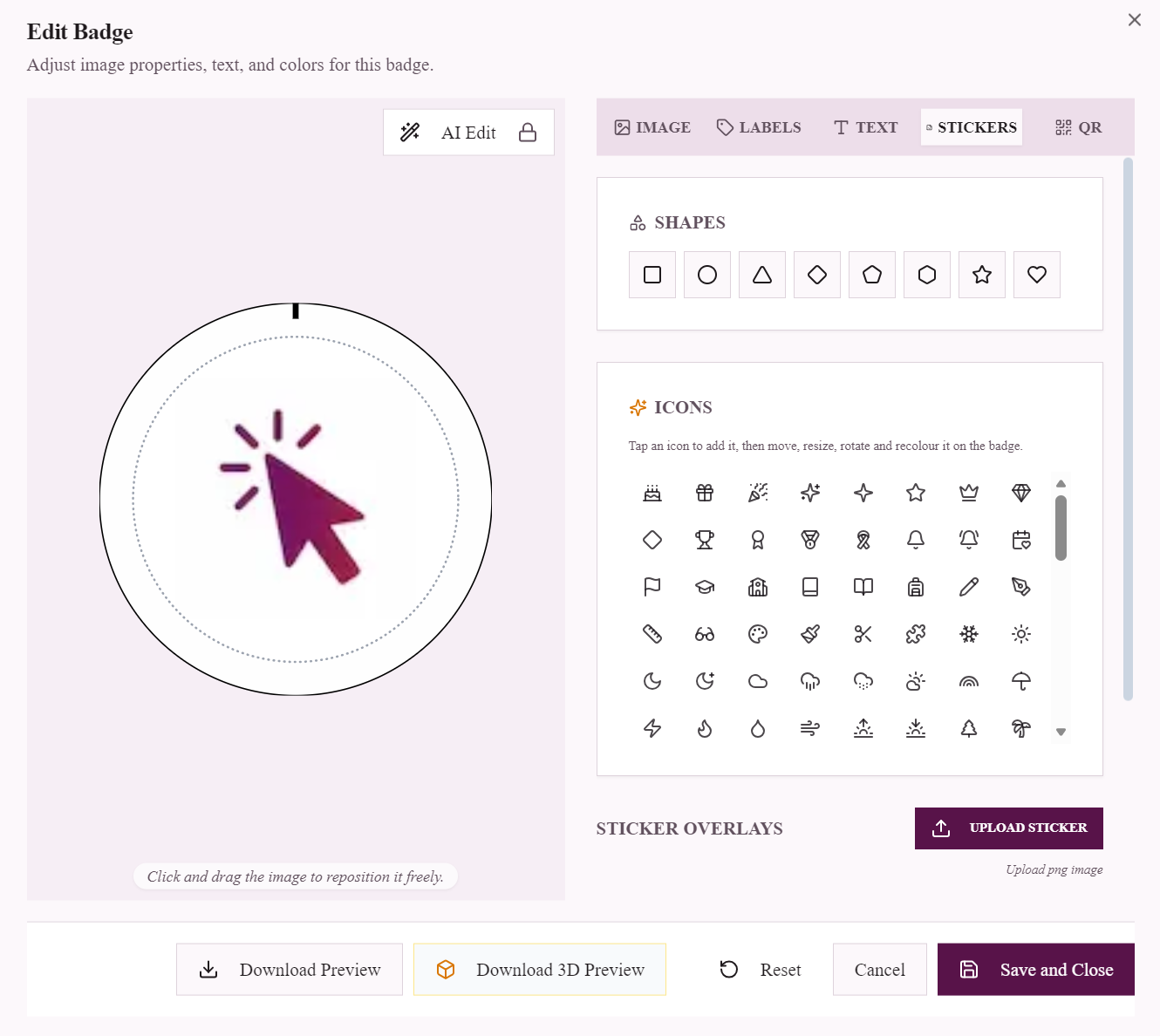
How to Add Shapes and Icons to Your Badge or Magnet Design
Decorate your button badges and fridge magnets with shapes and 150+ ready-made icons — birthday cakes, graduation caps, stars, hearts and more. Here's how, free and with no design skills.
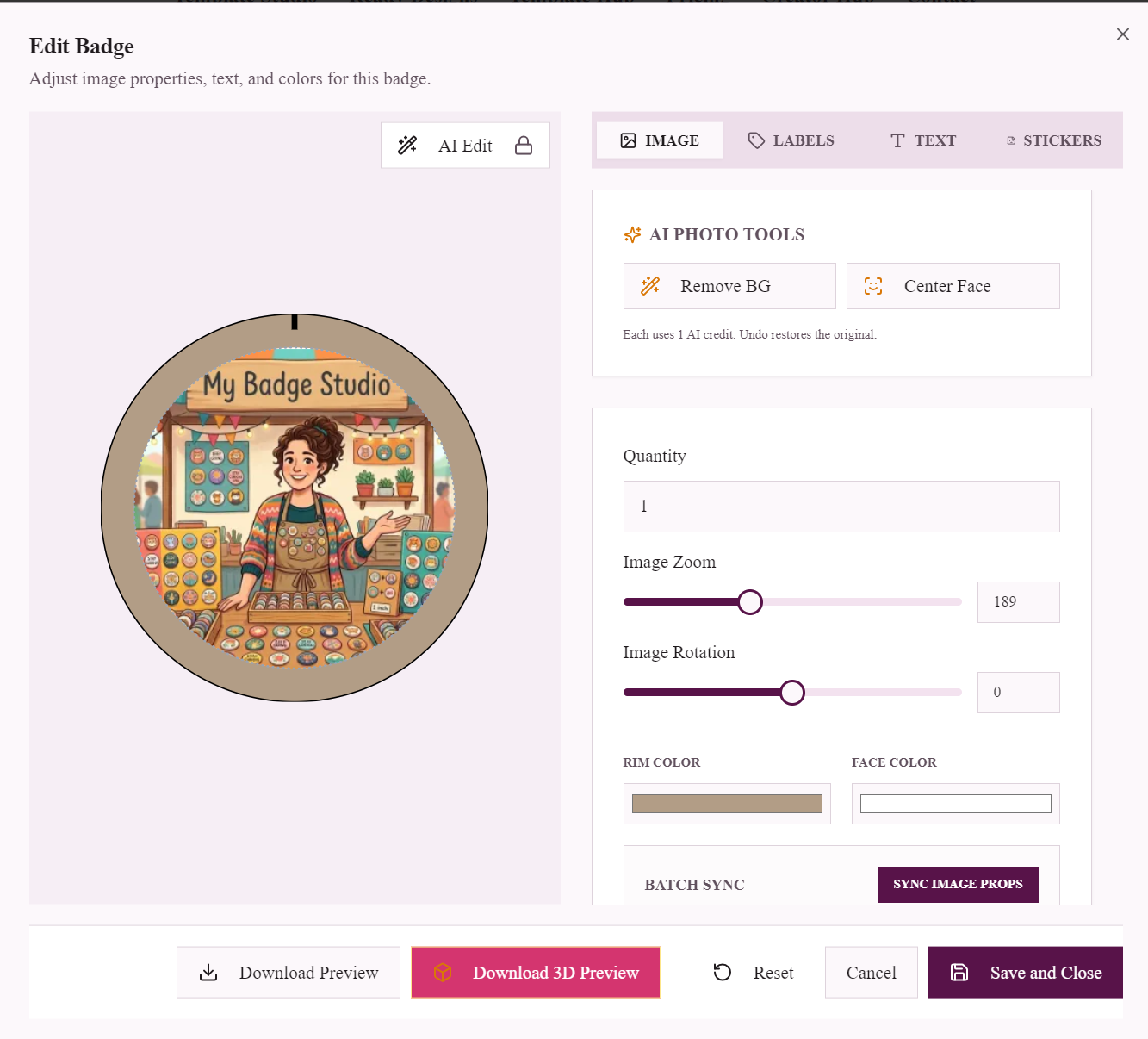
How to Download a 3D Image of Your Badge or Fridge Magnet
Turn your badge or magnet design into a photoreal 3D mockup image in one click — perfect for Etsy, Shopify, Instagram and client approvals. Here's how, free.
How to Split One Photo Into a Grid of Fridge Magnets
Turn one photo into a set of fridge magnets that reassemble into the full picture. Pick a 2x2, 3x3 or custom grid, frame it, and download a print-ready PDF — free.
How to Start a Button Badge Business (2026 Guide)
A step-by-step guide to starting a button badge business in 2026: equipment, costs, pricing, and how to take custom orders online.
How to Start a Fridge Magnet Business
Start a custom fridge magnet business in 2026: equipment, popular magnet sizes, pricing, and how to sell personalised magnets online.
How to Sell Custom Badges on Shopify
Turn your Shopify store into a custom badge shop: let customers design their own badges and receive print-ready files automatically.
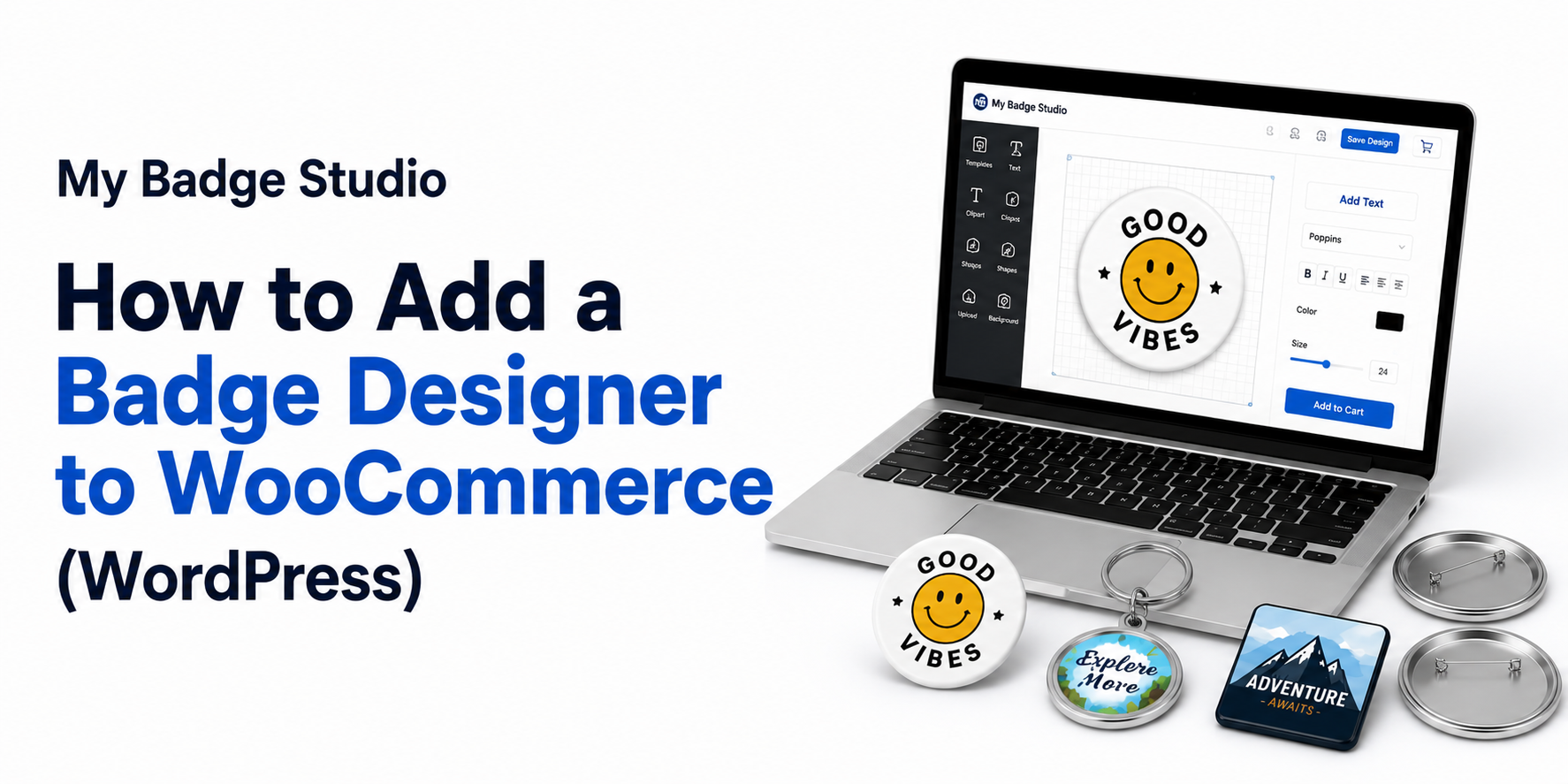
How to Add a Badge Designer to WooCommerce (WordPress)
Let customers design custom badges and magnets on your WooCommerce store and receive print-ready files automatically — no generic plugin needed.
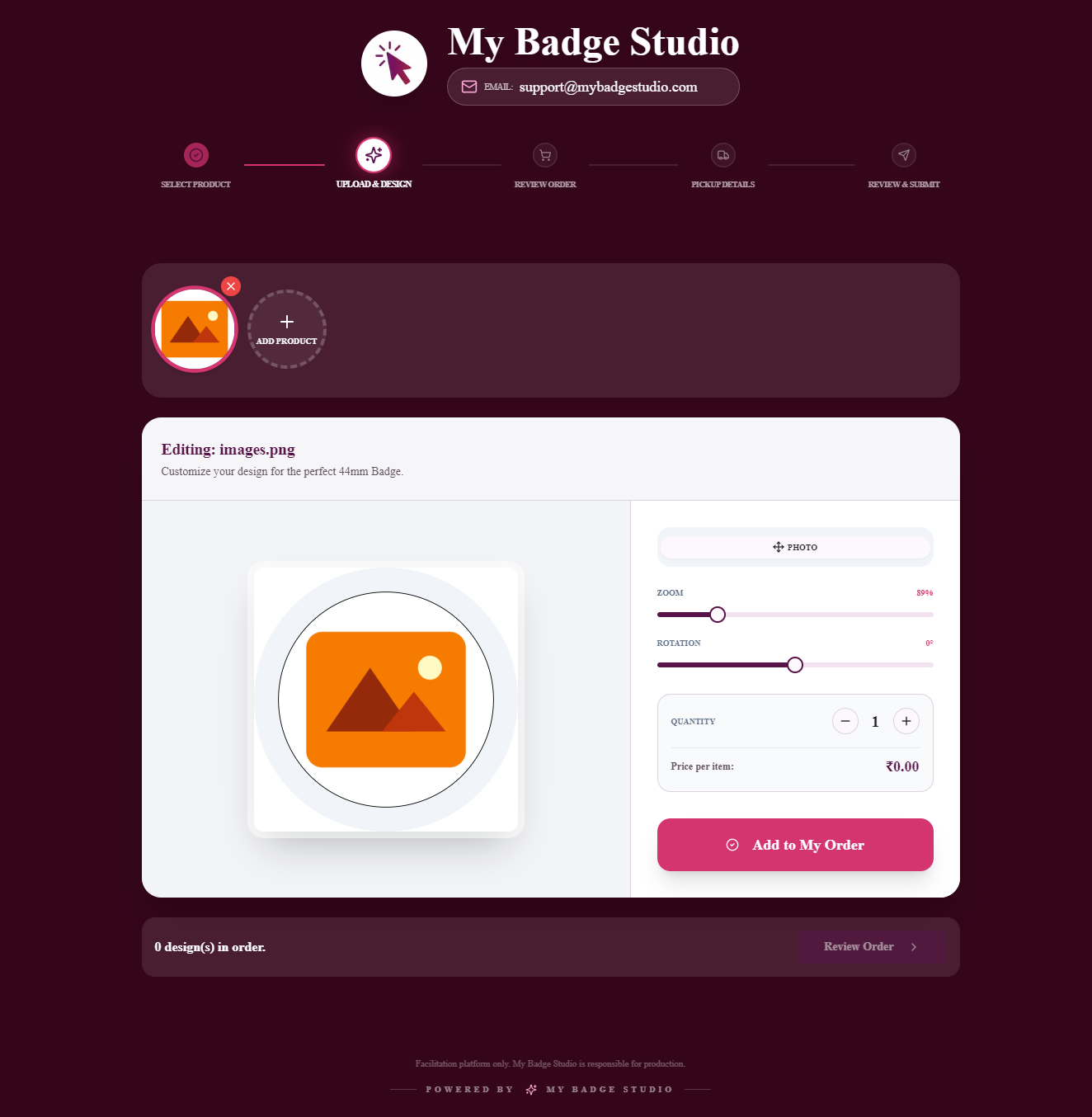
Stop Getting Bad Artwork: How to Get Print-Ready Files From Customers
Tired of low-res, wrong-size files from customers? Here's how to get print-ready badge and magnet artwork every time — let them design in-template.
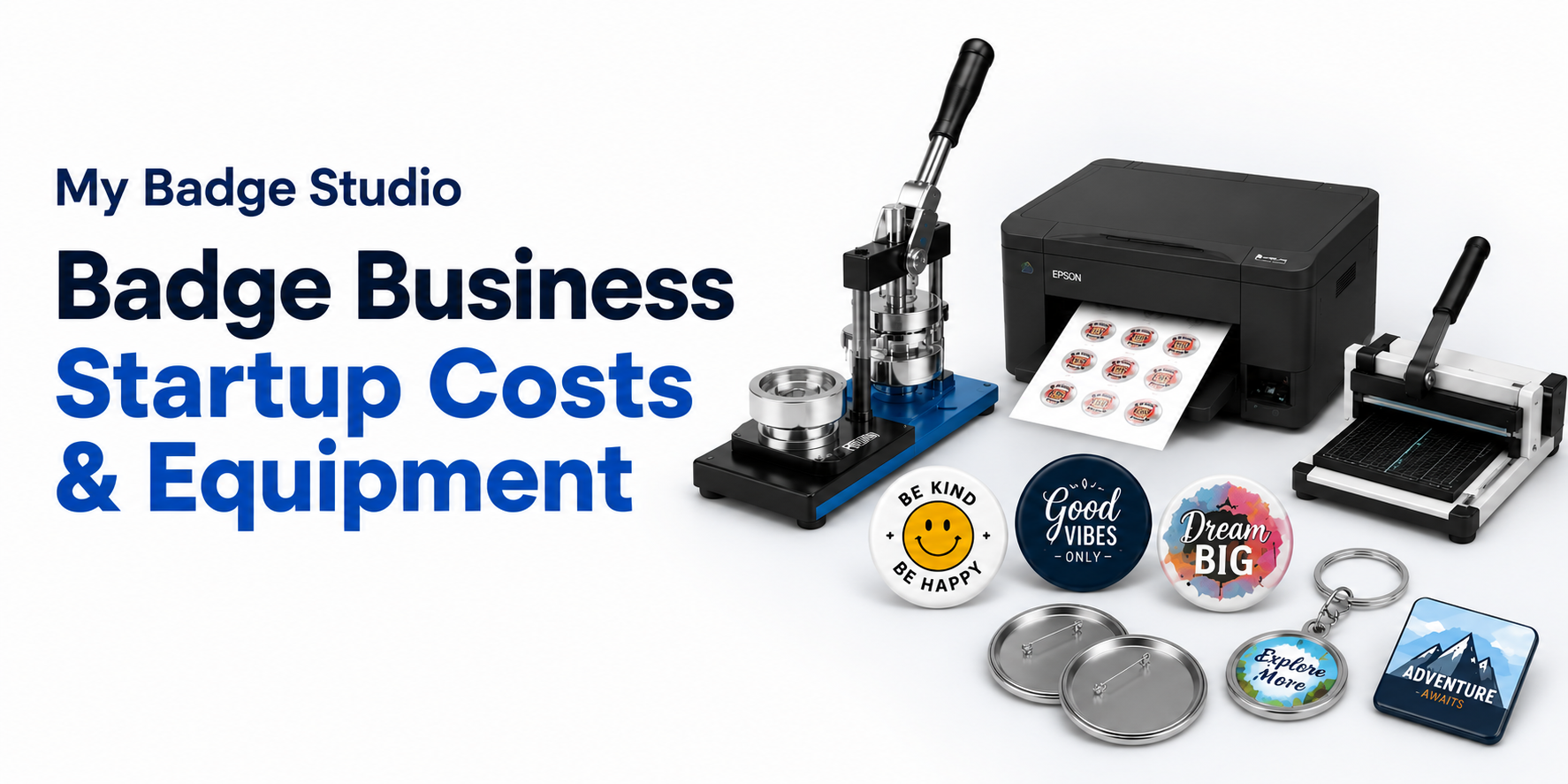
Badge Business Startup Costs & Equipment (2026)
A realistic 2026 breakdown of the cost to start a button badge or fridge magnet business — machine, materials, printer and software.
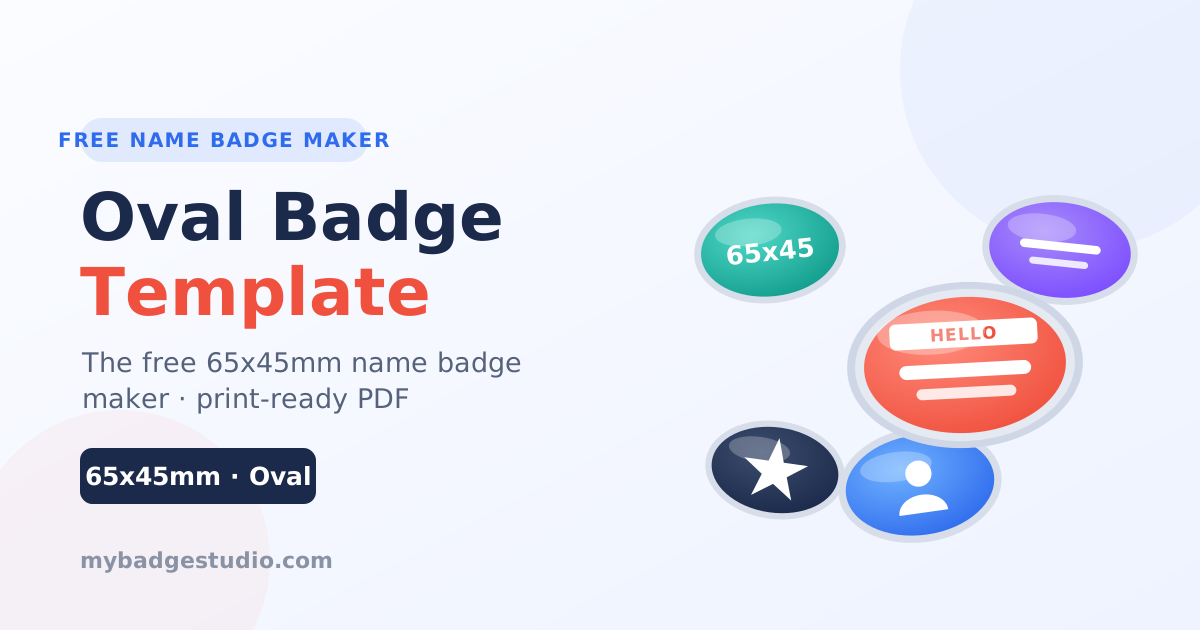
Oval Badge Template: 65x45mm Maker
Design a 65x45mm oval badge template free online — the pro standard for name badges. Sizing, bleed, best uses and a print-ready PDF maker. Start in minutes.
63.5mm (2.5") Square Magnet Template
Design a 63.5x63.5mm (2.5") square fridge magnet template online. Sizing, bleed, best uses and a print-ready PDF maker. Start in minutes.
32mm (1.25") Button Badge Template
32mm button badges are 1.25 inches across. Size chart in mm and inches, bleed and safety zones, and a free print-ready A4 PDF template that fits every standard press.
25mm (1") Button Badge Template
25mm button badges are exactly 1 inch across. Free print-ready A4 PDF template with bleed and cut lines, sized for every standard 25mm badge press.
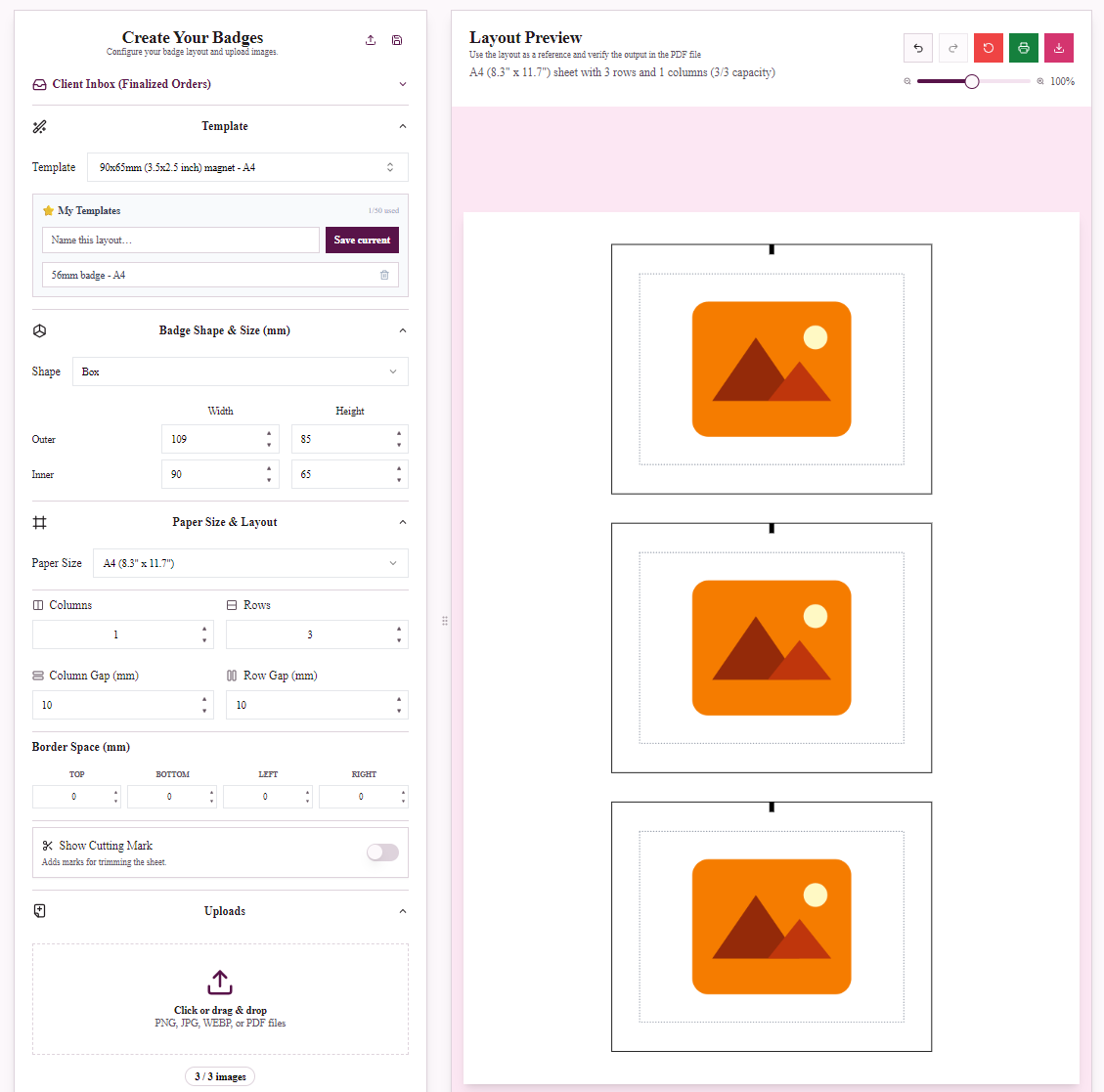
90x65mm Rectangular Magnet Guide
Everything about the 90x65mm (3.5x2.5") rectangular fridge magnet — sizing, bleed, uses and a print-ready template maker. Design yours in minutes.
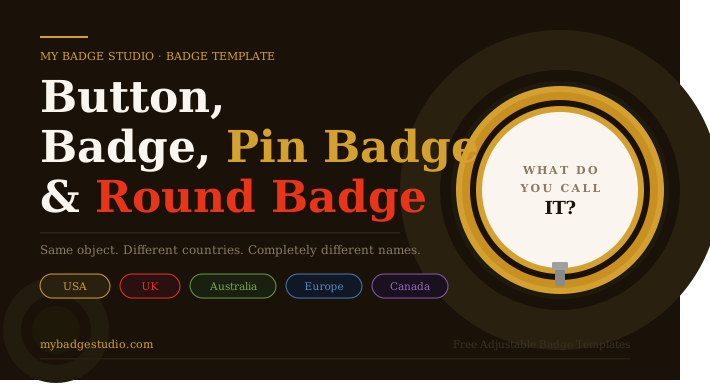
Button Badge Names Around the World
Americans say button or pinback button, Britons say badge or pin badge, Australians say badge. What each country calls them, which sizes go with which name, and free templates for all of them.
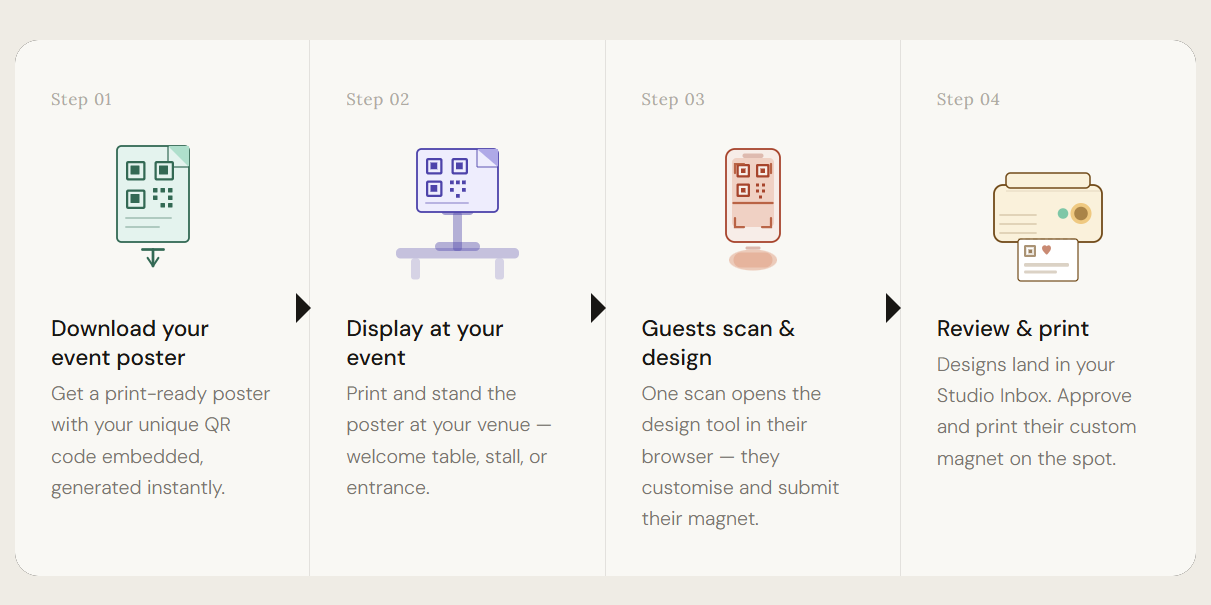
Custom Fridge Magnets for Events
Wedding guests love personalized fridge magnets. Let them design their own on their phone, at your event, in minutes with our design portal.
Bulk Name Badge Maker: 1,000+ CSV Upload
Design a name badge, upload your CSV attendee list, and generate thousands of personalized print-ready badge PDFs in minutes. No design skills needed.
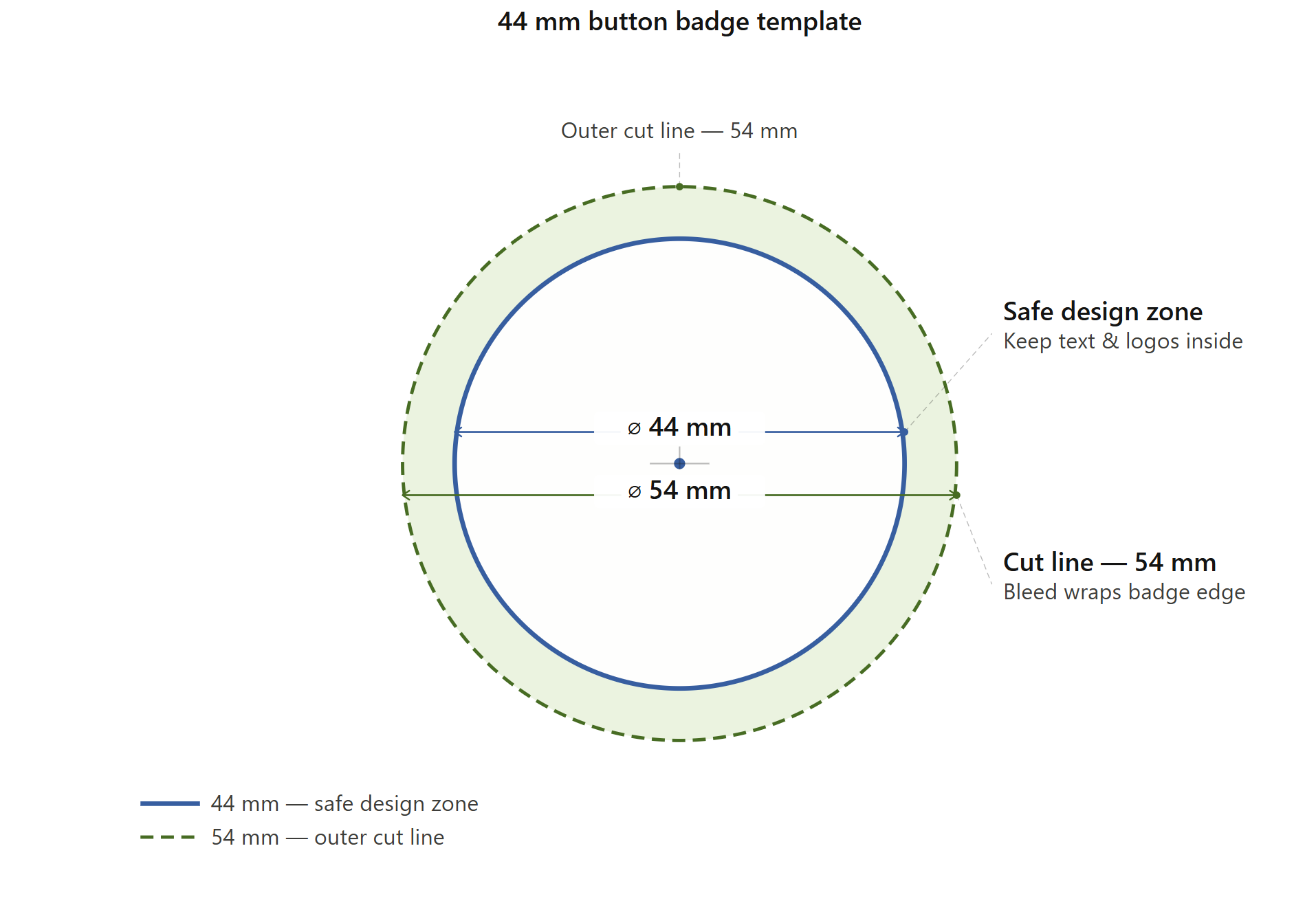
44mm Button Badge Template
44mm button badges are 1.75 inches across — the professional standard for staff IDs and event pins. Size chart in mm and inches, plus a free print-ready A4 PDF template.
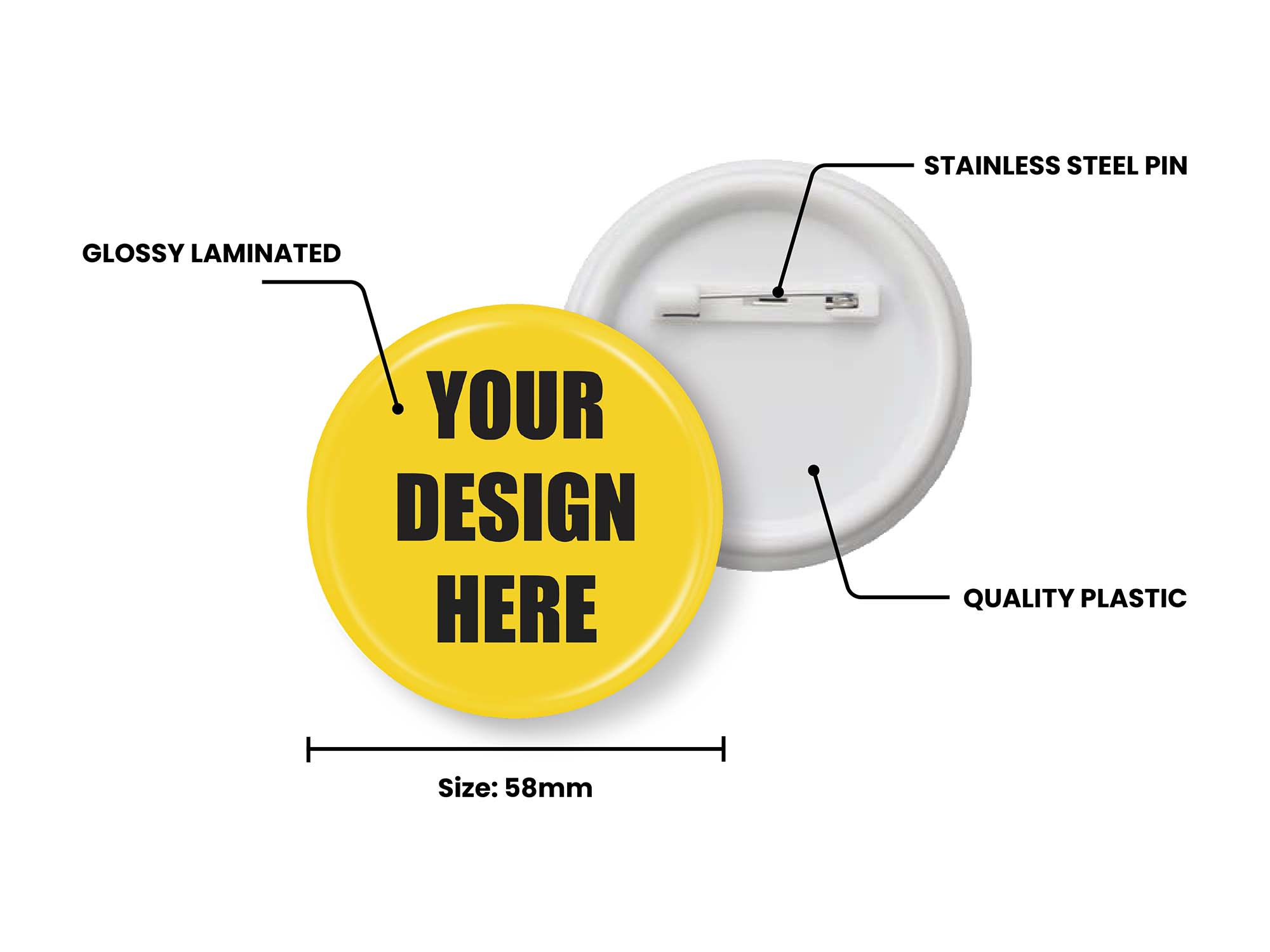
The Ultimate Guide to the 58mm Button Badge Template
58mm button badges are 2.25 inches across. Full size chart in mm and inches, bleed and safety-zone measurements, plus a free print-ready A4 PDF template for any badge press.