The Ultimate Guide to the 58mm Button Badge Template
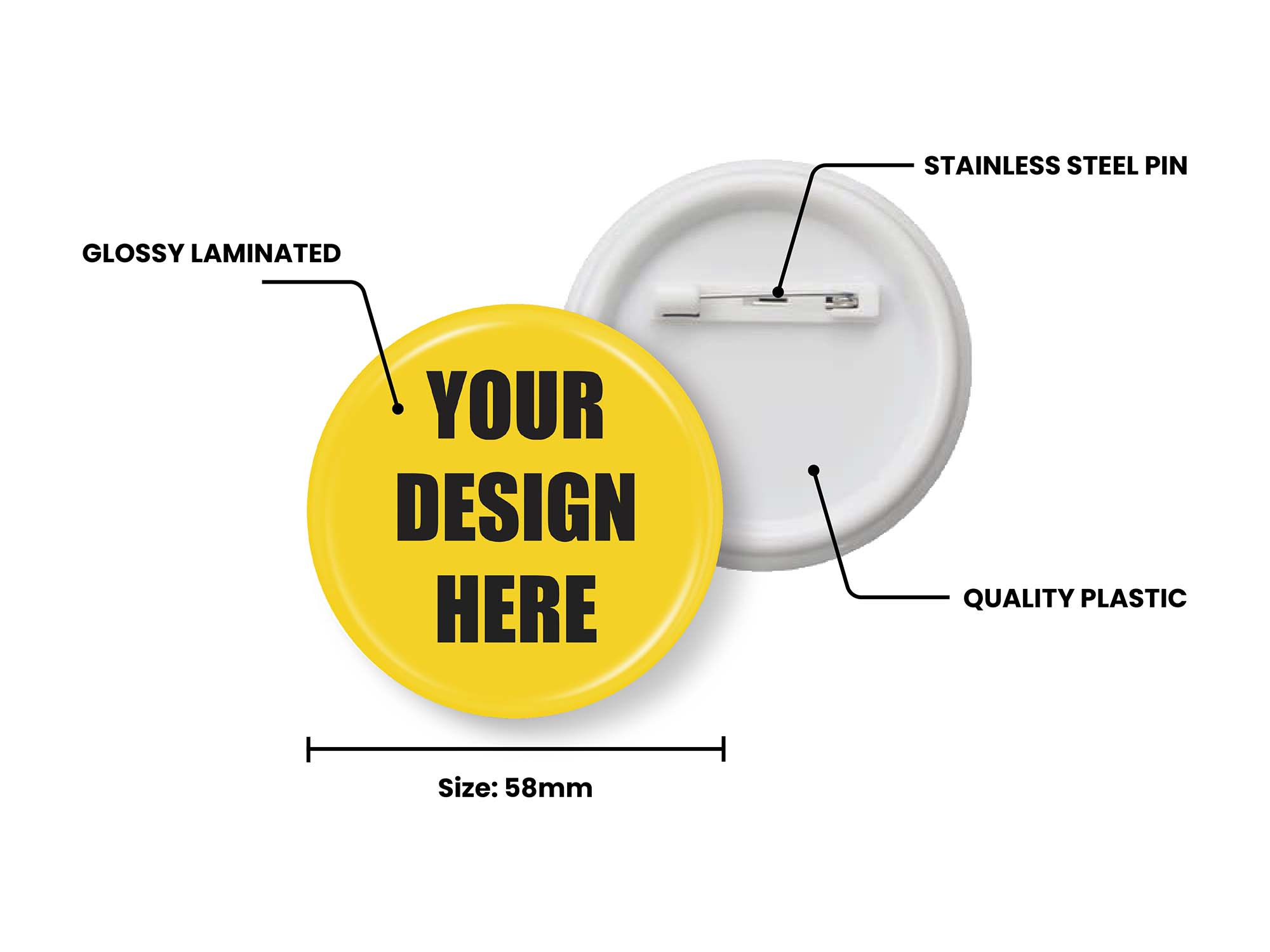
Whether you're a crafter, event organiser, small business owner or school teacher, there's one badge size that comes up again and again — the 58mm button badge. It's big enough to display a clear, eye-catching design, yet compact enough to wear comfortably on a lapel or lanyard. It is, by some distance, the most popular size in the badge world, and this guide covers everything you need to design, print and press a perfect one.
What is a 58mm button badge template?
A 58mm button badge template is a pre-sized design guide that ensures your artwork fits perfectly inside a 58mm diameter button badge. The template includes several key guide lines: an inner safe zone, a face edge line at 58mm, and an outer cut line with bleed at 70mm.
Getting these zones right is critical. The visible face of the badge is 58mm, but the artwork is printed larger — out to a 70mm outer cut line — so the paper can wrap around the edge of the metal shell with no white showing. If your design bleeds past the safe area, important text or logos can end up hidden around the curved sides of the finished badge.
You can find our official 58mm (2.25 inch) button badge template here — it handles the 70mm cut line and 58mm face line automatically, so you can focus purely on the creative side.
58mm sizing and bleed explained
To get a clean, professional finish every time, keep these three measurements in mind:
- 58mm face line — the flat visible front of the badge. Keep logos, faces and key text comfortably inside this.
- 70mm outer cut line (bleed) — let your background colours and photos run all the way to this edge so there's no white border after the badge is pressed.
- Safe zone — the central area where nothing gets cut off or lost around the curve. Centre your most important content here.
If calculating bleed by hand sounds tedious, you don't have to — the template builds all three guide lines in for you.
Why 58mm is the go-to badge size
Button badge templates are available in a wide range of sizes, but the 58mm round badge remains the professional choice for both personal and corporate use. There are three good reasons it stays on top:
- Readability — at 58mm, text and logos are large enough to be read at a glance from across a room.
- Wearability — it sits comfortably on jacket lapels and lanyards without being bulky or sagging on lighter fabrics.
- Versatility — it works for everything from political campaigns and gig merch to birthday parties and conference name badges.
It's also the size with the most surface area in the standard round range, which makes it ideal for high-resolution photography and detailed, multi-element designs.
Who uses 58mm button badge templates?
You certainly don't need to be a design expert to use one. The most common use cases include:
- Events & conferences — name badges, speaker identifiers and volunteer markers.
- Retail & brand promotion — loyalty rewards, product launches and merch tables.
- Schools & clubs — prefect badges, house colours and achievement awards.
- Campaigns & causes — clear, readable slogans for supporters and fundraisers.
- Bands & artists — bold, collectible merchandise that fans actually wear.
The problem with generic templates
Many people start by downloading a static PDF or image file. While that works, it usually requires expensive software like Photoshop or Illustrator just to drop your artwork in and line it up — and one wrong measurement means a wasted print run.
This is exactly the gap that My Badge Studio fills: we provide the design engine directly in your browser. Choose your size, drop in your artwork, and the bleed and safety lines are handled for you, with a live preview of the finished badge.
How to design a 58mm button badge (step by step)
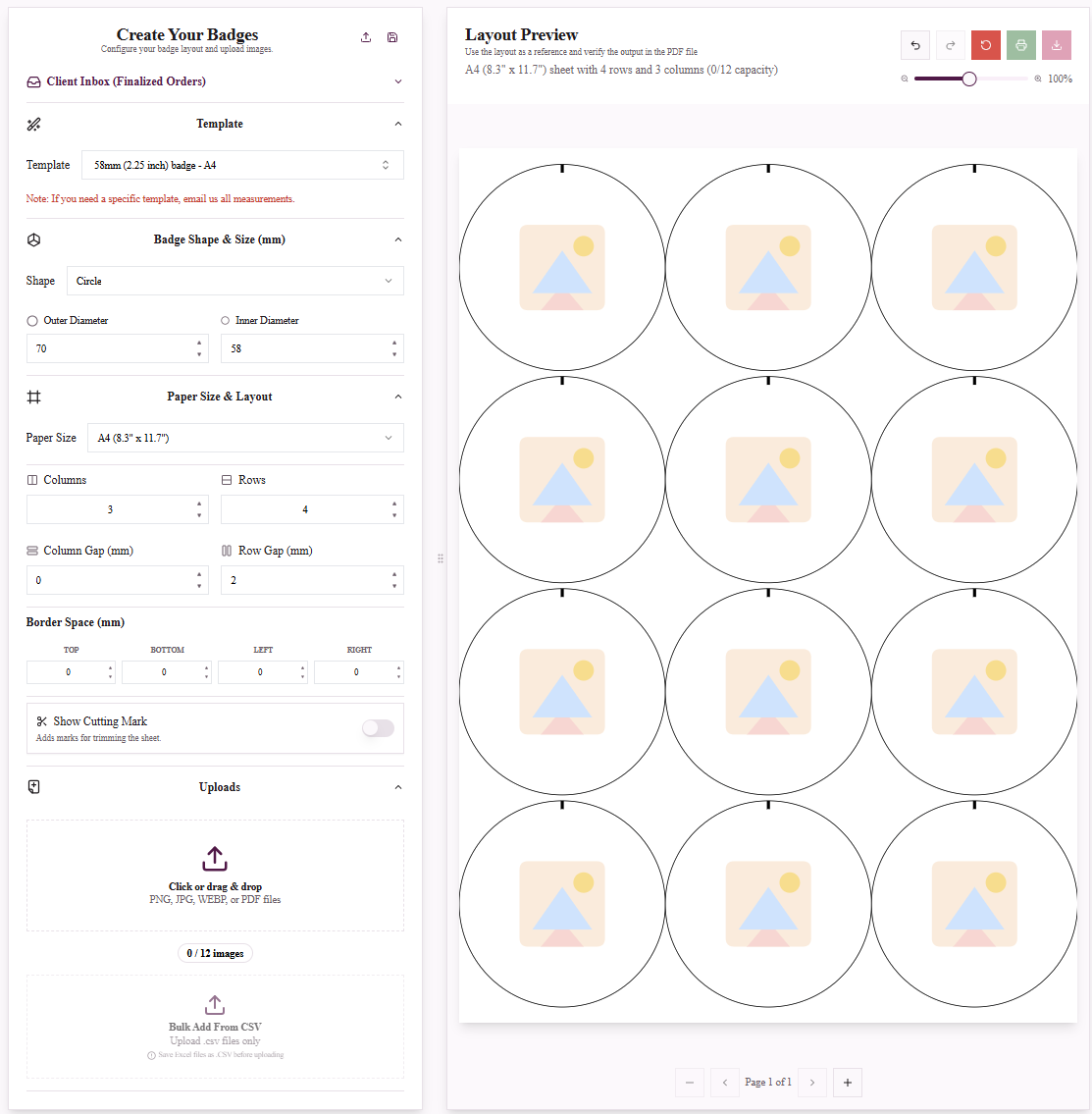
Designing professional 58mm buttons with correct bleed and safe zones.
- Choose your template. Select a professional 58mm preset or upload your own high-resolution image. Pick your paper size — US Letter, A4, A3 or A3+.
- Customise your design. Add text, adjust your brand colours and position your artwork within the bleed and safety lines using the live preview.
- Download your print-ready PDF. Generate a high-quality PDF with cut marks, auto-tiled to fit the maximum number of badges per sheet with zero wasted paper.
Instead of wrestling with complicated design software, let us handle the technical side so you can focus on the creative side.
Ready to Design Your 58mm Button Badge?
The 58mm is the largest standard round size — perfect for bold statements and detailed artwork.
Frequently Asked Questions
What size is a 58mm badge in inches?
A 58mm button badge is 2.25 inches in diameter — the largest of the standard round sizes and the most popular choice for retail, events and promotion.
What is the bleed for a 58mm button badge?
The visible face is 58mm, but the artwork extends to a 70mm outer cut line. That extra border wraps around the metal shell during pressing so no white edge shows. The template adds this automatically.
How many 58mm badges fit on a sheet?
Using our optimised layouts, you can fit 12 badges per A4 sheet while maintaining proper bleed and cut marks. Larger formats like A3 and A3+ fit more per sheet and lower your cost per badge.
Will the 58mm template work with a 2.25 inch badge maker?
Yes. 58mm is the metric equivalent of 2.25 inches, and our templates are precision-sized to work with all standard 58mm / 2.25 inch presses, including Tecre, ABM, VEVOR, Badge-A-Minit and more.
Is the 58mm button template free to use?
Yes, you can design a 58mm button badge template for free with no credit card required. Paid plans add higher download limits and extra features such as Mail Merge and all-template access.
What resolution should my artwork be?
Upload high-quality JPG or PNG files at 300 DPI. The large 58mm face shows off fine detail, so a high-resolution image makes a noticeable difference to the finished print.