Christmas Badges and Fridge Magnets: Ideas, Sizes and How to Make Them
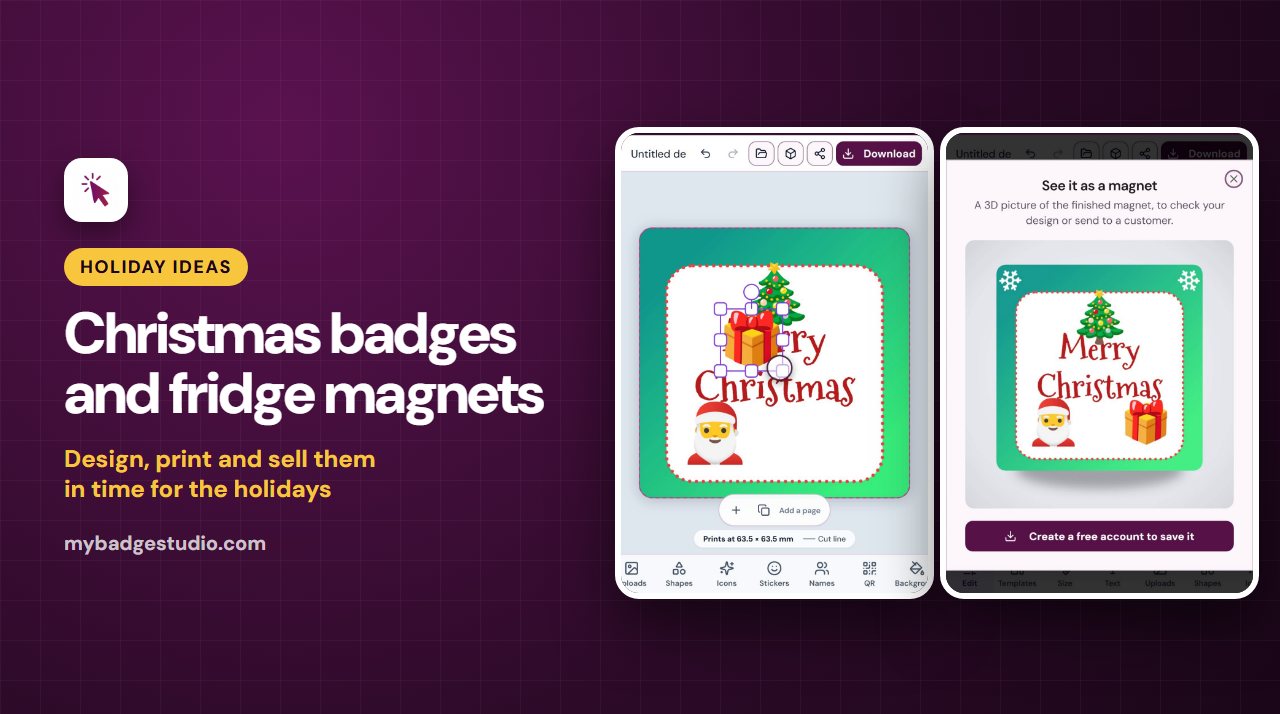
Christmas is the busiest time of year for badges and fridge magnets: family gifts, stocking fillers, office parties and market stalls all want something small, personal and cheerful. Here are ideas that work, the sizes to use, and how to make them in a few minutes.
Christmas ideas that work
- Family name magnets: "Merry Christmas from the Smith family", one for every relative.
- "Santa, please stop here" magnets for the fridge or front door.
- Photo magnets of the year's best family photo. See photo magnets from your own pictures.
- Santa squad and Christmas jumper day badges for school, the office or a choir.
- Secret Santa name badges for the office party, one per person.
- Teacher gifts and stocking fillers: a badge with a child's name or drawing.
- Happy New Year 2027 badges for the countdown party.
- Christmas market stock: a few bold designs in a couple of sizes sell better than many small batches.
The best sizes
| Product | Good for |
|---|---|
| 58 mm round badge | The all-rounder: names, photos, "Santa squad" |
| 75 mm round badge | Big, bold party and jumper-day badges |
| 50 × 50 mm square magnet | Family name and photo magnets (12 on a sheet) |
| 63.5 × 63.5 mm square magnet | Bigger photo magnets (6 on a sheet) |
| 90 × 65 mm rectangle magnet | "Santa, please stop here" and greeting magnets (3 on a sheet) |
Not sure which size your badge maker uses? Check the button badge size chart.
Design one in the Badge Designer
The Badge Designer works in your browser, on a phone or a computer, and you can try it without an account.
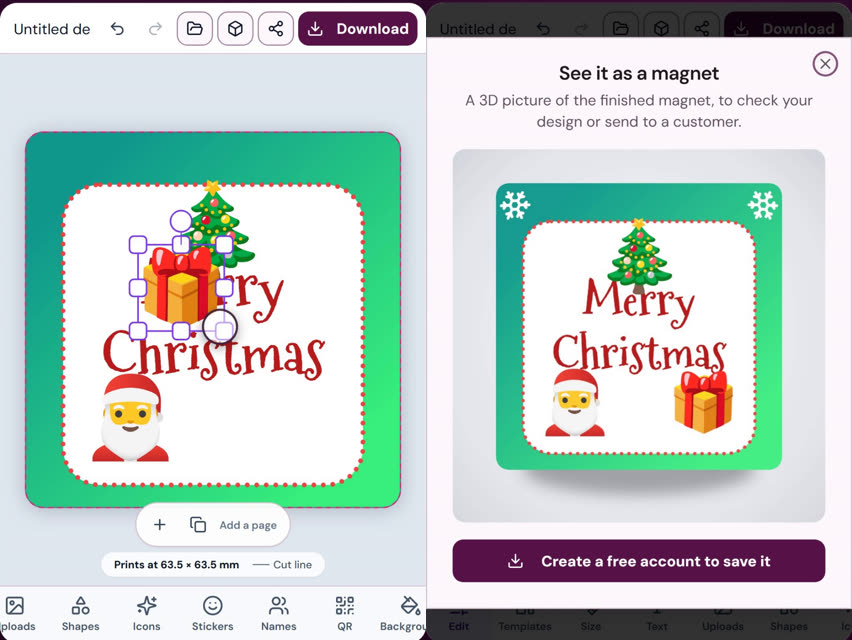
- Pick your size, for example the 63.5 × 63.5 mm square magnet.
- Background: choose a Christmas green or red, or a two-colour gradient.
- Text: in the Text tab, the Holidays text styles include Merry Christmas and Ho ho ho in the festive Mountains of Christmas font, plus New year for 2027.
- Stickers: the Festive stickers include a Christmas tree, Santa, a snowman, fireworks and a sparkler. See adding stickers to your badge.
- Icons and shapes: add snowflakes, gifts, bells or candy from Icons, and a dashed or dotted border from Shapes.
- Check it in 3D: the 3D button shows the finished badge or magnet before you print.
Ready-made Christmas designs
With Business Plus or Business Pro, the Designer's Templates tab has finished Christmas designs you can personalise in seconds: Merry Christmas and Santa squad (58 mm round badges), Happy new year, a Christmas magnet for a family name (50 × 50 mm square) and Santa please stop here (90 × 65 mm rectangle). Open them from Templates, or read the ready designs guide.
Christmas frames
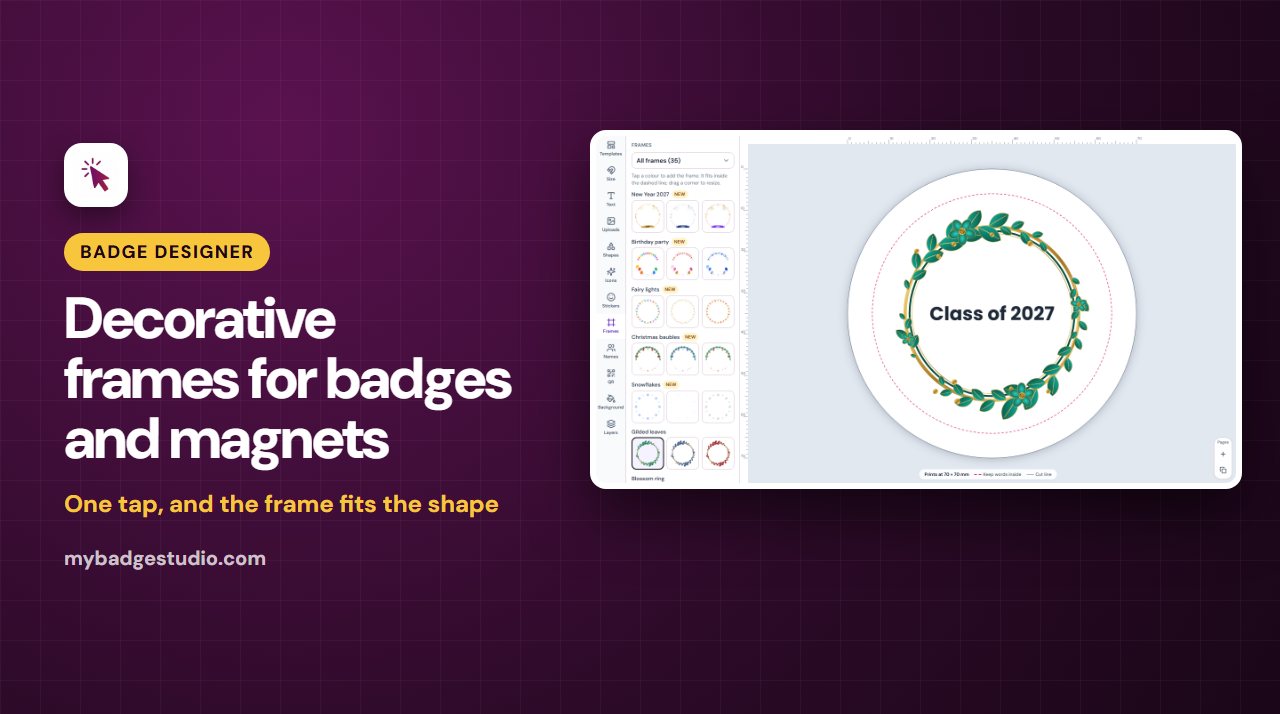
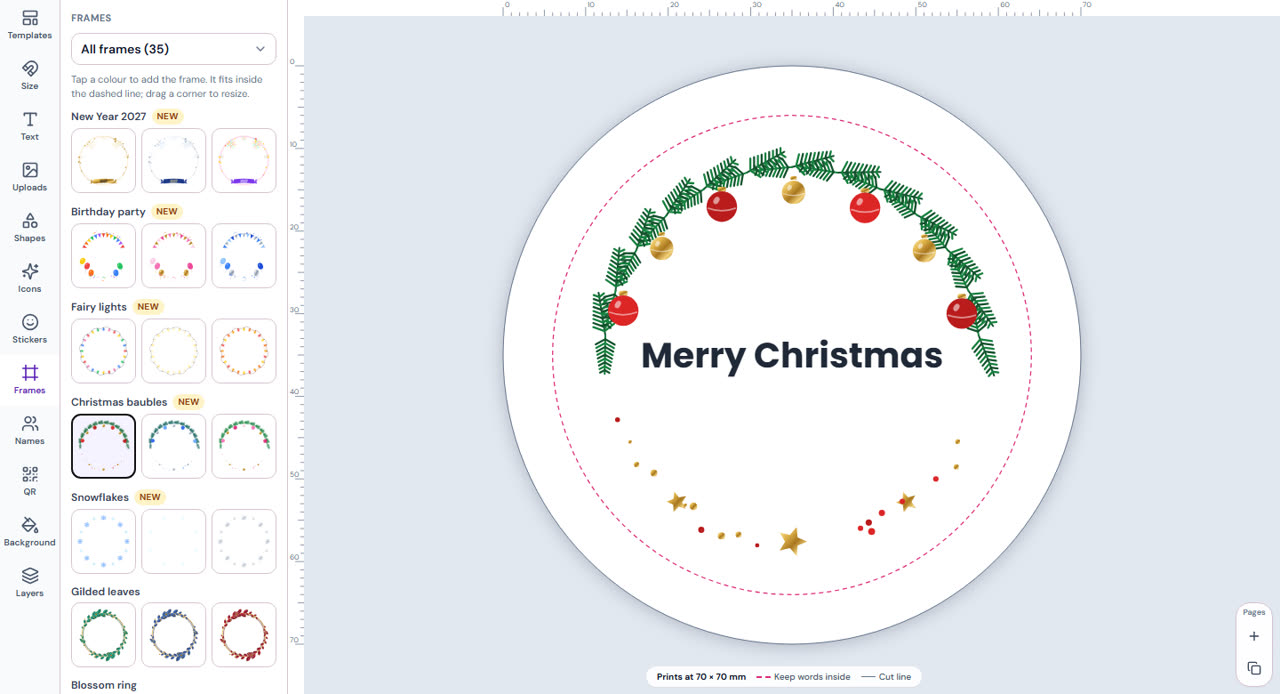
The Frames tab (Business Plus and Business Pro) has new holiday frames that fit your badge in one tap: Christmas baubles (red and gold, blue and silver, pink and gold), Snowflakes (icy blue, white, silver), Fairy lights and New Year 2027. Read more in decorative frames for badges and magnets.
One magnet for every family
Making the same design with a different name for each family or colleague? The Designer's Names tab (Business Plus and Business Pro) makes one badge per name from a list. In the Template Studio you can also add names from a spreadsheet.
Print a full sheet
To print several on one page, choose Share, then Add to Studio, and fill a sheet in the Template Studio. For photo magnets you can start in the Studio directly and drop in your pictures; it even splits one photo across several magnets. Print at 100% / Actual size.
Selling Christmas badges and magnets
- Start in November. Shoppers plan gifts early, and personalised orders take time to make and post.
- Offer bundles: a set of family name magnets, or six badges for a school class.
- Show a mock-up: the 3D preview makes a clean product photo.
- Selling online? See templates for Etsy sellers and how to start a fridge magnet business.
Frequently Asked Questions
What size is best for a Christmas fridge magnet?
A 50 × 50 mm or 63.5 × 63.5 mm square works well for family names and photos, and the 90 × 65 mm rectangle suits longer greetings like "Santa, please stop here". For badges, the 58 mm round badge is the most popular size.
Are there Christmas fonts and text styles?
Yes. The Badge Designer's Holidays text styles include Merry Christmas and Ho ho ho in the Mountains of Christmas font, plus a New year style for 2027.
Are there Christmas stickers?
Yes. The Festive stickers include a Christmas tree, Santa, a snowman, fireworks and a sparkler, and the Icons tab has snowflakes, gifts, bells and candy.
Can I design a Christmas badge for free?
You can try the Badge Designer free with no account. Saving to your device needs a free account; downloading, sharing a link and adding to the Studio need a plan or a one-time 7-day pass. The ready-made Christmas templates and frames come with Business Plus and Business Pro.
Can I make one magnet per family name?
Yes. The Designer's Names tab makes one design per name from a list (Business Plus and Business Pro), and the Template Studio can add names from a spreadsheet.