The 25mm button badge is the little one that does a lot of heavy lifting. At exactly 1 inch across — about the size of a US quarter or a UK 10p coin — it is the go-to size for collectible sets, band merch, school awards and subtle branding. And with the right free button template, you can design a whole sheet of them in a couple of minutes without any design software.
This guide covers what the 25mm size is, the bleed and safety details that matter, who uses it, and how to get a print-ready PDF for free.
What is a 25mm (1 inch) button badge template?
A 25mm button badge measures 25mm in diameter, which is 1 inch in imperial — the classic "small" badge size. A template is simply the layout file that places your artwork inside the correct circle, with a bleed border around the edge and a safety zone inside it so nothing important gets lost when the badge is pressed.
Because it is so small, the 25mm size rewards bold, simple designs: one icon, a short word, or a single strong colour reads far better than a busy layout. A good badge template handles the maths for you so your design sits dead-centre every time.
25mm sizing, bleed and safety lines
The finished badge is 1 inch, but your artwork needs to be larger so the paper wraps cleanly over the edge of the button with no white border. Three things keep your 25mm badges looking professional:
- Bleed — your background and colours should run past the badge edge for a seamless wrap.
- Safety zone — keep text, faces and logos inside the central area, away from the curve, so nothing is cut off or hidden as it wraps.
- Resolution — upload artwork at 300 DPI so a small badge still looks crisp, not pixelated.
If you would rather not calculate any of this by hand, the free 25mm button badge template adds the correct bleed and safety lines automatically.
Who uses 1 inch button badge templates?
The 25mm size is small, cheap to produce and easy to collect — which makes it a favourite for:
- Artists & bands — affordable merch for gigs and craft fairs. The small size is ideal for "collect them all" sets.
- Schools & clubs — achievement awards and membership pins subtle enough for daily school uniform wear.
- Events & meetups — discreet staff or group identifiers that don't overpower an outfit.
- Personal gifts — custom button sets for birthdays and party bags.
How to design a free 25mm button template (3 steps)
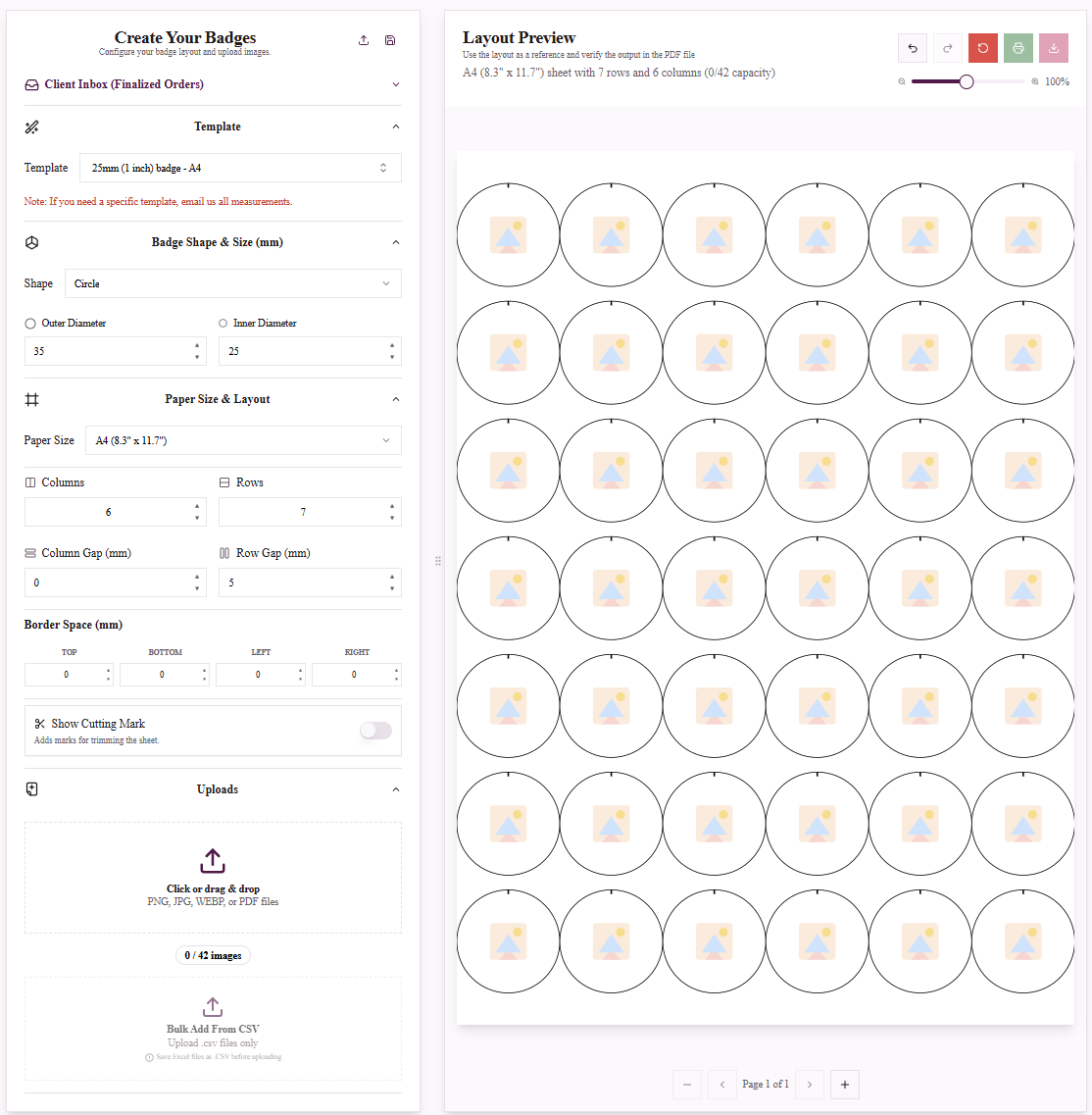
Designing 25mm button badges with custom artwork and text.
No design experience needed. In the My Badge Studio Template Studio:
- Choose your design. Select the 25mm preset or upload your own high-resolution image (PNG, JPG or PDF) and pick your paper size — US Letter, A4, A3 or A3+.
- Customise your button template. Add text, adjust colours and position your artwork inside the bleed and safety lines using the auto-centering tools and live preview.
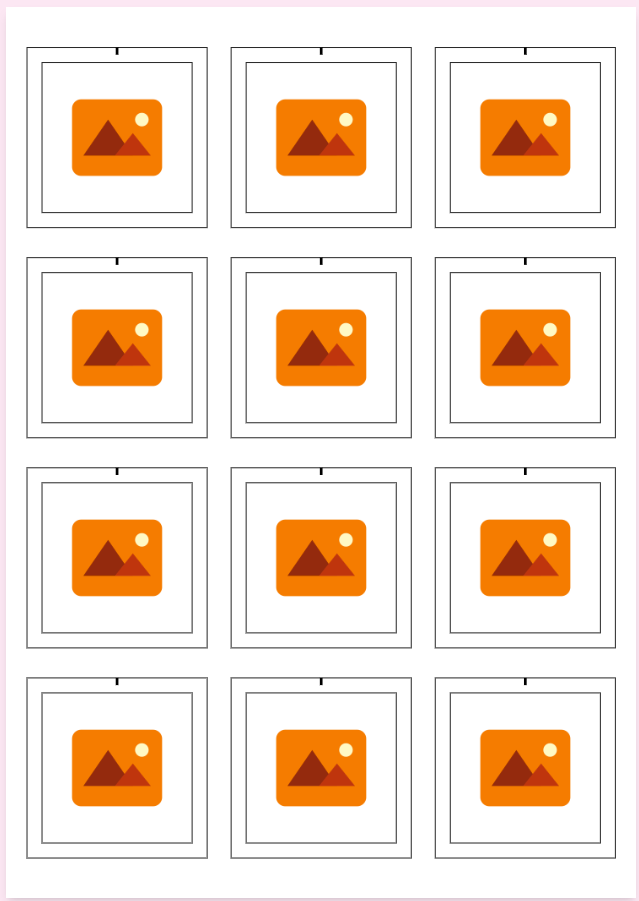
- Download your print-ready PDF. Generate a high-quality PDF with cut marks, auto-tiled to fit the maximum number of badges per sheet so you waste less paper.
You can start completely free, with no credit card required.
Tip: Making a numbered or themed collectible set? Use Mail Merge (Bulk Add) to drop in dozens of variations from a CSV in one go.
Which paper format should I use?
Every paper size is available for the 25mm template: US Letter, A4, A3 and A3+. US Letter and A4 suit home and office printers; A3 and A3+ fit many more 1 inch badges per sheet, which lowers your cost per badge on big runs.
Will the template work with my badge machine?
Yes. The 25mm layout is built to match standard 1 inch presses and is tested with brands including Tecre 100, Badge-A-Minit, VEVOR 25mm, ChiButtons, Enterprise Products, eBadges, MK.Bear and Happizza. Because size, bleed and layout are built in, you skip the manual alignment that causes misprints.
Other badge and button sizes
- 32mm (1.25 inch) button badge template — a touch more room, still subtle.
- 44mm (1.75 inch) button badge template — popular all-rounder.
- 58mm (2.25 inch) round badge template — maximum impact.
- Browse all templates and sizes.
Ready to design your free 25mm button badge today?
The 25mm (1 inch) button badge is the perfect small-format pin for collectible sets, merch and awards.
Frequently Asked Questions
What size is a 25mm badge in inches?
A 25mm button badge is 1 inch in diameter — roughly the size of a US quarter or a UK 10p coin. It is the standard small badge size.
Is the 25mm button template free to use?
Yes, you can design a 25mm button template for free with no credit card required. Paid plans add higher download limits and extra features.
How many 25mm badges fit on a sheet?
The small size tiles efficiently, and larger paper formats like A3 and A3+ fit many more per page, lowering your cost per badge. The maker auto-tiles for maximum output.
Will a 25mm template work with my press?
Yes. The template matches standard 1 inch presses including Tecre, Badge-A-Minit, VEVOR, ChiButtons and more.
What resolution should my artwork be?
Upload at 300 DPI so your small badge prints sharp rather than pixelated.