Badge & Fridge Magnet Templates for Etsy Sellers: Skip the Static Template

Search "badge template" or "fridge magnet template" on Etsy and you'll find hundreds of listings — mostly a static Canva file or a printable PDF you edit by hand. They're fine for a one-off. But if you actually sell badges or magnets, a static template quietly costs you time, money and flexibility. Here's what to look for, and how to make print-ready sheets yourself, free, in any size.
What an Etsy "template" usually is
Most badge and magnet template listings are one of two things: a Canva template link you customise in your browser, or a printable PDF. Both are static — fixed to one size and layout, edited manually, and sold per template. That's the catch for a seller: your press or cutting machine works at specific sizes, your orders come in batches, and you need clean bleed and cut lines every time. A static file makes you redo that work by hand for every size and every sheet.
What a badge or magnet seller actually needs
- The exact size your press or machine uses — 25, 32, 44, 58, 75 mm badges; 50×50, 63.5×63.5, 90×65 mm magnets — not whatever one size a template happened to come in.
- Correct bleed and cut lines, automatically — the outer bleed and inner face line that make a badge press cleanly, or the die-cut and registration marks a cutter needs, done for you.
- A whole order on one sheet — different photos and names across a sheet, so a batch prints in one pass instead of one badge at a time.
- Cut files for a machine — SVG/DXF or a transparent PNG for Cricut Print Then Cut, so a printed sheet cuts itself.
- No design skills, and no per-template cost — upload a photo, done, for free.
Static Etsy template vs a free layout tool
| What matters to a seller | Static Etsy template | My Badge Studio (free) |
|---|---|---|
| Price | Paid per template (and per size) | Free to design & download |
| Sizes | Usually one fixed size | Every standard badge & magnet size |
| Bleed & cut lines | Manual / hope it's right | Added automatically, 300 DPI |
| Batch on one sheet | Copy-paste by hand | Auto-arranged; mix sizes (paid) |
| Cricut cut files | Rare | SVG/DXF + Print-Then-Cut PNG |
| Personalised orders | You redo the file each time | Buyers upload via your portal link |
To be fair: if you just want a pretty Canva file to tweak once, a template is fine. This is about the repeat, print-and-sell workflow — where a live tool saves the hours a static file costs.
Free badge & magnet templates — every size
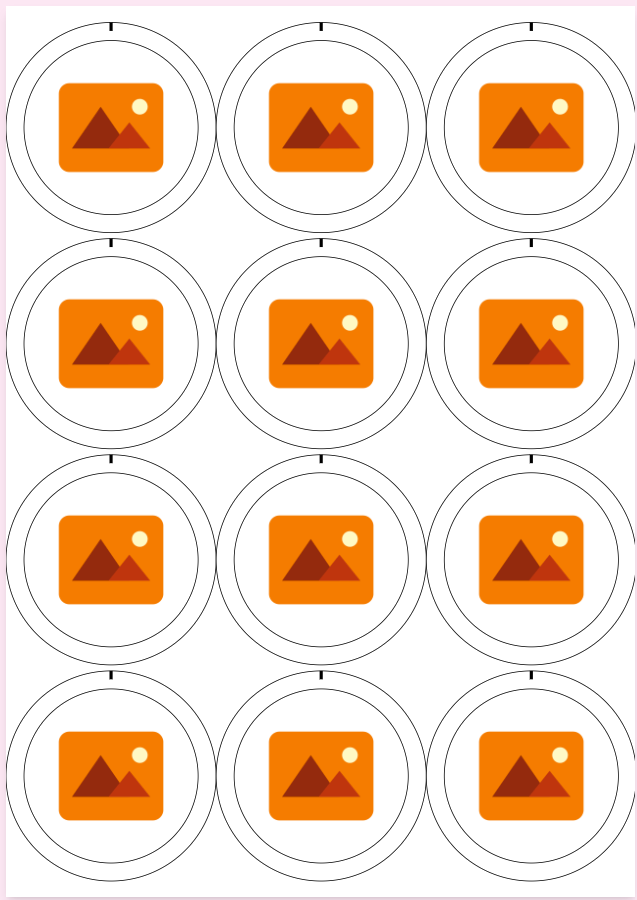
Each of these opens a print-ready sheet in the editor with bleed and cut lines already in place. Tap one to start, or browse the full template hub.
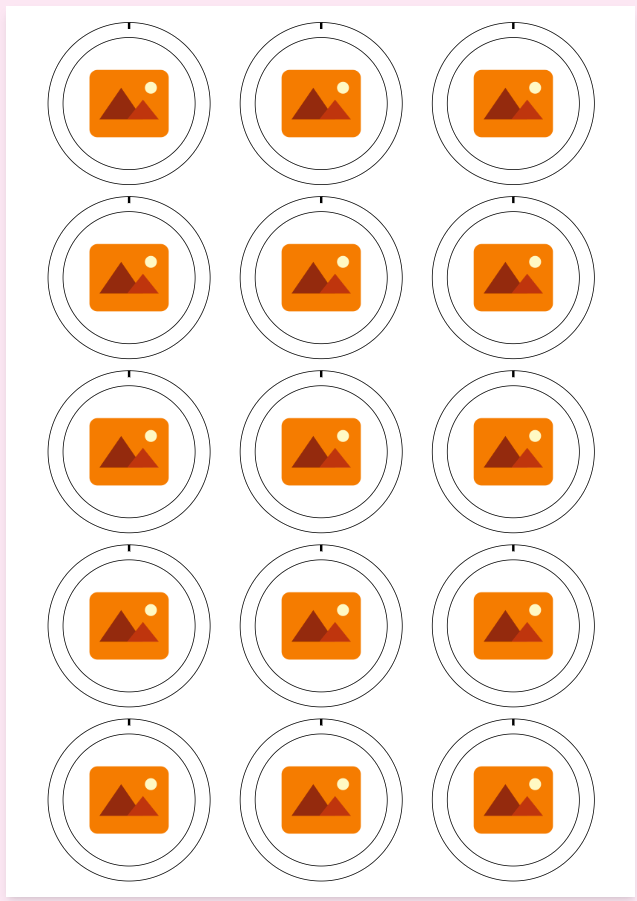
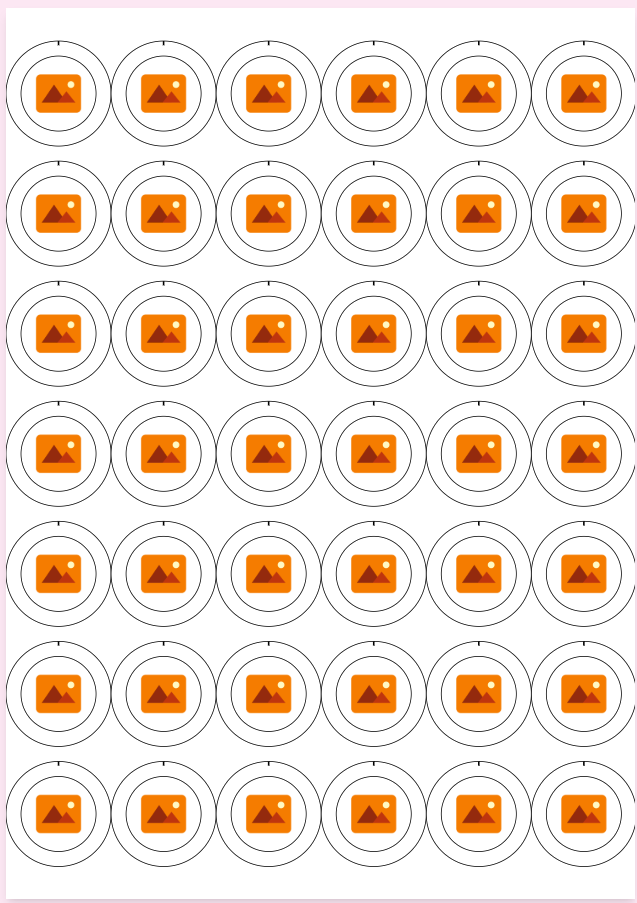
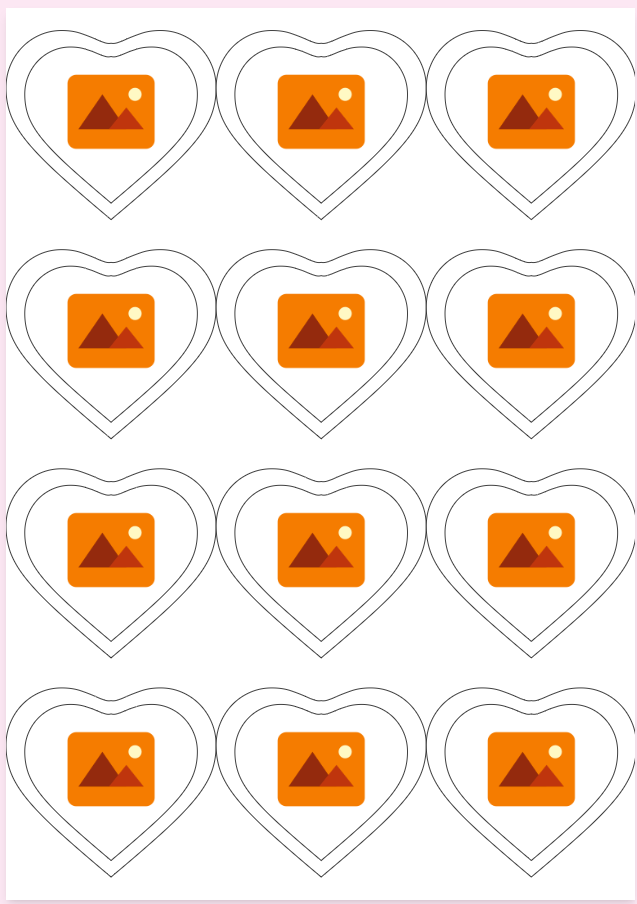
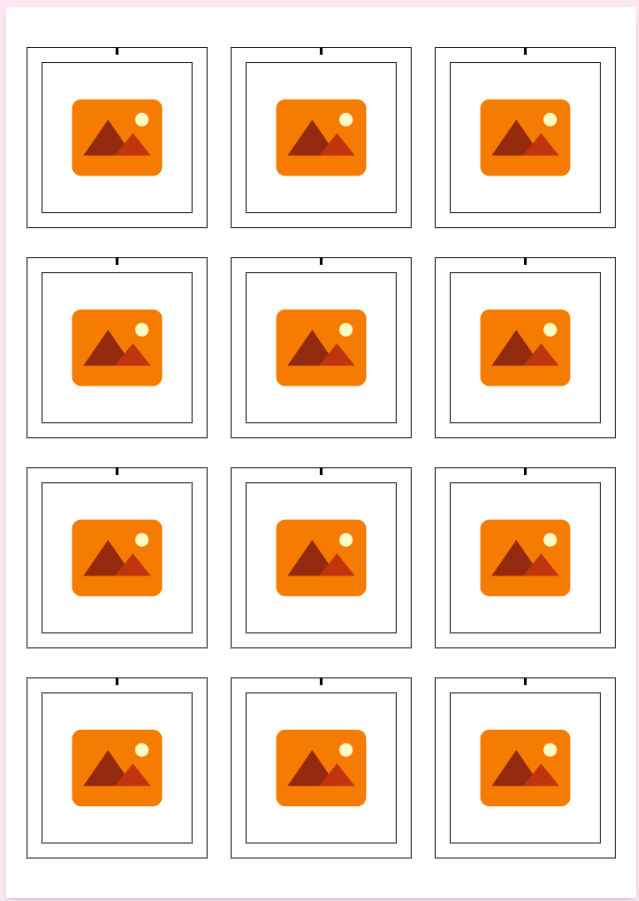
Make your own print-ready sheets — free
- Pick your product and size. Choose a badge or magnet size that matches your press or machine — the sheet, bleed and cut lines appear automatically.
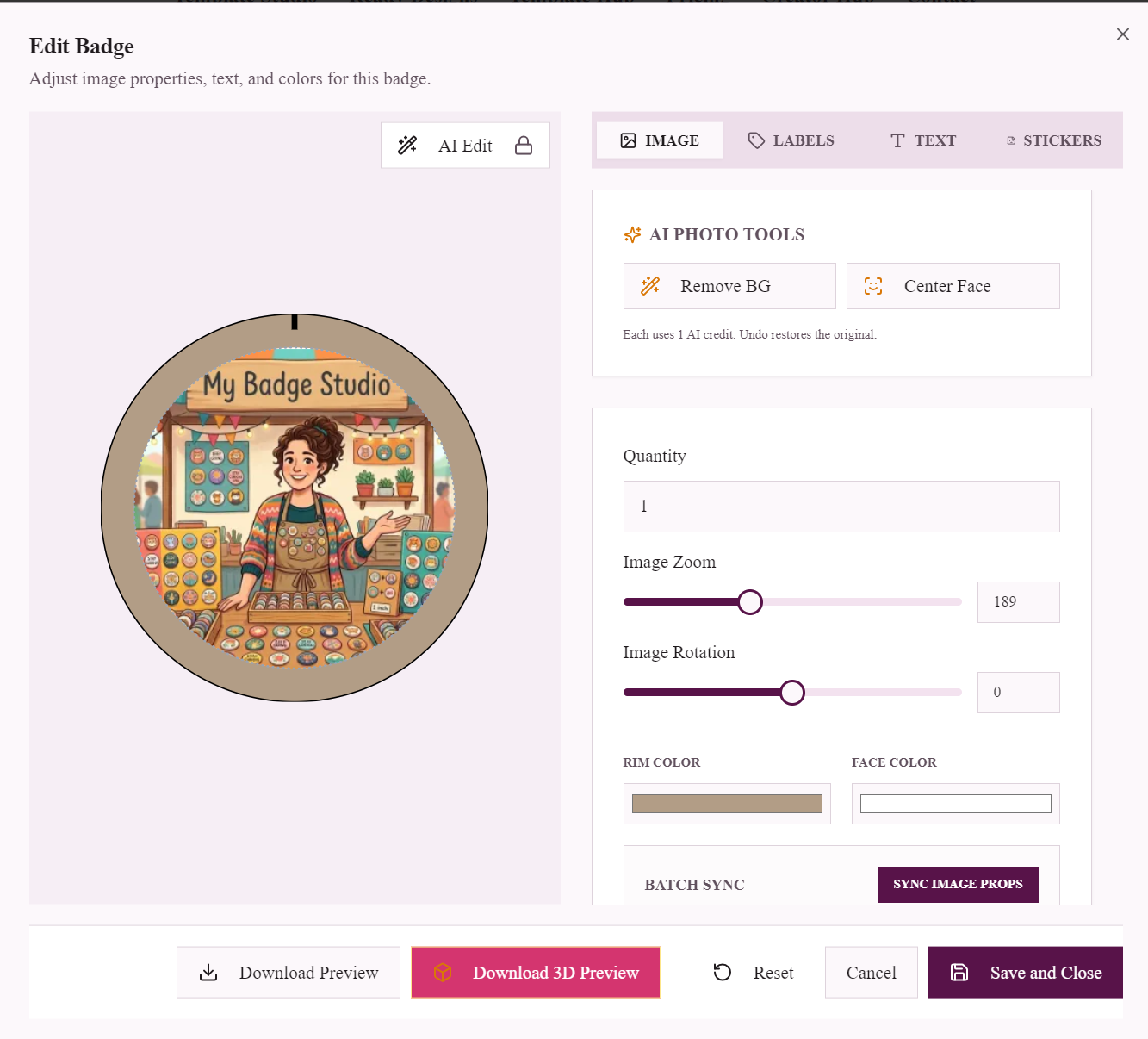
- Upload your artwork or photo. Position it inside the safety line; add text for names or captions. iPhone HEIC photos convert automatically.
- Fill the sheet. Repeat one design or put different photos and names across the sheet, so a whole order prints together. Paid plans let you mix sizes on one sheet to cut waste.
- Download. Export a print-ready PDF (or JPG/PNG), plus SVG/DXF cut files or a transparent PNG for Cricut. Print at 100% scale, press or cut, and ship.
Guides for each product: pin badges to sell on Etsy, fridge magnets to sell on Etsy, and sticker sheets to sell on Etsy. New to it? See how to start a badge business or a magnet business.
Selling on Etsy: the one thing to know
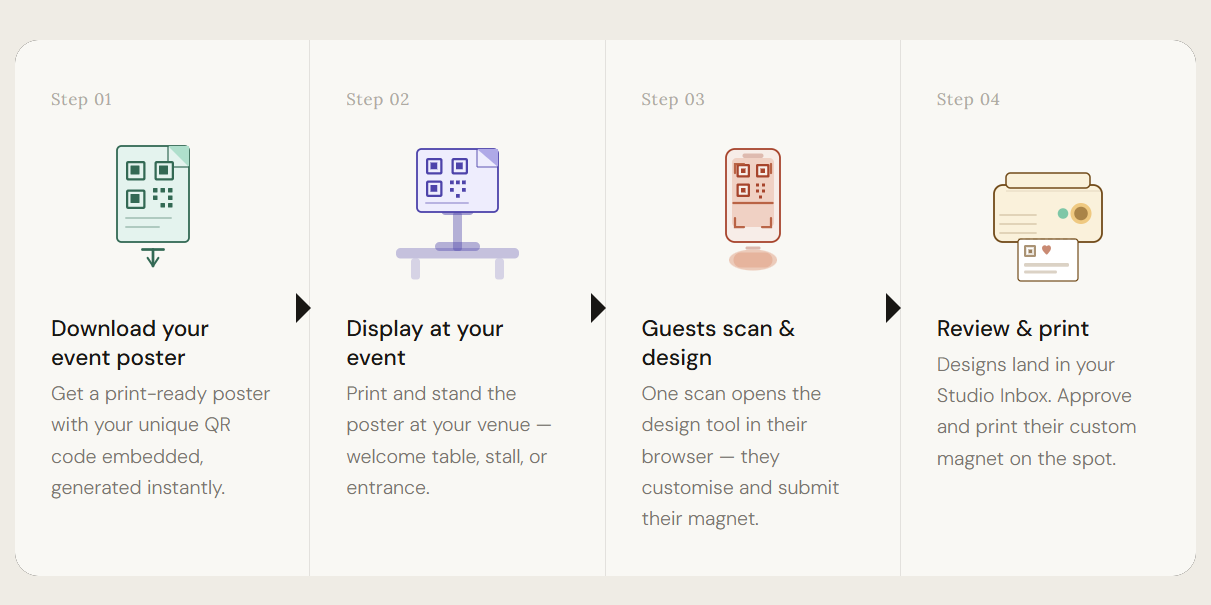
Etsy doesn't let you embed a designer in a listing — that's a Shopify/WordPress feature, and it's why static templates exist as a workaround. But you don't need it. For personalised orders, share your Event/Client portal link or QR code in the listing or your thank-you message: the buyer uploads their photo or designs it themselves, and the finished order lands in your inbox print-ready — no chasing images through Etsy chat, and no re-editing a template by hand for every order.
The bottom line
A static template sells you one size, once. A free layout tool gives you every size, correct bleed and cut lines, batch sheets, cut files and a way to collect buyer photos — for nothing. If you're selling badges or magnets on Etsy at any real volume, that's the difference between an afternoon of fiddling and a print-ready sheet in minutes.
Frequently Asked Questions
Do I need to buy a badge or magnet template on Etsy to sell them?
No. Static Etsy templates are fine for a one-off, but you can design print-ready badge and magnet sheets free in the browser — in any standard size, with bleed, cut lines and SVG/DXF cut files added automatically — so there's nothing to buy per size or per template.
What's the difference between a static template and a design tool?
A static template (a Canva file or printable PDF) is fixed to one size and layout and edited by hand. A layout tool generates a fresh print-ready sheet in any size on demand, with bleed, cut lines and cut files handled for you, and arranges a whole order on one sheet.
Which sizes can I make for my Etsy shop?
Every standard size: 25, 32, 44, 58 and 75 mm button badges (plus square, oval and heart shapes) and 50×50, 63.5×63.5 and 90×65 mm fridge magnets — matched to your press or cutting machine.
Can buyers personalise a badge or magnet on my Etsy listing?
Not on the listing itself — Etsy doesn't allow embedded tools. Share your Event/Client portal link or QR code instead; buyers upload their photo or design there and the order arrives in your inbox print-ready.
Do you include cut files for a Cricut?
Yes. Alongside the print-ready PDF you can export SVG/DXF cut files, or a transparent PNG for Cricut's Print Then Cut, so a machine can cut your printed sheet exactly along the outlines.