
Sticker Sheets to Sell on Etsy
Sticker sheets are one of Etsy’s best-selling handmade products — and the fiddly part isn’t the art, it’s laying it out with clean cut lines and registration marks that a Cricut can actually read. My Badge Studio does that layout for you, free, so you can spend your time drawing and selling.
Upload your designs, arrange the sheet, and download a print-ready PDF (or a transparent PNG plus SVG/DXF cut files) with the die-cut outlines and registration marks already in place.
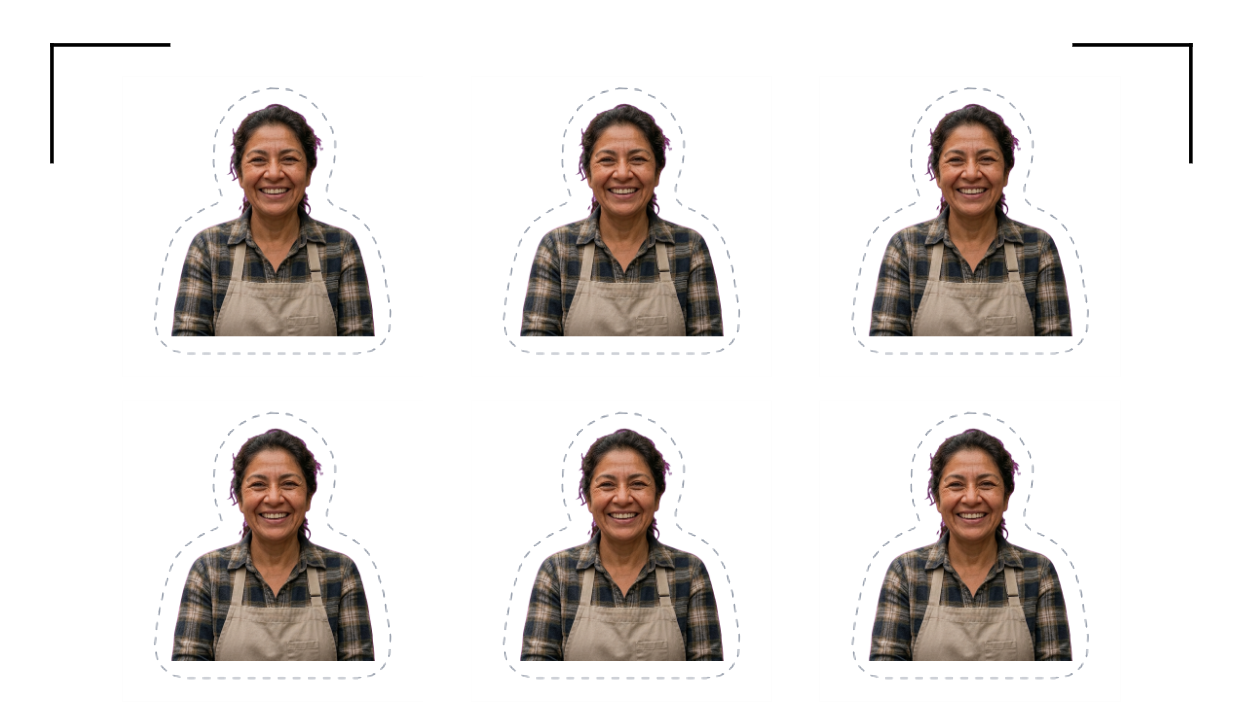
Print-and-cut, the way Etsy sellers actually work
Print your sheet on any inkjet, then let a Cricut, Silhouette or Brother machine cut each sticker with Print Then Cut — the registration marks tell the machine exactly where the artwork is. No cutter? The printed die-cut lines are there for scissors too.
Built for a sticker shop
- Full sheets, laid out for you: Arrange a mixed sheet of designs at the right size, with die-cut outlines added automatically — no nudging shapes in a word processor.
- Real cut files: Export SVG/DXF cut files, or a transparent PNG for Print Then Cut, so any cutting machine can follow your outlines exactly.
- Mix sizes to fill the page: Pack big and small stickers onto one sheet (a paid feature) so you waste less paper and vinyl — that’s margin on every order.
- Watermark-free on paid plans: Free downloads carry a small rim label; any paid plan removes it, which is what you want once you’re selling.
Personalised orders? Collect art with a link
Etsy doesn’t allow custom code in listings, so there’s no on-page designer — but you can share your Event/Client portal link (or QR) in the listing or your thank-you message. Buyers upload their photo or design themselves, and it lands in your inbox print-ready, instead of a back-and-forth in Etsy messages.