How to Download a 3D Image of Your Badge or Fridge Magnet
A flat, top-down design is perfect for printing — but it doesn't sell. When you're listing badges on Etsy or Shopify, posting to Instagram, or sending a proof to a client, a photoreal 3D image of the finished badge looks far more like a real product. My Badge Studio can generate that mockup for you in one click, straight from your design — no Photoshop, no mockup templates, no extra software.
This guide shows what the 3D preview is, why it's worth using, and exactly how to download a 3D image of your badge or fridge magnet — free.
What is the 3D badge preview?
The 3D Preview takes your exact printed design and renders it onto a genuinely three-dimensional badge — a softly domed face, realistic studio lighting and a subtle contact shadow on a clean backdrop, like a product photo. It works for every shape: round pin badges, square and rectangular fridge magnets, ovals and even heart badges.
Crucially, the render preserves your colours exactly. There's no glossy filter washing out your artwork — the lighting adds shape and depth while your printed colours stay true, so the mockup matches what will actually come off the press.
Why it matters: product listings with a realistic 3D mockup read as "a real thing you can buy" rather than "a graphic" — which is exactly what a shopper on Etsy or a client approving a proof needs to see.
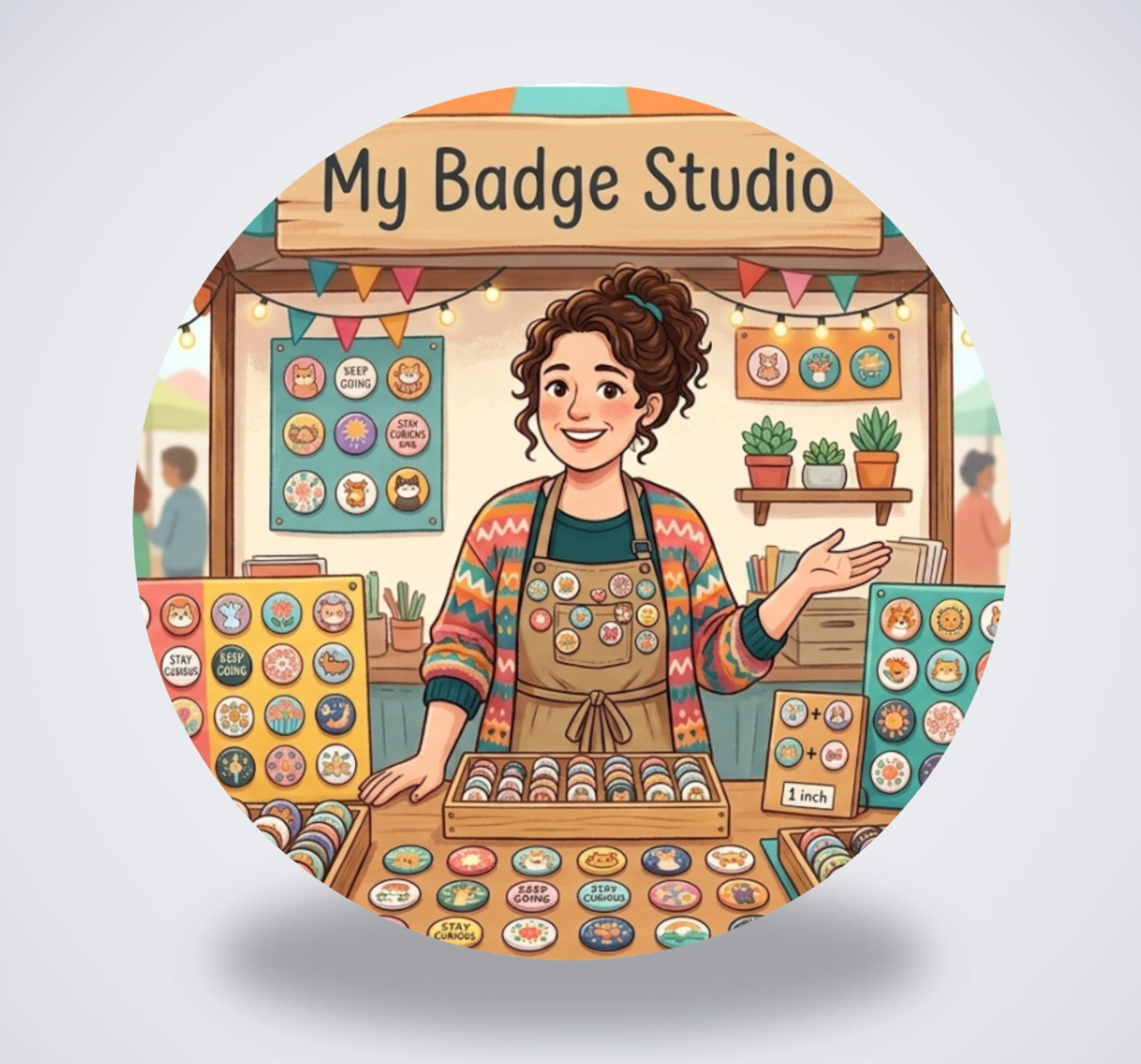
A one-click 3D badge mockup — true-to-print colours on a clean studio background.
How to download a 3D image of your badge (step by step)
- Design your badge. Open the Template Studio, pick a size, and add your photo, text and colours as usual.
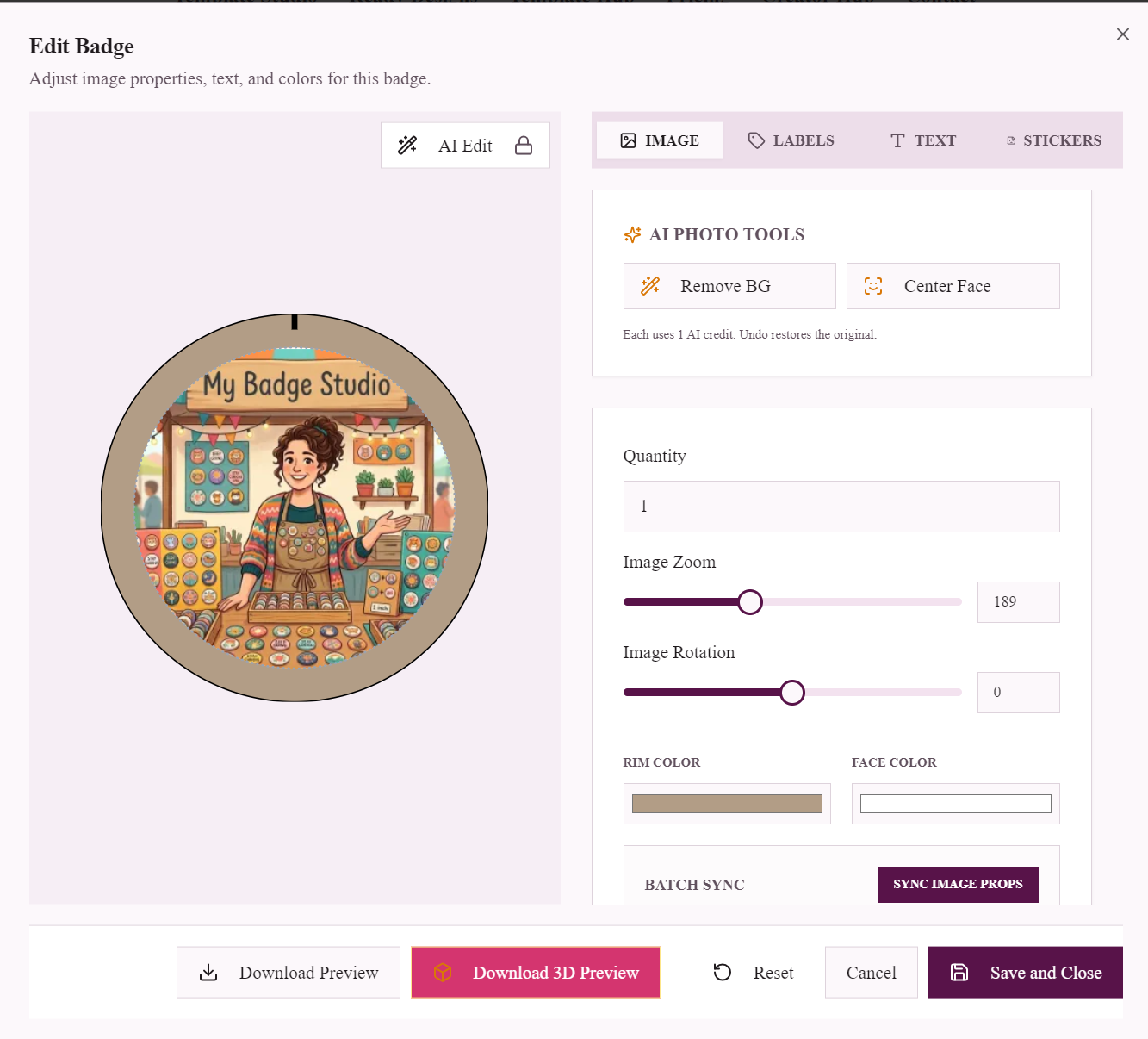
- Open the badge editor. Hover the badge in your sheet and click the ✏️ Edit button to open the Edit Badge window.
- Click "Download 3D Preview". It's in the footer of the editor, next to Download Preview. The studio renders your design onto a 3D badge and downloads a high-resolution image.
- Use it anywhere. Drop the image straight into your shop listing, social post, catalogue or client email.
That's it — the whole thing takes a few seconds and needs no design skills or third-party mockup tool.
What you get
- A high-resolution image on a soft, neutral studio background — ready to upload without any cropping or editing.
- True-to-print colours — the 3D lighting adds realism without shifting your artwork's colours.
- The correct shape — round, square, rectangular, oval or heart, matching your template.
- A shareable product shot — the same design you'll print, shown as a finished badge.
What to use 3D badge mockups for
- Online shops — Etsy, Shopify, eBay and WooCommerce listings that look like real products, not flat graphics.
- Social media — Instagram, Pinterest and Facebook posts that stop the scroll.
- Client approvals — send a proof that shows the finished badge, so there are no surprises.
- Catalogues & flyers — present a whole range of designs as polished product images.
Tips for the best 3D mockup
- Start with a high-resolution image. The sharper your uploaded artwork, the crisper the 3D render — any modern phone photo works well.
- Finish your colours and text first. The 3D preview mirrors your design exactly, so set your rim and face colours before you export.
- Want a flat version too? Use Download Preview for a straight top-down image, and Download 3D Preview for the product-style mockup — many sellers use both.
Badge and magnet sizes you can mock up
- 58mm button badge template — the most popular pin badge size.
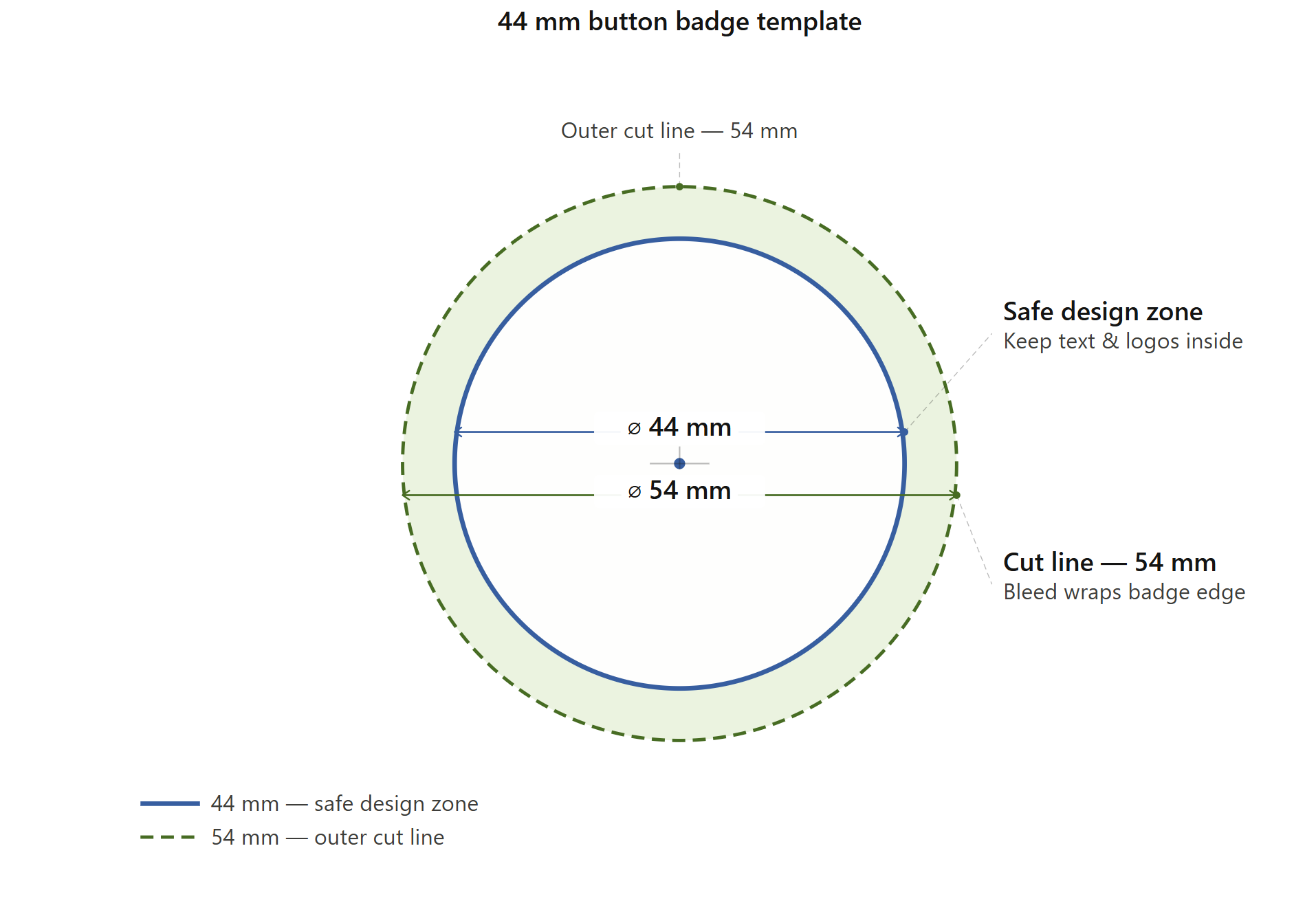
- 44mm button badge template — a versatile mid-size badge.
- 50×50mm square fridge magnet template — great for photo magnets.
- Heart-shaped badge template — for keepsakes and favours.
- Browse all templates and sizes.
Start free — no credit card required. Design your badge, click Download 3D Preview, and you've got a ready-to-sell product image.
Frequently Asked Questions
How do I get a 3D image of my badge?
Design your badge in the My Badge Studio Template Studio, hover the badge and click the ✏️ Edit button, then click 'Download 3D Preview' in the editor footer. The studio renders your design onto a realistic 3D badge and downloads a high-resolution image in a few seconds.
Is the 3D badge mockup free?
Yes. You can design a badge and download a 3D preview image for free — no credit card and no separate mockup software required.
Does the 3D preview change my colours?
No. The 3D render preserves your printed colours exactly. The lighting adds depth and realism, but there's no glossy filter washing out your artwork — the mockup matches what will actually print.
Which badge shapes can I render in 3D?
All of them — round pin badges, square and rectangular fridge magnets, ovals and heart-shaped badges. The 3D preview matches whatever template shape you're using.
What can I use the 3D badge image for?
It's ideal for Etsy, Shopify and other online shop listings, social media posts, printed catalogues and flyers, and sending realistic proofs to clients for approval before you print.