Stop Getting Bad Artwork: How to Get Print-Ready Files From Customers
Ask any badge or magnet maker what slows them down and the answer is the same: customer artwork. Blurry phone photos, screenshots, files with no bleed, images cropped in a circle so the edges vanish. Every order becomes a conversation. Here is how to end that for good.
Why customer files are usually wrong
- Resolution — a small web image looks fine on a phone but prints blurry at badge size.
- No bleed — artwork stops at the edge, so pressed badges show a white rim.
- Wrong shape/size — a square photo doesn't map to a round face without losing the corners.
- Flattened text — names spelled wrong with no easy way to fix.
The fix: let customers design inside the template
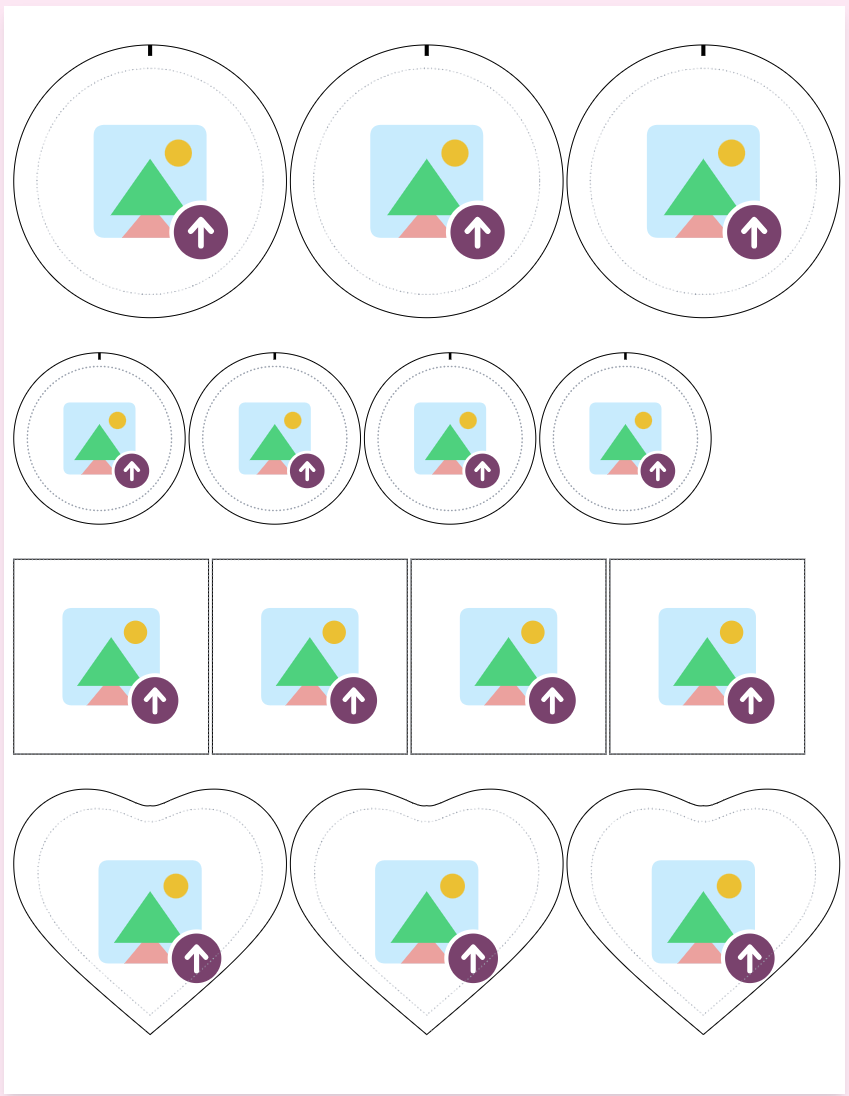
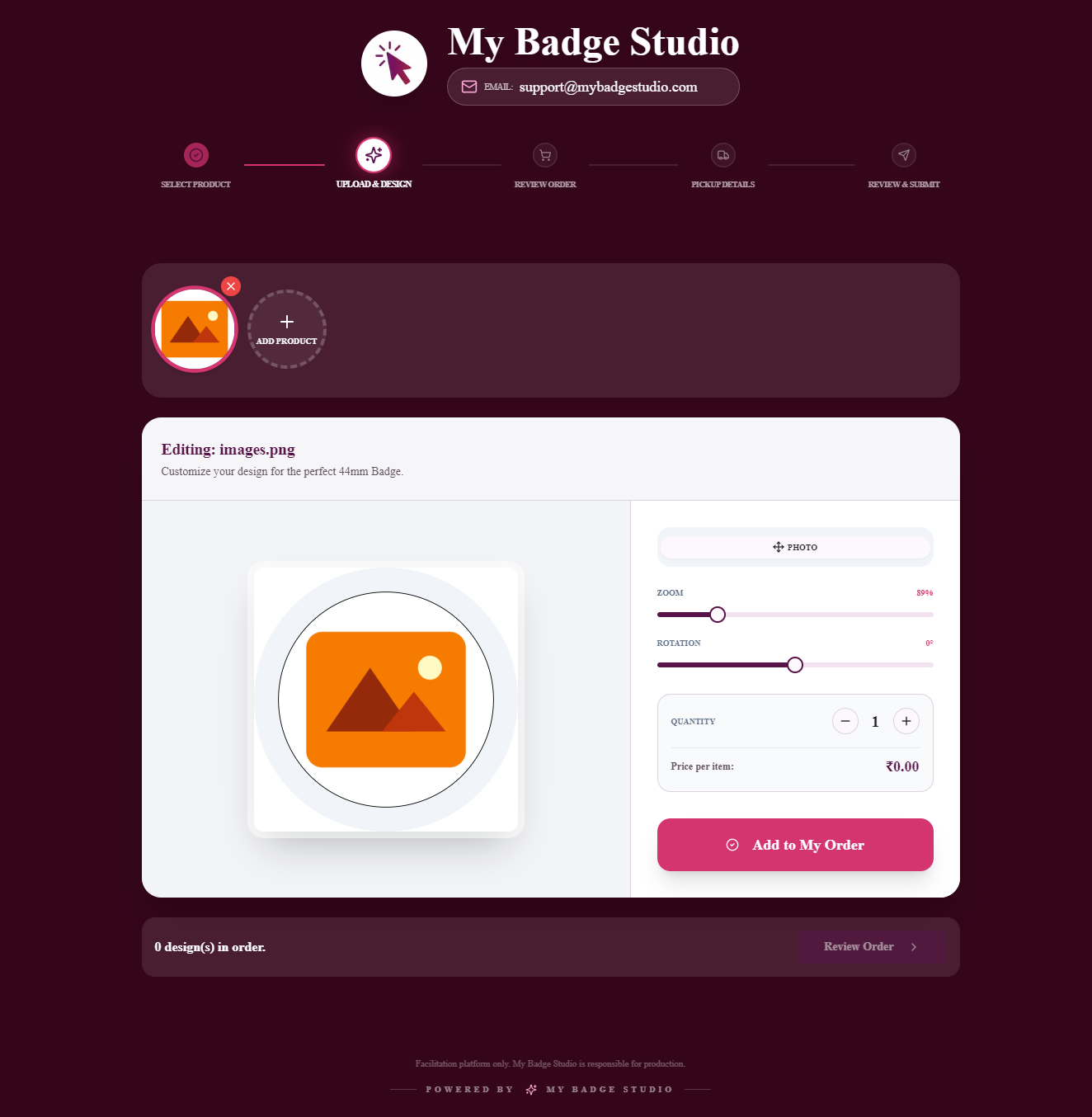
Instead of asking customers to send a file that fits your specs, give them a designer that already is your specs. When the customer positions their photo and text inside a badge template with the bleed and cut line built in, the output is correct by construction.
What “print-ready” actually means
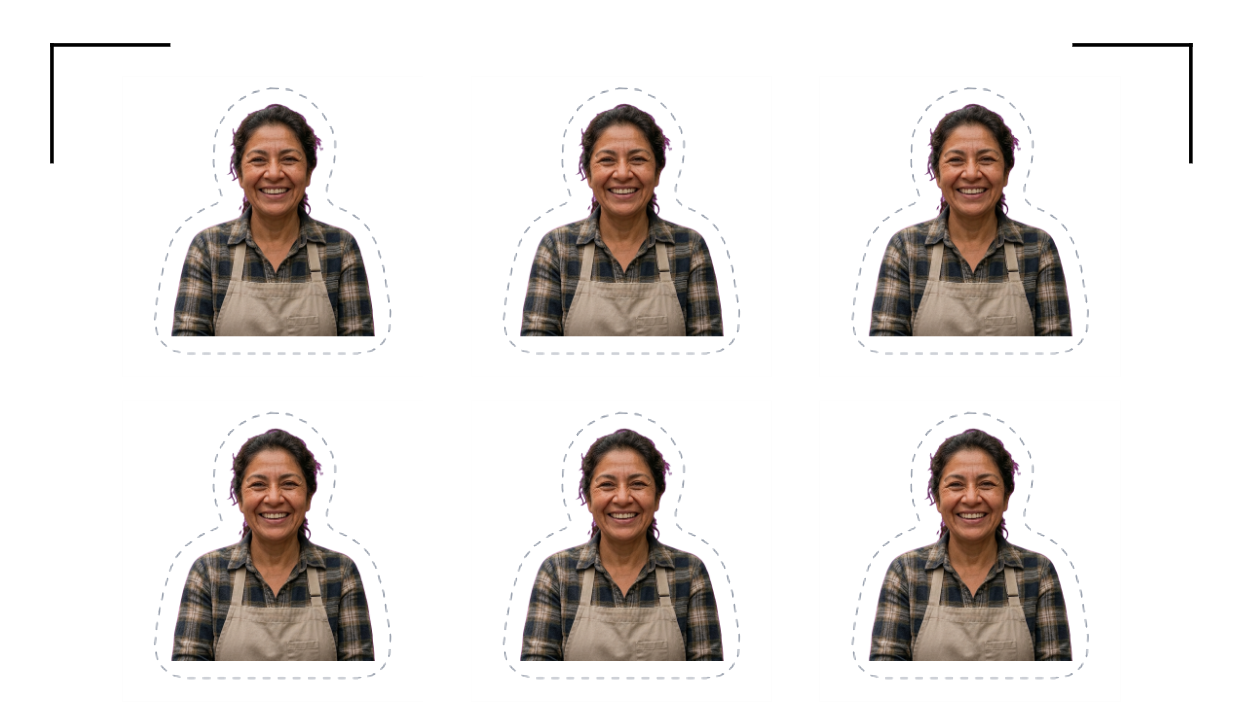
A print-ready badge file is a 300 DPI PDF at the correct size, with artwork extended into the bleed area and the cut line marked. That's exactly what My Badge Studio produces from every customer design — no chasing, no fixing.
Put it on your store
Add the designer to your Shopify or WordPress store, or run a custom badge website, and every order arrives ready to press. Your time goes into making badges, not repairing files.
Get print-ready files, every time
Try the badge & magnet designer free and see the print-ready output for yourself.
Frequently Asked Questions
How do I stop customers sending low-resolution images?
Let them design inside a proper badge template that guides image placement and flags sizing, so the exported file is a 300 DPI print-ready PDF regardless of how they started.
What makes a badge file print-ready?
A 300 DPI PDF at the correct badge size, with artwork extended into the bleed so no white edge shows, and a clear cut line. My Badge Studio outputs this automatically.
Can customers do this themselves?
Yes. The designer is customer-facing and guided — no design skills needed. You just receive the finished, correctly-sized file.