Build a Badge-Selling Website — No Code, No Hosting Bills
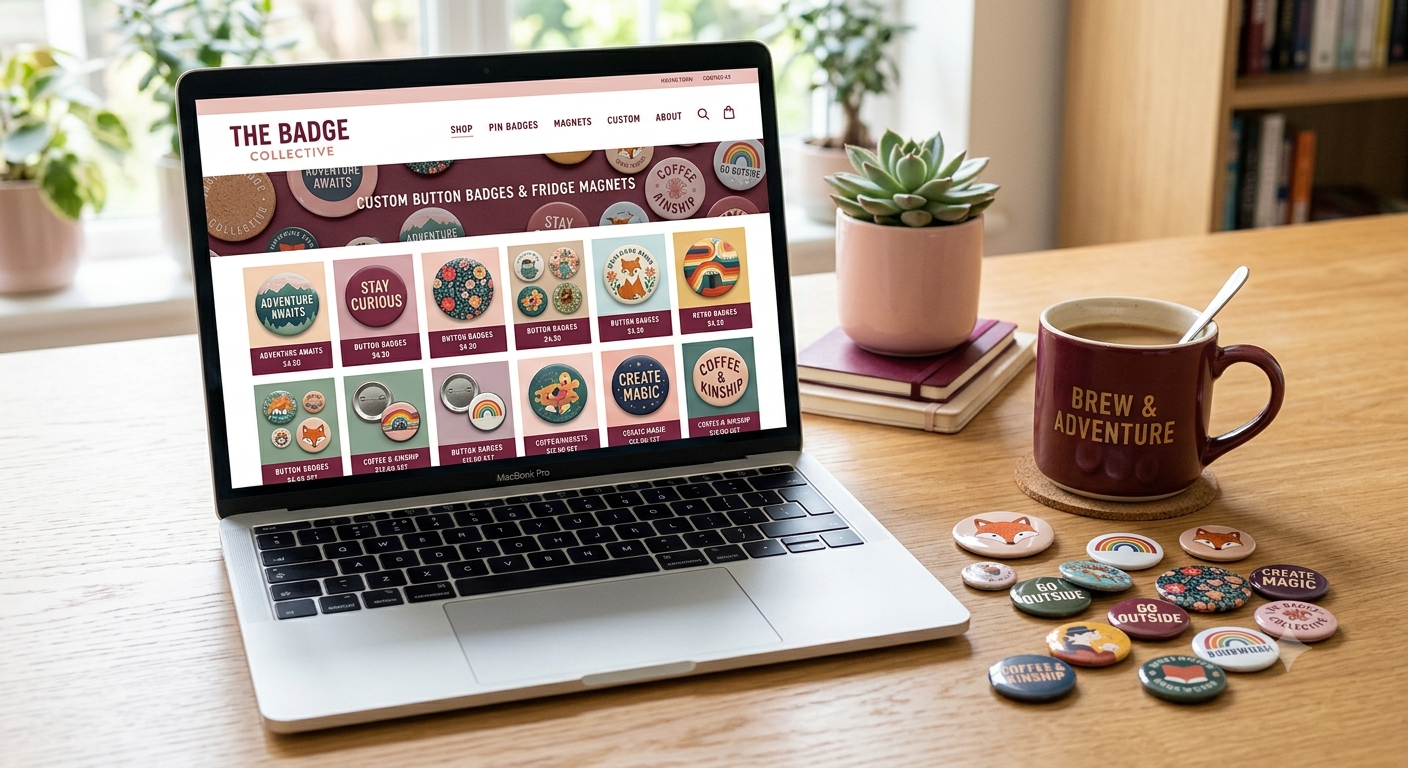
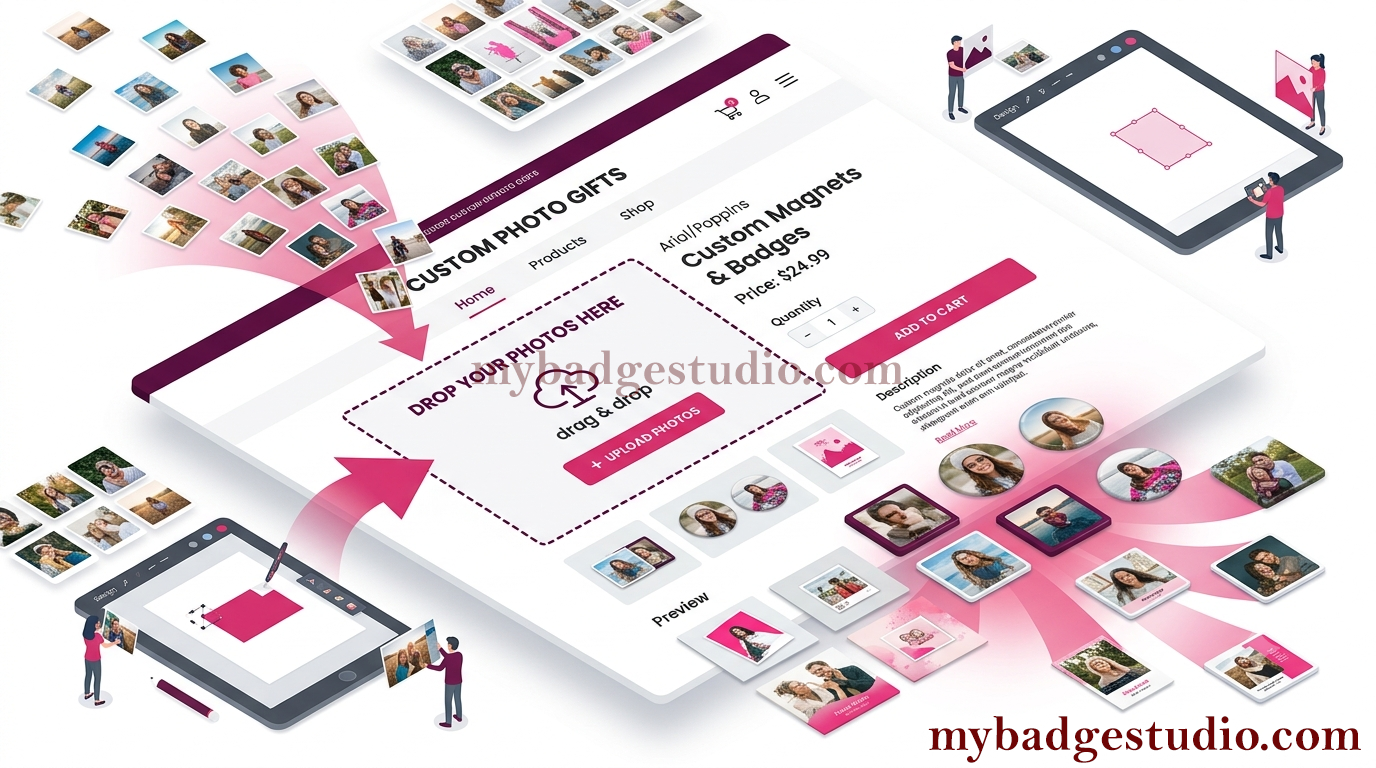
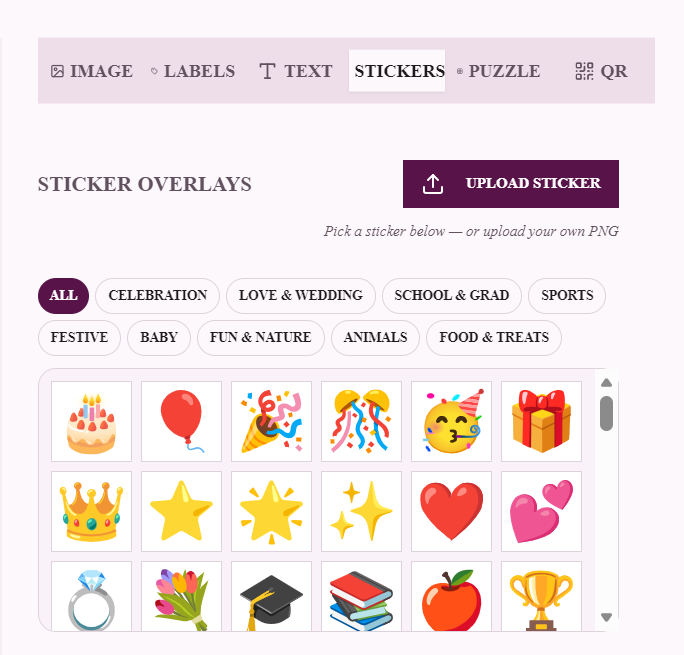
Most badge makers sell through Instagram DMs and WhatsApp because "building a website" sounds like weeks of work and monthly hosting bills. My Badge Studio includes a website builder made specifically for badge businesses: a real store with product pages, a cart and checkout — where every product is already wired to the badge designer, so customers personalise before they buy.
What makes it different from Wix/Shopify
- The designer is built in. Every product page can include the live badge editor — no plugins, no embed codes, no monthly app fees.
- Print-ready by construction. Whatever a customer designs arrives in your inbox at your exact press dimensions.
- One dashboard. Products, prices, orders, finances and the website live in the same Seller Dashboard you already use.
- No hosting bills. Your store runs on our infrastructure at
/store/your-name— or on your own domain (Business Pro).
Step 1 — Set up your products (once, used everywhere)
On the Products page, each product gets: name, size (built-in, your saved template, or upload-only), photos, description, price — plus optional compare-at price (shows a strike-through discount), SKU, stock quantity, quantity pricing (bulk discounts like 10+ at a lower unit price), per-product tax or a global tax rate, and product-specific terms. The same products power your store, the Event/Client portal and the Shopify/WordPress embeds — set up once.
Step 2 — Design the website
Open the Website Editor from the dashboard. You control:
- Hero section — headline, subheadline and banner image; pick a header style (centered or hero).
- Product grid — your active products, organised into custom categories (e.g. "Badges", "Fridge Magnets", "Wedding Favours").
- Store pages — about, contact, and a terms & conditions page.
- Footer text and branding — your logo and company name appear across the store.
Everyone can build and preview. The editor is open on every plan, so you can design your entire store before paying anything — publishing it live is the Business Pro step.
Step 3 — Payments, shipping & taxes
- Payment modes — manual collection (bank transfer / UPI QR shown at checkout, you confirm payment) or card payments via your own Stripe keys; PayPal and Square connections are available for supported regions.
- Shipping — flat shipping charge, plus an optional free-shipping threshold ("free over ₹999") that nudges bigger carts.
- Taxes — one global rate or per-product overrides, applied automatically at checkout.
Step 4 — Publish (Business Pro)
- Hit Publish in the editor — your store is instantly live at
mybadgestudio.com/store/your-name. - Custom domain: request your domain (e.g.
yourbrand.com) from the dashboard — we configure it with a free SSL certificate, so your store is secure on your own address. - Changed something? Update live site republishes in one click; Unpublish takes it offline any time.
Try before you buy: currently on another plan? The Business Pro card on the pricing page includes a free 1-month upgrade — build the store, publish it, and see the orders before committing.
How orders flow
- Customer opens a product → designs their badge (or uploads artwork on upload-only products) → adds to cart.
- Checkout collects contact, delivery and payment per your settings.
- The order appears in your dashboard's order history and the designs land print-ready in your Client Inbox.
- Order-status emails (confirmed, dispatched, completed) keep the customer informed as you process it.
Launch checklist
- ✅ 3–6 products with real photos and honest prices (compare-at prices lift conversion)
- ✅ Categories set, hero headline written for your niche ("Custom badges for schools & events in Chennai")
- ✅ Payment mode tested with a real order end-to-end
- ✅ Shipping charge + free-shipping threshold configured
- ✅ Terms page filled (returns, delivery times)
- ✅ Publish → place one test order yourself → check it reaches your inbox
A badge business with its own store looks bigger than one taking orders in DMs — and it sells while you sleep. See the website builder or start building in your Seller Dashboard → Website Editor today.
Frequently Asked Questions
Do I need coding or hosting to build the store?
No. The website builder is visual — hero, products, categories, pages, footer — and the store is hosted for you at mybadgestudio.com/store/your-name, or on your own custom domain with free SSL on Business Pro. There are no hosting bills.
Can customers design badges directly on my website?
Yes — that's the point. Product pages include the live badge designer (or a plain uploader for upload-only products), and every design reaches your Client Inbox print-ready at your exact press size.
How do I get paid on my store?
Choose manual collection (bank/UPI QR shown at checkout, you confirm payment) or connect your own Stripe account for card payments; PayPal and Square connections are available in supported regions. Shipping charges, free-shipping thresholds and taxes are applied automatically.
Which plan do I need to publish my website?
Building and previewing is open to everyone. Publishing live — including a custom domain with free SSL — is included in Business Pro. If you're on another plan, the pricing page offers a free 1-month Business Pro upgrade to try it.
Can I use my own domain name?
Yes, on Business Pro. Request your domain from the dashboard and it's configured with a free SSL certificate, so your store runs securely at yourbrand.com.