Paper Size and Orientation for Badge & Magnet Sheets
The paper you print on decides how many badges fit on a sheet, how much you trim away, and whether your printer can take the sheet at all. The studio prints every badge and magnet template on six paper choices, in portrait or landscape. This guide explains which to pick and why.
The paper sizes in the studio
| Paper | Size | Good for |
|---|---|---|
| US Letter | 8.5 × 11 in (215.9 × 279.4 mm) | Home and office printers in the US, Canada, Mexico and the Philippines |
| A4 | 210 × 297 mm | Home and office printers almost everywhere else |
| A3 | 297 × 420 mm | Bigger batches on an A3 printer — twice the area of A4 |
| A3+ | 329 × 483 mm (13 × 19 in) | Wide-format photo printers; the most badges per sheet |
| A5 | 148 × 210 mm | Small runs and test prints |
| Custom | Any width × height in mm | Unusual stock, photo paper sizes or a print shop's sheet |
A new studio opens on the paper that's usual where you are: US Letter in the US and the other Letter countries, A4 everywhere else. Change it any time under Sheet → Paper Size.
Match the paper to your printer first
The best paper is the largest one your printer feeds reliably. A badge sheet only works if every circle prints at its true size, so:
- Use the size that's actually in the tray. Printing an A4 layout on Letter paper (or the other way round) makes the printer shrink or crop the sheet, and badges come out the wrong size.
- Go bigger only if your printer takes it. A3 and A3+ need an A3 or wide-format printer. On those, one sheet holds far more badges, so you print fewer sheets for a big order.
- Use A5 to test. It's a cheap way to check colours and sizing before a full run.
How many badges fit
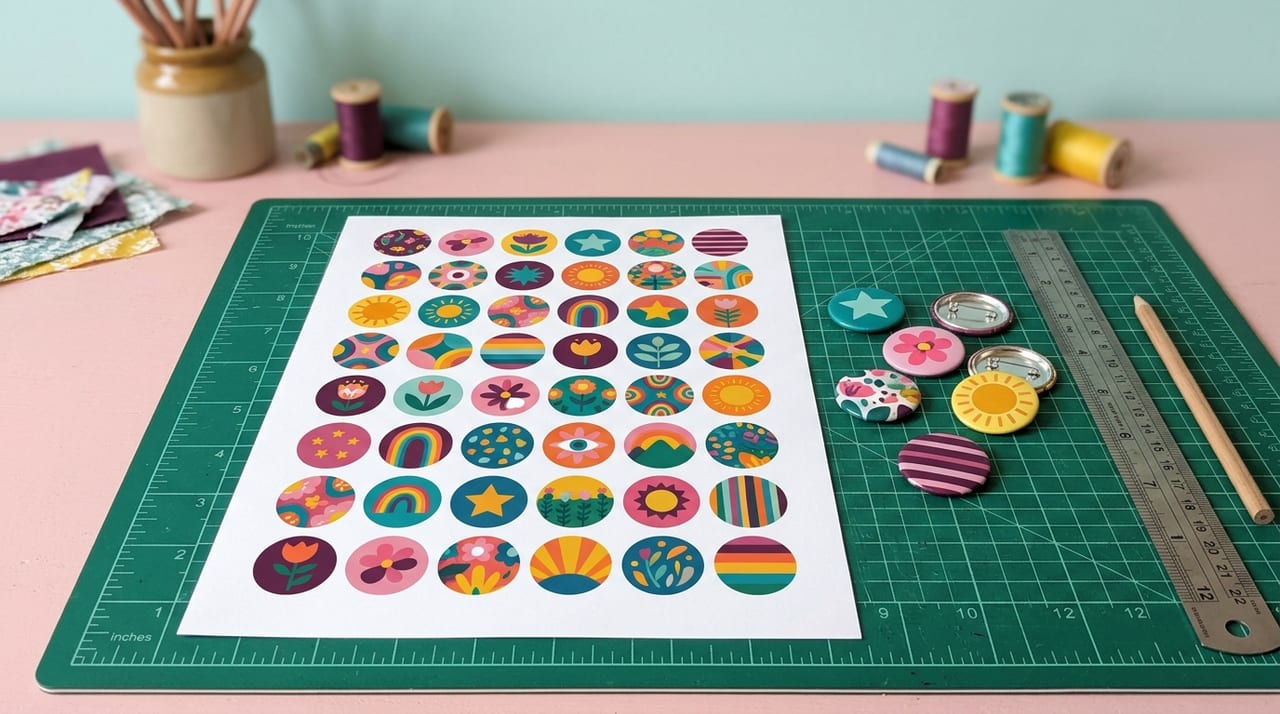
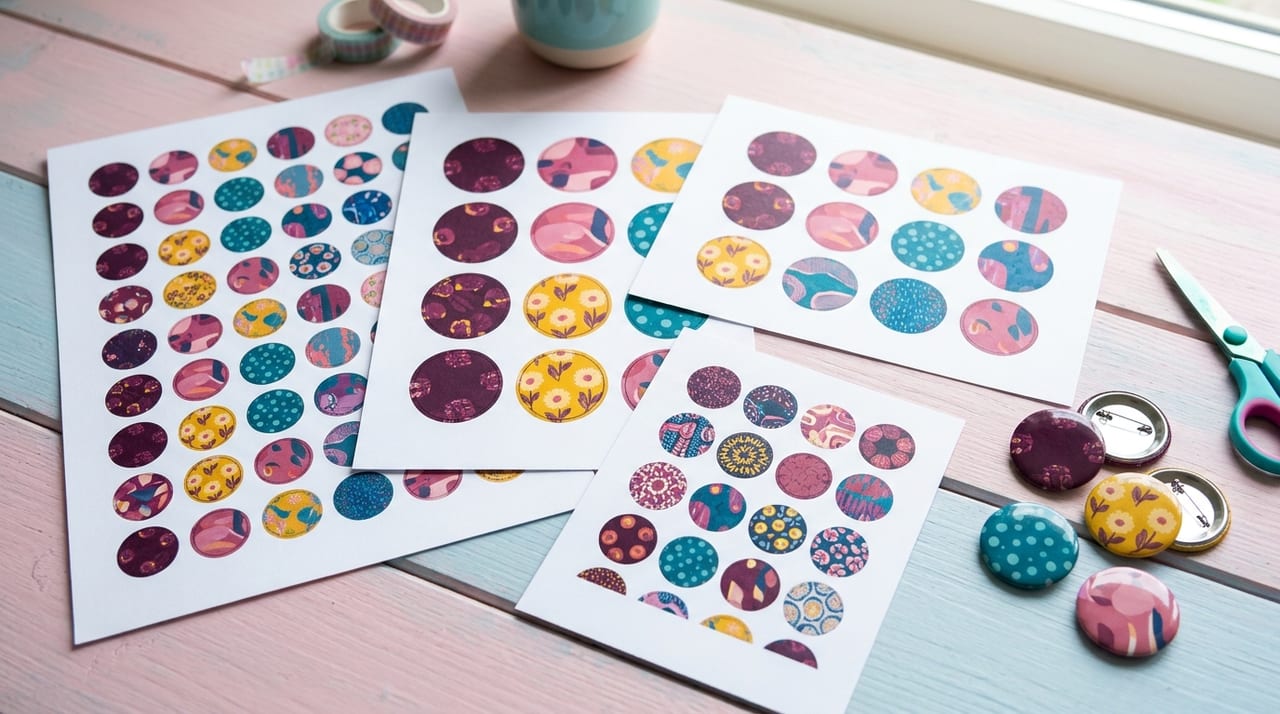
Every template is laid out to fit the paper you choose. For the most popular size, the 58mm badge, each cut circle is 70mm across (the extra wraps round the back of the badge), and both A4 and US Letter hold 12 of them. Bigger paper holds more of every size; smaller badges fit many more per sheet. When you pick a template, the studio fills the paper with as many as fit and centres them.
Portrait or landscape?
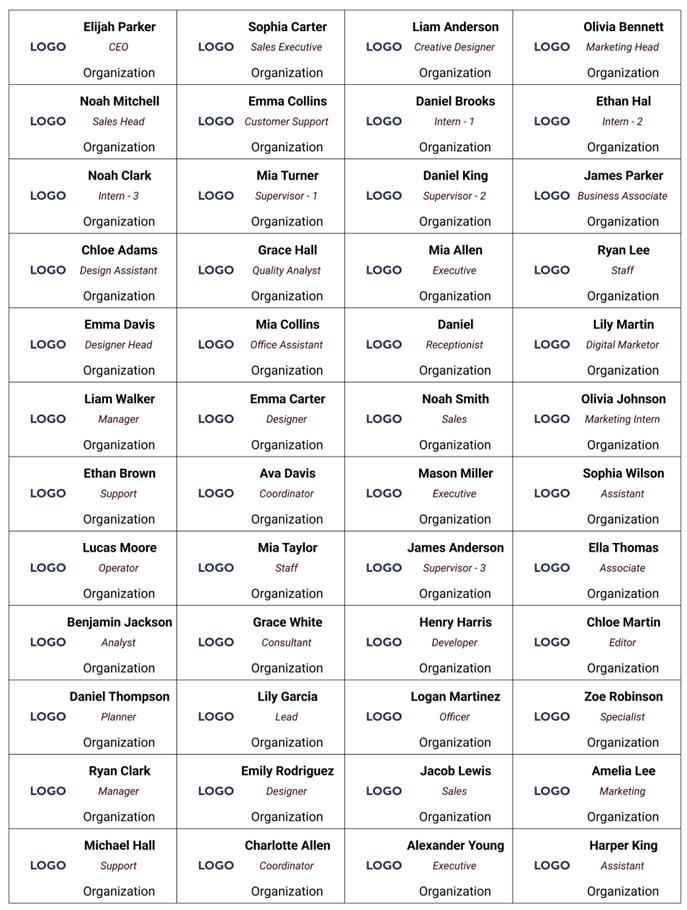
Portrait (tall) is the default and suits most badge and magnet sheets. Switch to landscape when your pieces are wider than they are tall and a sideways sheet fits more of them, for example 90×65mm rectangular magnets or 68×24mm name badges. Turn the sheet, then check the rows and columns still make sense.
Custom paper sizes
Choose Custom and type a width and height in millimetres to match any stock: photo paper, card blanks or a print shop's press sheet. Measure the paper rather than trusting the packet, and set the size before you add rows and columns.
Quick checklist
- Pick the paper that's in your printer's tray.
- Choose portrait or landscape to fit your piece shape.
- Print one test sheet at 100% / Actual size (see printing at the right size).
- Then print the batch.
Ready? Open the studio, pick a template, and set your paper under Sheet.
Frequently Asked Questions
Should I print badges on A4 or US Letter?
Use whichever paper is in your printer. US Letter is standard in the US, Canada, Mexico and the Philippines; A4 almost everywhere else. Both hold 12 badges of the popular 58mm size. Printing a layout on the other paper makes the printer resize it, and the badges come out the wrong size.
Can I print badge templates on A3?
Yes. The studio lays out every badge and magnet template on A3 (297 × 420 mm) and A3+ (329 × 483 mm) as well as A4, US Letter and A5. You need a printer that takes those sizes; one large sheet then holds far more badges.
When should I use landscape orientation?
When your pieces are wider than they are tall, such as 90×65mm magnets or 68×24mm name badges, a landscape sheet often fits more of them. Round badges usually fit well in portrait.
Can I use a custom paper size?
Yes. Choose Custom under Paper Size and enter the width and height in millimetres to match photo paper, card blanks or a print shop's sheet.