Make Your Own Trading Cards and Photocards: Free Printable Templates
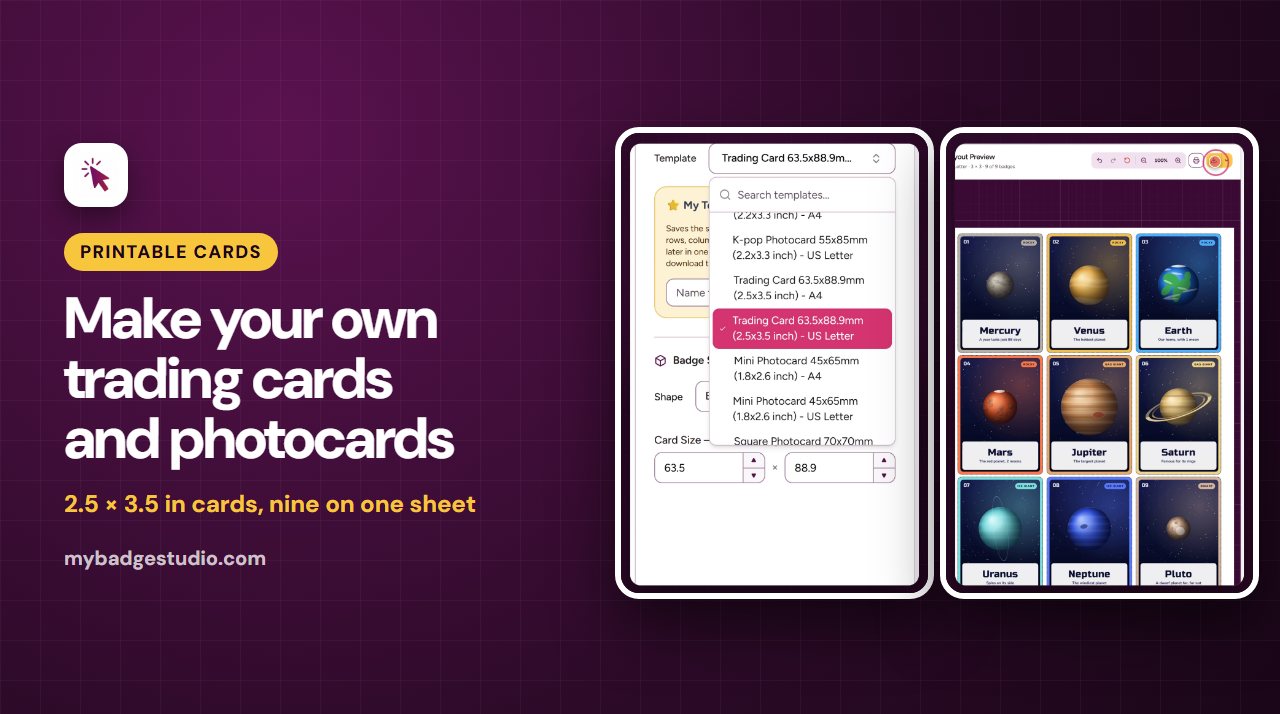
Trading cards for a sports team, photocards for a fan event, a set of cards for a class or a family game: the Template Studio lays your photos out on a printable sheet at the exact card size, with rounded corners and room to cut. Pick a size, add your pictures, and print.
Four card sizes
All four come on A4 and US Letter paper, with 3 mm rounded corners, and print single-sided.
| Card | Size | Cards per sheet |
|---|---|---|
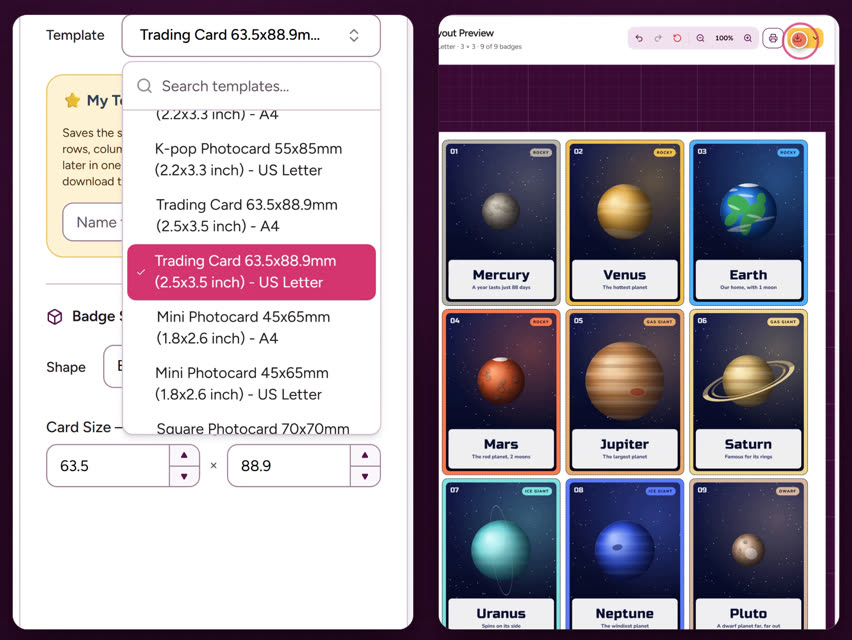
| Trading card | 63.5 × 88.9 mm (2.5 × 3.5 in) | 9 |
| K-pop photocard | 55 × 85 mm (2.2 × 3.3 in) | 9 |
| Mini photocard | 45 × 65 mm (1.8 × 2.6 in) | 16 |
| Square photocard | 70 × 70 mm (2.75 in) | 8 on A4, 6 on US Letter |
The trading card is the standard collectable card size, so your cards fit ordinary card sleeves and binders.
How to make them
- Open the Template Studio, open the Template menu and choose a size from the Photocards group, on A4 or US Letter.
- Add your photos. Upload several at once, drag them onto the sheet, or paste them. Each photo fills one card.
- Click a card to fine-tune it. Drag the photo to position it, use Image Zoom and rotation, crop it, or adjust brightness, contrast, saturation and more. Batch Sync copies the same settings to every card.
- Add names or stats from the Text tab of the same window: a player's name and number, a member's name, a card title.
- Need copies? Set the quantity on a card, or use Fill page to fill the empty spaces.
- Print, or download a PDF, JPG or PNG at 300 DPI. On a phone, JPG and PNG work too.
Printing and cutting
- Print at 100%. Set the scale to 100% / Actual size so the cards come out exactly 2.5 × 3.5 in. The Studio's free test square checks your printer. See printing at actual size.
- Use card stock or photo paper your printer can take, and print in best quality for photos.
- Cut along the card edge. The cards are spaced apart, so a slightly crooked cut never shows the next card. A 3 mm corner punch matches the rounded corners.
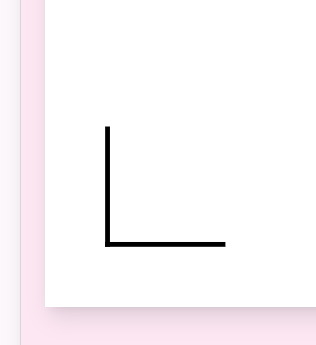
- Cutting with a trimmer or machine? Turn on Show Cutting Mark to add trim marks. See cutting marks and registration marks.
Ideas
- Sports team cards with each player's photo, name, number and position.
- K-pop and fan photocards to trade at meet-ups and events.
- Class or club cards: one per student or member, a lovely end-of-year gift.
- Family and pet cards, or a homemade card game.
- Learning sets like planets, animals or flags, made from your own pictures.
Free or paid?
The photocard and trading card templates work on every plan, including the free one. A free account can print or download 3 sheets a month, with a small "Template by mybadgestudio.com" label on each card; the Creator plan and above remove the label and give you more downloads. See the pricing page.
Frequently Asked Questions
What size is a trading card?
The standard trading card is 63.5 × 88.9 mm (2.5 × 3.5 inches). The Studio's trading card template uses exactly that size, nine to a sheet on A4 or US Letter.
What size is a K-pop photocard?
The common K-pop photocard size is 55 × 85 mm (about 2.2 × 3.3 inches). The Studio fits nine on an A4 or US Letter sheet. There's also a mini photocard at 45 × 65 mm, sixteen to a sheet.
Can I print on both sides?
The templates print one side. If you want a back, many makers glue the printed card onto card stock or a second printed sheet before cutting.
Can I add names and stats to each card?
Yes. Click a card, open the Text tab and add text such as a name, number or stats, then move and size it on the card.
Are the card templates free?
Yes, they work on every plan. A free account can print or download 3 sheets a month with a small label on each card; paid plans remove the label.